Changing an answer should be as easy as giving it. ResultsAiX Consent gives your visitors two ways back to their choices, shows them their consent ID, and gives you a way to ask everybody again.
Where to find it:
- The floating button: AiX Consent, Banner tab, The little reopen button.
- The consent ID line: AiX Consent, Banner tab, Show visitors their consent ID, under Your visitor's own language.
- How long an answer lasts and Ask everyone again: AiX Consent, Settings tab.
The little reopen button:

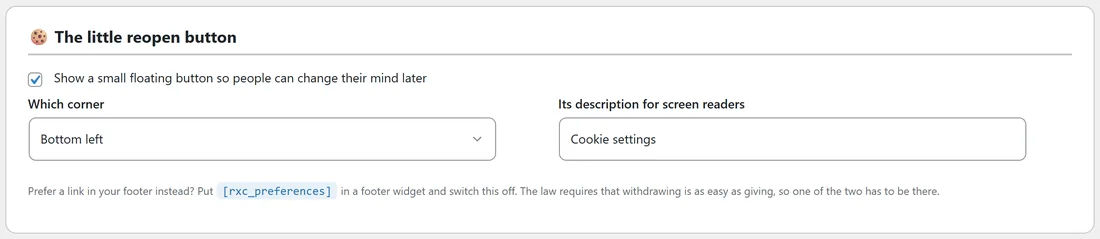
A small round cookie button stays in the corner of your site once a visitor has answered. Pressing it reopens the choices panel.
On the Banner tab, The little reopen button has three settings.
- Show a small floating button so people can change their mind later. On from the start.
- Which corner: Bottom left or Bottom right.
- Its description for screen readers. Starts as Cookie settings.
Press Save the banner after a change.
A link in your footer instead:
Prefer a link? Put [rxc_preferences] in a footer widget or on any page. It shows a link that reopens the choices panel. Add style="button" to make it a button and text="..." to change the words, for example [rxc_preferences style="button" text="Cookie settings"]. Keep either the floating button or this shortcode in place, so there is always a way back.
What happens when they change it:
- The visitor presses the reopen button or your link.
- The choices panel opens with their current switches.
- They flip the switches and press Save my choices.
- Switching a group on takes effect straight away. Switching one off applies from their next page load.
- The change is saved as a new row in your Consent log under the same consent ID.
A save that switches a group on or off is filed as Changed their mind. A save with nothing changed is filed as Chose their own.
The consent ID:
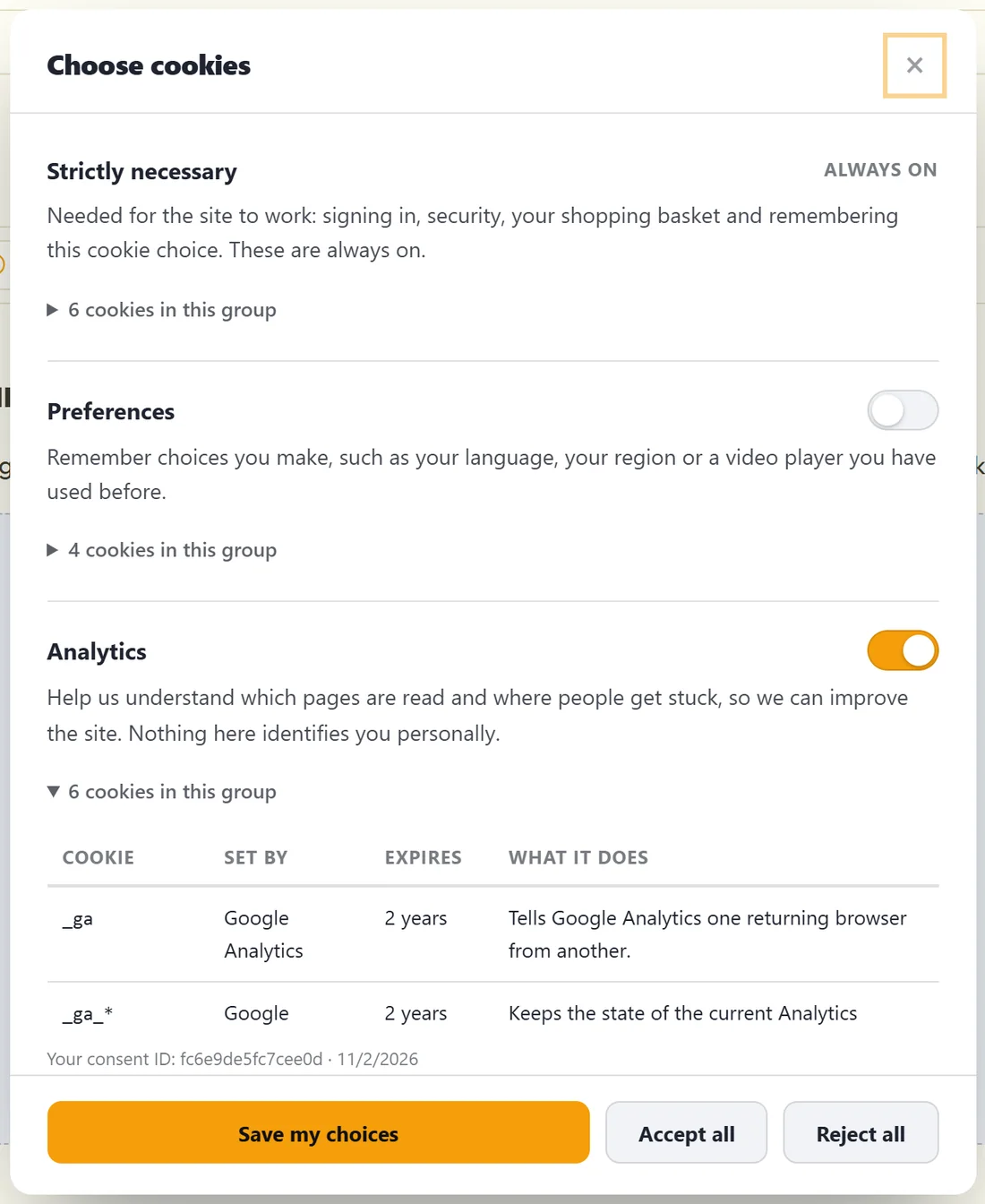
With Show visitors their consent ID ticked, the choices panel shows a small line reading Your consent ID, followed by the ID and the date they answered. It matches the ID in your Consent log. When somebody writes in asking what you recorded, they can quote it and you can paste it into the log's Consent id or fingerprint box.
The shortcode [rxc_consent_date] prints the date the visitor last answered. It is already placed on the generated cookie policy page.
How long an answer lasts:

On the Settings tab, How long an answer lasts has two settings.
- Remember a choice for. 180 days from the start, anywhere from 1 to 730. Six months is the common answer.
- Ask again every. 0 from the start, which means visitors are only asked again when you change what you are asking. Any other number asks again after that many days.
Ask everyone again:
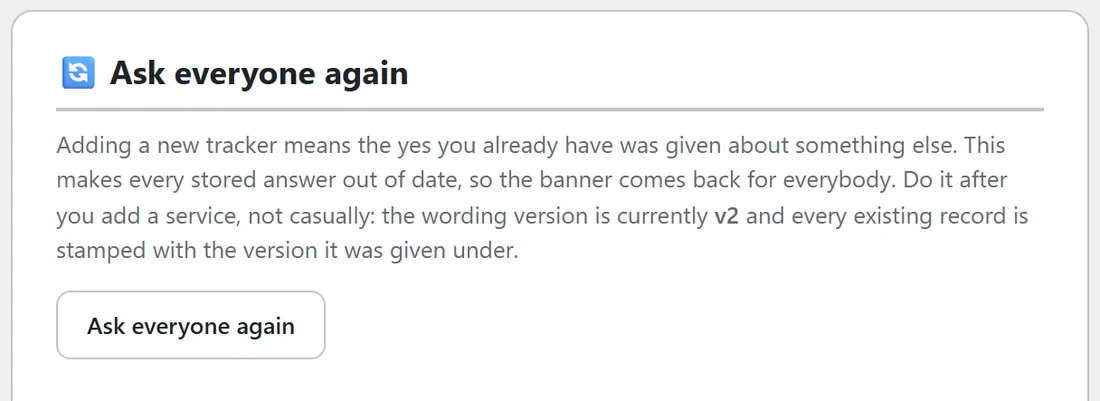
After you add a new tracker, the yes you already hold was given about something else. Press Ask everyone again on the Settings tab. The wording version goes up by one, every stored answer becomes out of date, and the banner returns for every visitor on their next page. Old records keep their old version number, so you can show exactly what each person agreed to.
A real example:
Juniper Lane Pottery added Hotjar to watch how people used the shop. The owner added Hotjar's cookies on the Cookies tab, checked its row on the Blocking tab, then pressed Ask everyone again. The box now says the wording version is currently v2, and the log shows every answer before that day under v1 and every answer after it under v2.
Withdrawing completely:
A visitor who wants everything off can open the panel and press Reject all. If anything was switched on before, the new answer is filed as Changed their mind, with nothing optional switched on. A developer can also call RXC.withdraw() from a button of your own: it forgets the answer, records a Withdrew row, and reloads the page so the banner asks again.
Testing it yourself:
- Open your site in a private window and press Accept all.
- Find the cookie button in the corner and press it.
- Switch Marketing off and press Save my choices.
- Open the Consent log tab. The newest row reads Changed their mind with the same consent ID as your first answer.
Tips:
- Put [rxc_preferences] in your footer next to your privacy policy link, so the way back is always in the same place.
- Use Ask everyone again only when what you ask about has really changed, so visitors are not asked more often than needed.
Next steps:
See The Consent Log And Proof Of Consent: What Is Stored, CSV Export And Retention, and Cookie Policy Page, Do Not Sell Page And Data Request Form.