Every cookie and every blocked service belongs to one of five groups. They are the groups your visitor switches on or off in the choices panel, and the ones Google Consent Mode understands.
Where to find it:
- The visitor's view: the Choose cookies button on the banner opens the choices panel.
- The names and descriptions: AiX Consent, Banner tab, What each group is called.
- The cookies in each group: AiX Consent, Cookies tab, Your cookie declaration.
The five groups:
- Strictly necessary. Signing in, security, the shopping basket, and the record of this cookie choice. Always on, shown to the visitor with an ALWAYS ON label and no switch.
- Preferences. Language, region, a video player remembering where you stopped. On Juniper Lane Pottery this holds the Vimeo and Google Maps cookies.
- Analytics. Which pages get read and where people leave. Google Analytics and Hotjar sit here.
- Marketing. Advertising measurement and targeting, such as the Meta (Facebook) Pixel, Mailchimp and YouTube.
- Unclassified. Anything not yet filed. Visitors see it under its own switch, which starts off.
What the visitor sees:
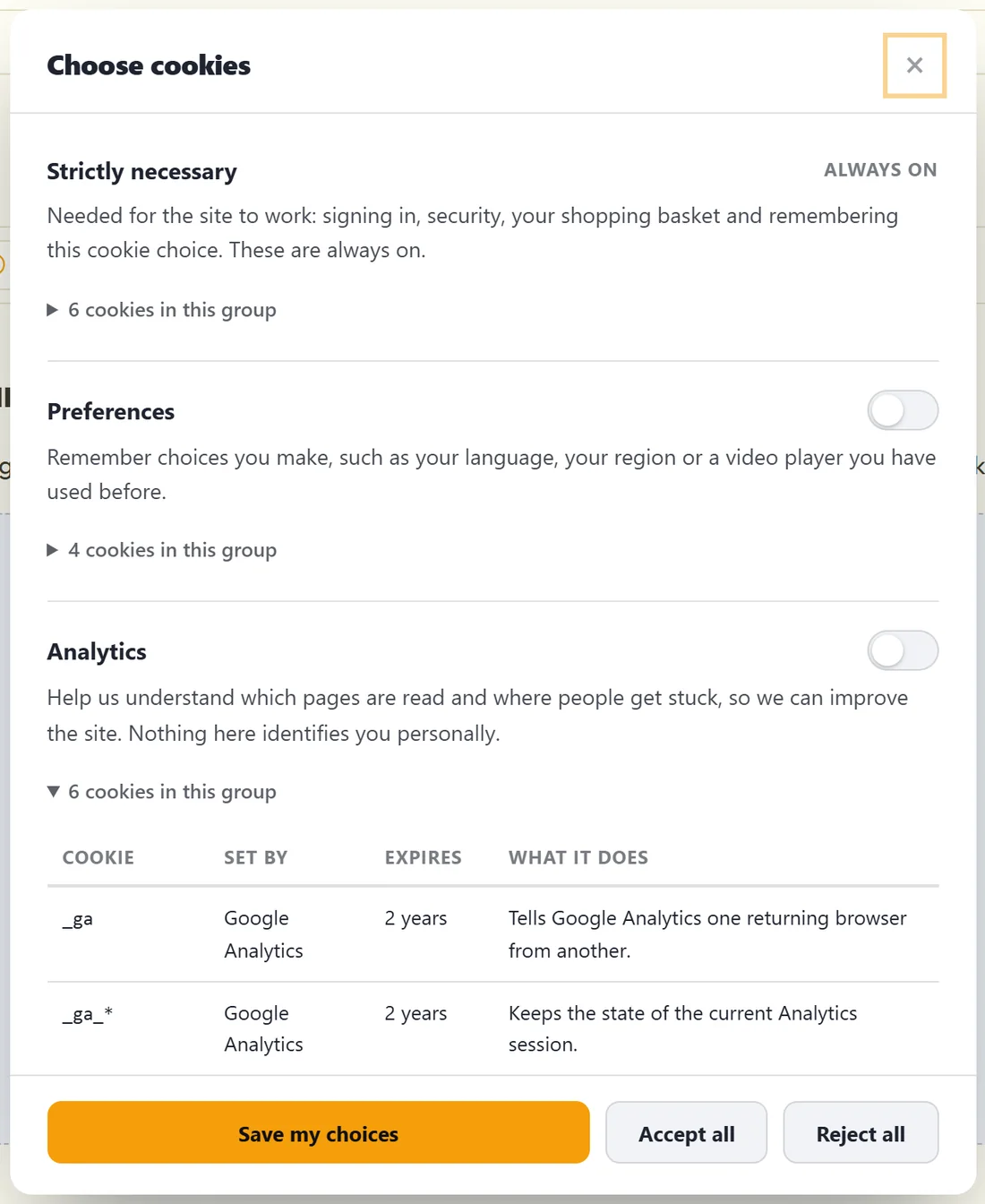
Pressing Choose cookies on the banner opens the panel, headed with your Choose button text. Each group shows its name, its description and a line such as 6 cookies in this group. The optional groups each have an on and off switch, all starting off.
Clicking the cookies line opens a small table with four columns: Cookie, Set by, Expires and What it does. That table comes straight from Your cookie declaration on the Cookies tab, so it always matches.
The panel ends with three buttons: Save my choices, Accept all and Reject all. Save my choices keeps exactly the switches the visitor set.
Closing without choosing:
If a visitor closes the panel with the X or the Escape key without deciding, the banner comes back. Nobody is quietly left unasked.
On a phone:
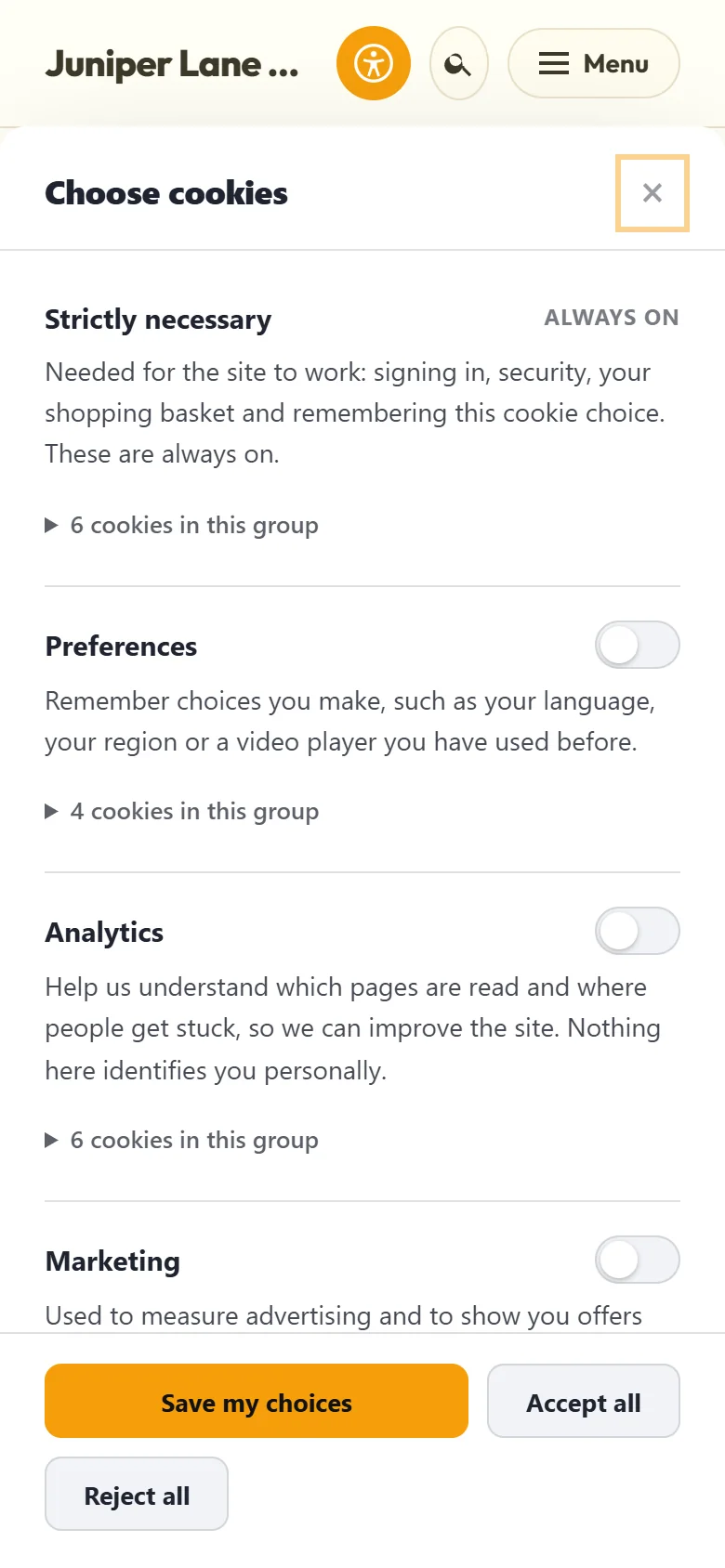
On a phone the panel fills the screen, the groups scroll, and the three buttons stay at the bottom where a thumb can reach them.
Why there are exactly five:
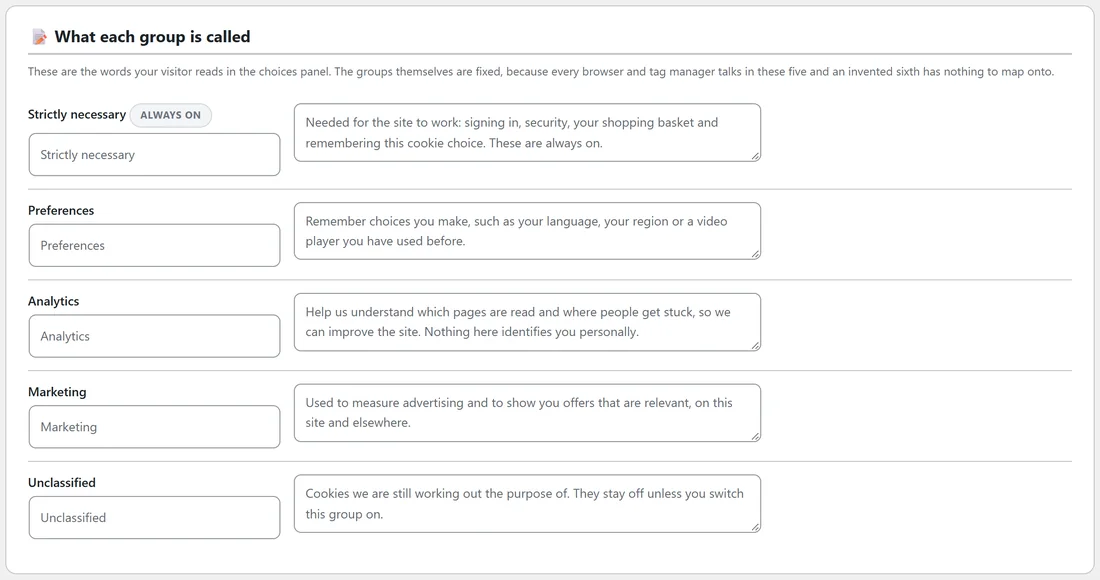
The list of groups is fixed. Browsers and tag managers talk in these groups, and a sixth group would have nothing to match in Google Consent Mode. The names and descriptions are yours to edit on the Banner tab, under What each group is called.
Where the groups are used:
- On the Cookies tab, every row in your declaration has a Group.
- On the Blocking tab, every service has a Hold until setting that names the group it waits for.
- In the Consent log, the Accepted column lists the groups each visitor said yes to.
- In Google Consent Mode, Marketing, Analytics and Preferences each control their own signals. See Google Consent Mode v2: Signals, Switches And Tag Manager.
Keeping Unclassified empty:
Unclassified is a holding place. The Dashboard checklist item Every cookie is filed ticks itself once no cookie is left there, and the Diagnostics row Cookies declared shows how many are unclassified. Filing a cookie changes what your declaration says about it. What is actually held back is decided by the rules on the Blocking tab.
Step by step, filing a cookie:
- Open the Cookies tab and find the row under Your cookie declaration.
- Pick the right group in its Group menu.
- Fill in Set by, Expires and What it does if they are empty.
- Press Save the declaration.
A real example:
After Set Me Up and the TikTok Pixel addition, the Juniper Lane Pottery panel shows:
- Strictly necessary, 6 cookies: __stripe_mid and __stripe_sid from Stripe, PHPSESSID, rxc_consent, wordpress_logged_in_* and wordpress_test_cookie.
- Preferences, 4 cookies: comment_author_*, NID from Google Maps, vuid from Vimeo, and wp-settings-*.
- Analytics, 6 cookies: _ga, _ga_*, _gat and _gid from Google Analytics, and _hjSession* and _hjSessionUser* from Hotjar.
- Marketing, 5 cookies: _fbc and _fbp from the Meta Pixel, _mcid from Mailchimp, and VISITOR_INFO1_LIVE and YSC from YouTube.
A visitor who switches on Analytics only gets Google Analytics and Hotjar. The Meta Pixel, Mailchimp and the YouTube video keep waiting for Marketing, and the Vimeo video and the map keep waiting for Preferences.
Tips:
- When in doubt between Preferences and Marketing, ask whether the cookie is used for advertising. If it is, Marketing is the honest home.
- Rename a group if your visitors would understand a different word better, for example Statistics instead of Analytics.
Next steps:
See Cookie Scan, Cookie List And Tracker Watch to fill in the declaration, and Blocking Scripts Before Consent: How It Works With Caching Plugins for how each group holds scripts back.