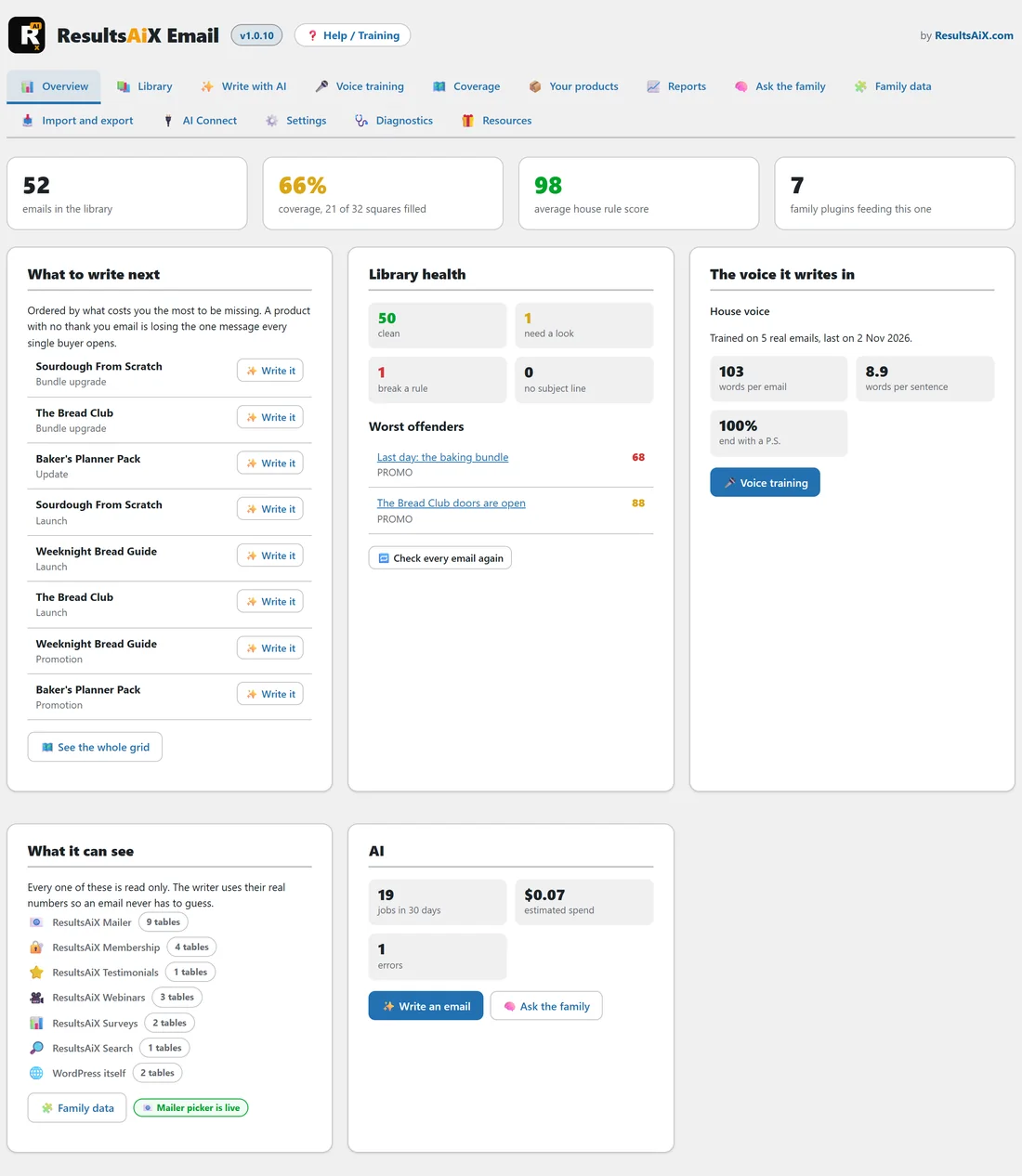
ResultsAiX Email is a WordPress plugin that keeps every autoresponder email your business sends in one library, on your own site. Thank you emails, welcome series, onboarding follow ups, renewal reminders, bundle upgrades, launches, updates, promotions, affiliate swipes and apologies all live in the same place, each one filed by purpose, product, membership level and tag.
Use it when your emails are scattered across an autoresponder, a few documents and somebody's inbox, and you want one place where every email is findable, checked and ready to load into a broadcast. It also writes the emails you do not have yet, in your own voice.
It does not send email. It writes, keeps and checks your emails, then hands them to whatever sends for you. With ResultsAiX Mailer on the same site that handover is one click. With any other autoresponder you copy the email out, or export the whole library as plain text files.
What it does:
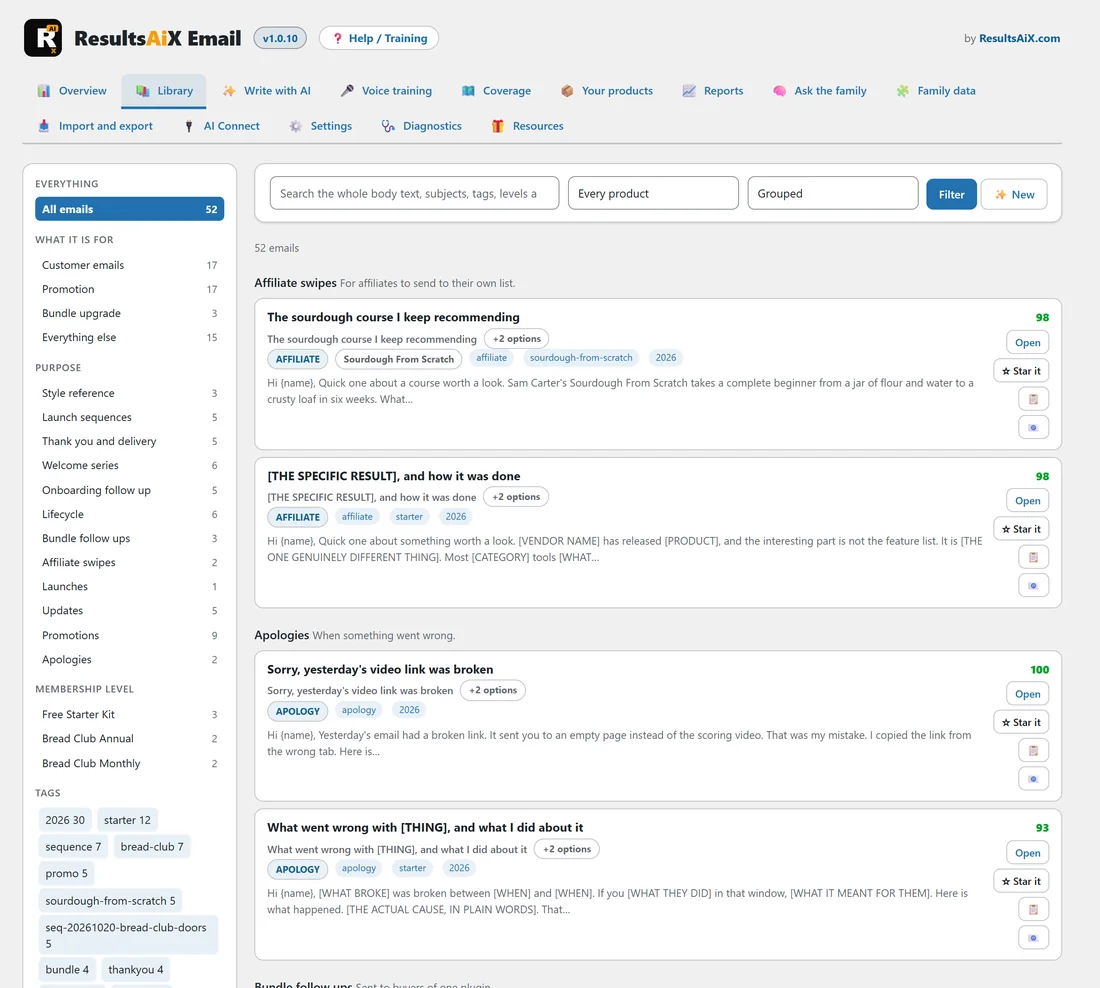
- Holds the library. Nine starter templates are loaded the first time you activate the plugin, and you bring in your own emails from a folder on your server, a zip, or by pasting them in.
- Checks the house rules. Every email gets a score out of 100 on every save and again every night: no dashes, no prices, one merge tag, a greeting, a sign off, a P.S. with a link and more.
- Learns a voice. Voice training measures how you write from emails you pick, and with an AI key it also writes a style card. That voice is handed to the AI every time it writes.
- Finds the gaps. The Coverage tab draws your products against every kind of email and shows the squares with no email in them.
- Writes with AI. Single emails, whole sequences, subject lines, audits, rewrites and repurposed versions, using your own key from Google, Anthropic or OpenAI.
- Reads your other plugins. Other ResultsAiX plugins on the same site are read, never written to, so the writer is handed real numbers from your own business instead of guessing.
A worked example:
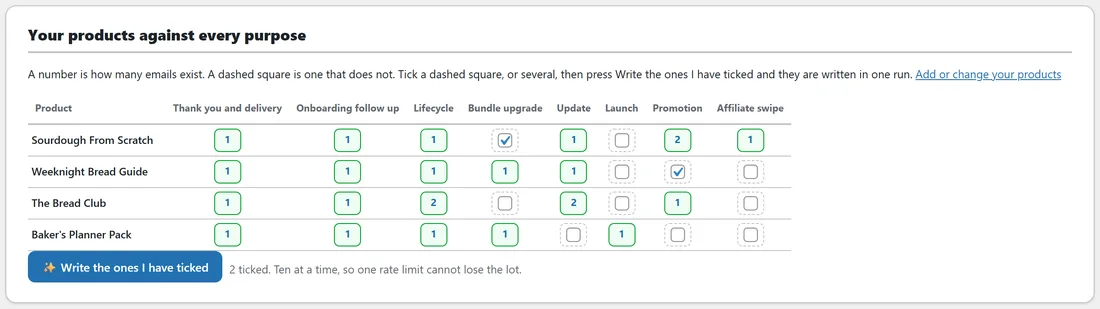
Sam runs a home baking school at yoursite.com. Sam sells a sourdough course, a quick bread guide, a monthly Bread Club and a set of printable planners. Before ResultsAiX Email, the welcome emails lived in the autoresponder, the launch emails lived in a document and nobody knew whether the planners ever got an onboarding email.
After one afternoon Sam has 52 emails in the library, each filed and scored. The Coverage tab shows the planners have no update email and no promotion, so Sam ticks those two squares and has them written as drafts in Sam's own voice. The next broadcast is loaded into ResultsAiX Mailer from the library with one click.
The screens at a glance:
The plugin adds its own menu, AiX Email, with fourteen tabs across the top of every screen: Overview, Library, Write with AI, Voice training, Coverage, Your products, Reports, Ask the family, Family data, Import and export, AI Connect, Settings, Diagnostics and Resources. See The Admin Tabs Explained: Every Screen In AiX Email for a tour.
What works without an AI key?
The library, the house rule checks, the coverage grid, Your products, the reports, the Mailer picker, import and export, and the measured half of voice training all work with no key at all. A key adds Write with AI, the four AI buttons in the email editor, the style card and training packs, filling gaps on Coverage and the Ask the family chat. See Connecting Your AI Key, And What Works Without One.
Where your writing lives:
In your own WordPress database. Nothing is uploaded to ResultsAiX. When you use an AI feature, the text needed for that job goes to the AI provider whose key you saved. Email addresses in any data read from your other plugins are replaced with their domain first, unless you switch that off on the Settings tab.
Requirements:
- WordPress 5.8 or newer.
- PHP 7.4 or newer.
- A licence key, which is included with the ResultsAiX Complete Bundle.
Tips:
- Start with the Quick Start: A Working Email Library In Five Minutes.
- Fill in Your details and Your domains on the Settings tab early, because the house rules and the AI both read them.
- Add the products you sell on the Your products tab, so the coverage grid has rows to draw.