These features need an AI key, the AI features on switch and an active licence. Everything the AI writes is saved as a draft, never as live, and the version before any change is kept in History.
How the writer works:
Every generation is handed the trained voice, the skeleton for that kind of email, real emails from your library to read first, the name, one line and link of the product on Your products, and the real numbers from your other plugins. Before anything is saved it is checked against every house rule, and if it breaks a hard one it is sent back once with the finding quoted.
Where to find it:
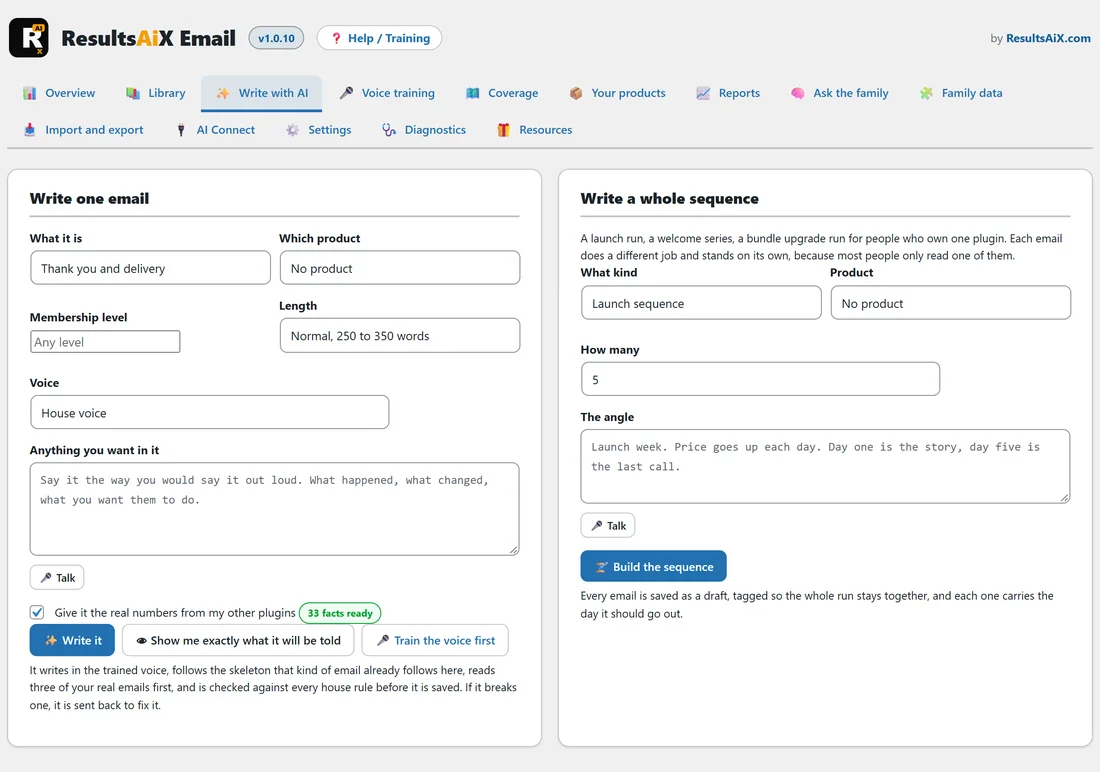
Open AiX Email and click the Write with AI tab. The four editor buttons are in the AI card of the email editor.
Write one email:
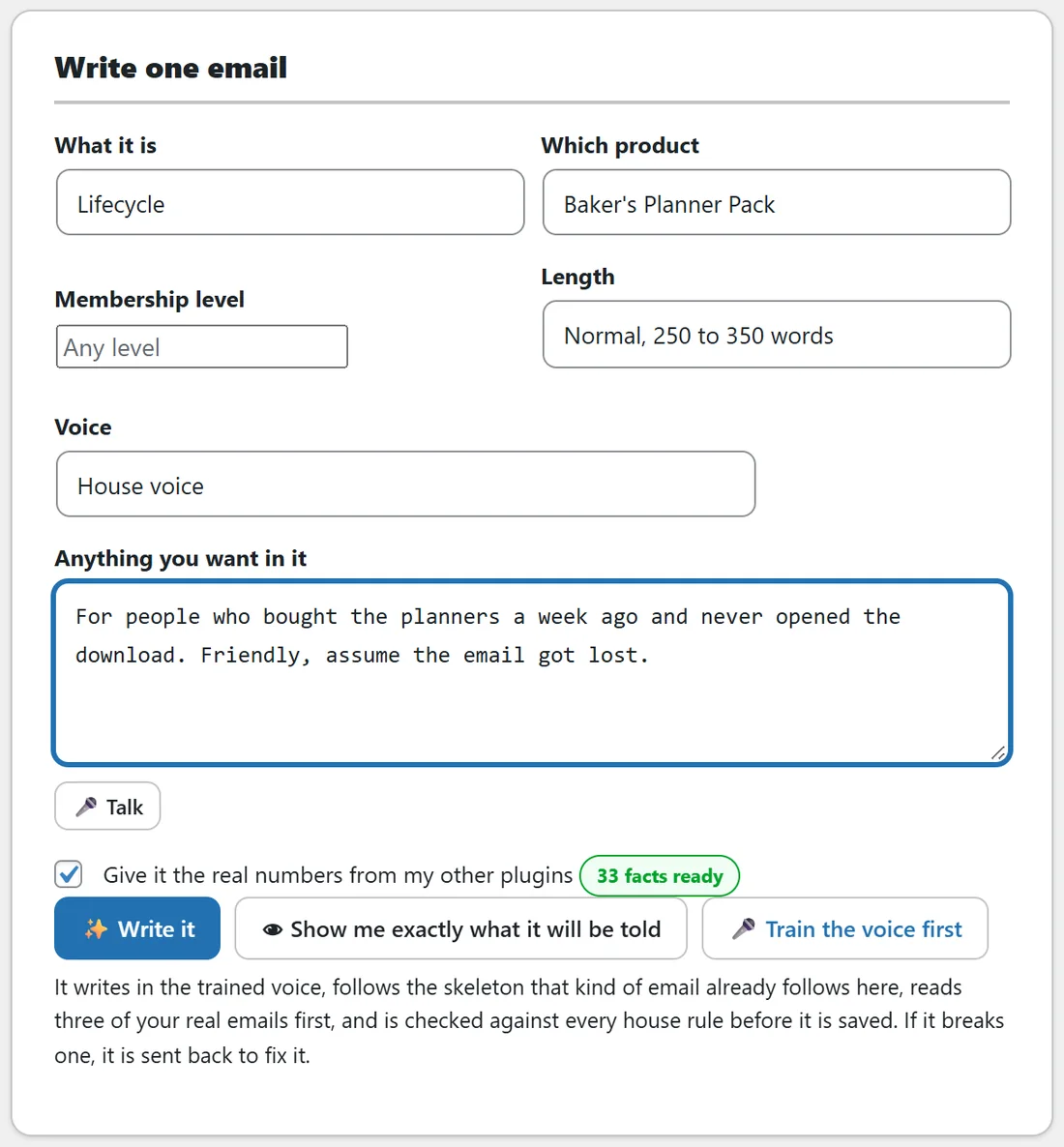
- Choose What it is: one of eleven purposes.
- Choose Which product: No product, or one of Your products.
- Type a Membership level, or leave it as Any level.
- Choose a Length: Short, under 150 words. Normal, 250 to 350 words. Long, up to 600 words.
- Choose a Voice.
- Say what you want under Anything you want in it. Type it, or press Talk and say it out loud.
- Leave Give it the real numbers from my other plugins ticked. It shows how many facts are ready.
- Press Write it.
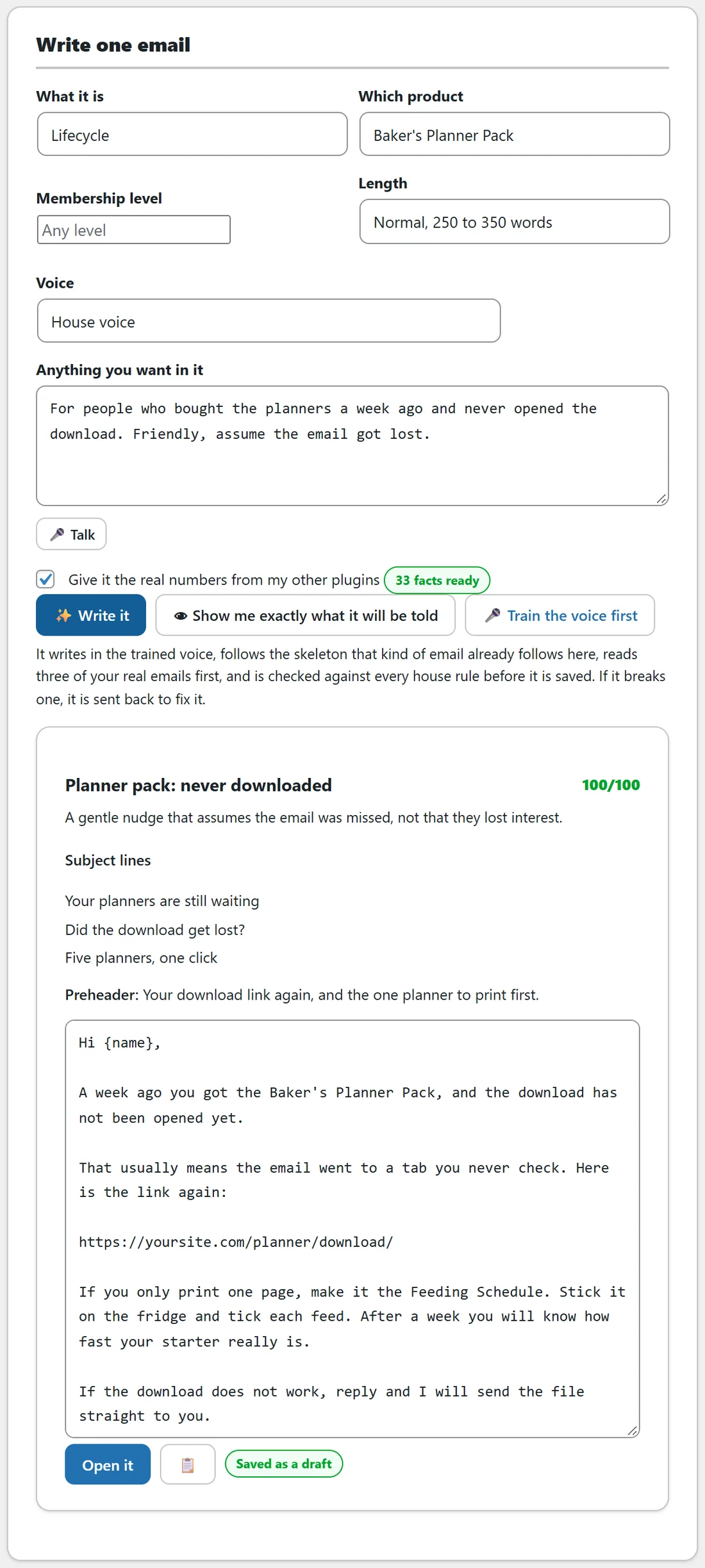
While it works it says Reading your voice, your real numbers and three of your own emails. The result shows the title and score, one line on the angle it took, the subject lines, the preheader and the body, with Open it, a copy button and a Saved as a draft pill. If it broke a house rule and fixed itself, a line says so.
Show me exactly what it will be told:
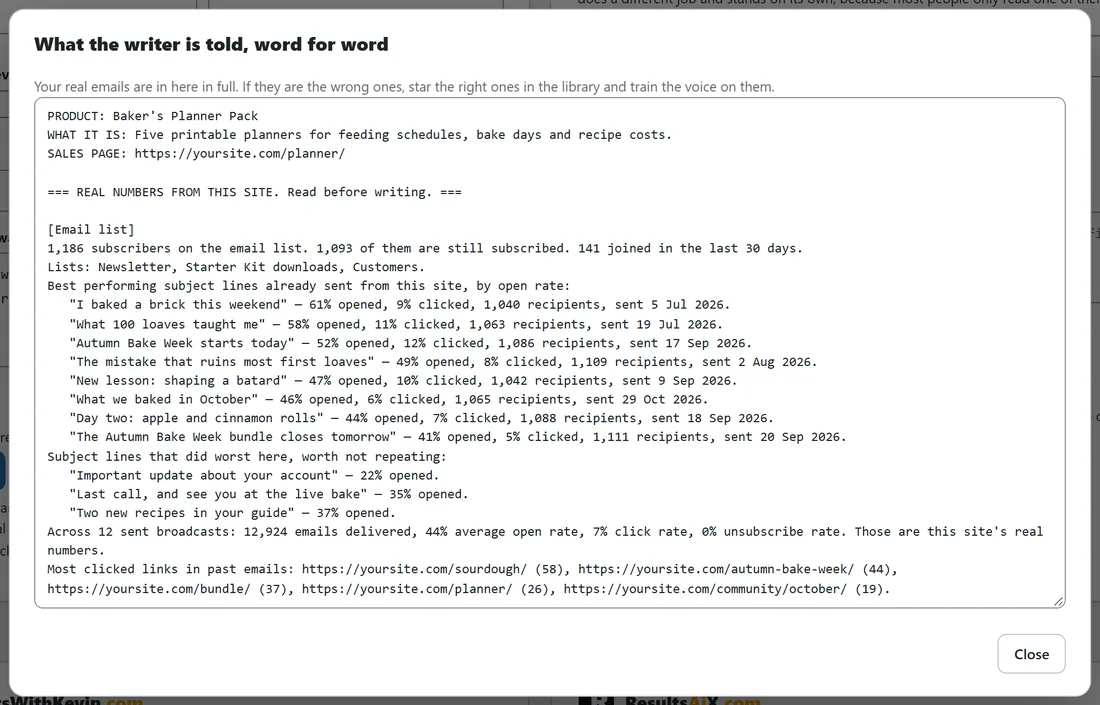
This button opens the full brief for the purpose, product and voice on screen, word for word, before anything is written: the product facts, the real numbers, the voice and your example emails. If the examples are the wrong ones, star the right ones in the library and train the voice on them. Train the voice first opens Voice training.
Write a whole sequence:
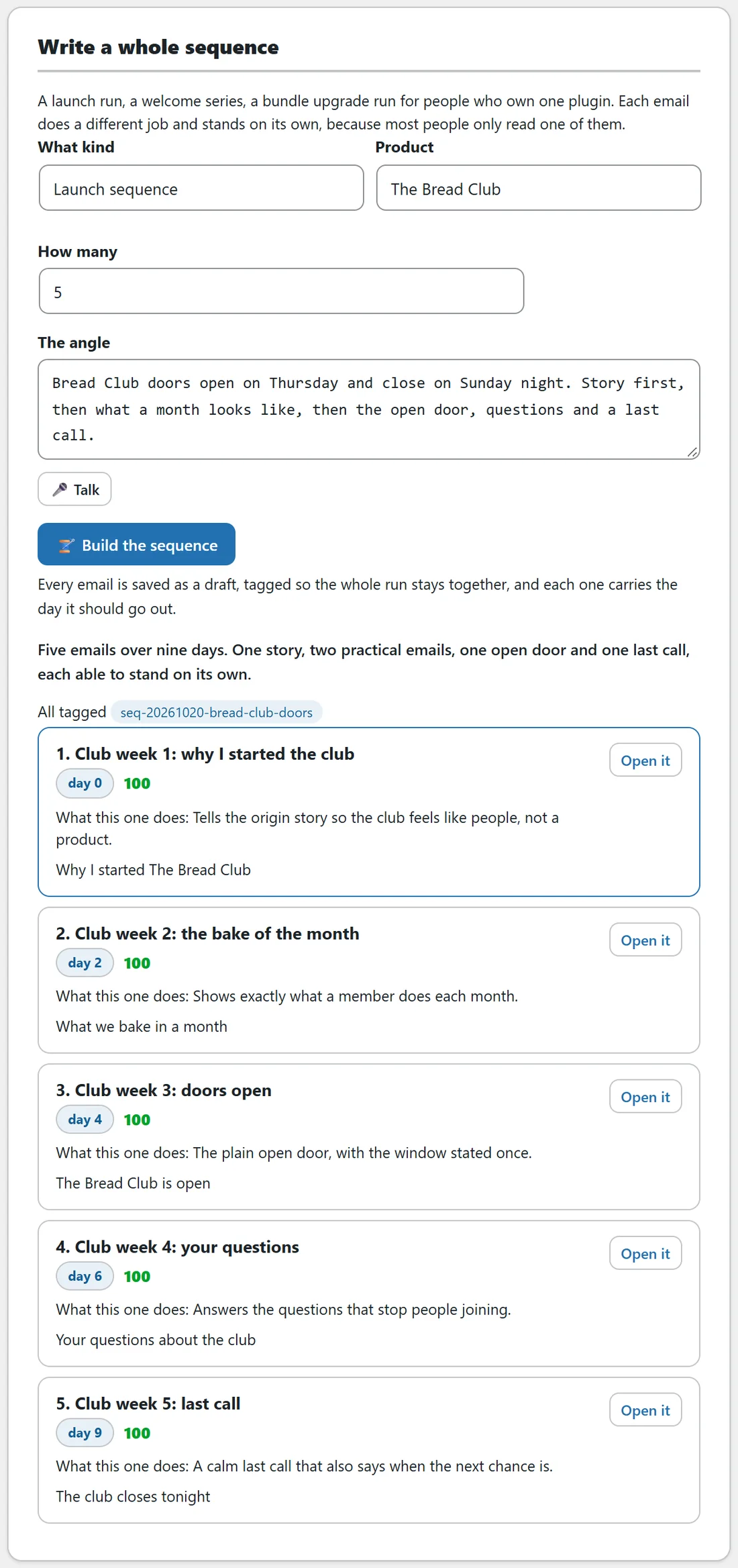
- Choose What kind: Launch sequence is chosen to start, and any purpose works.
- Choose the Product.
- Choose How many, from 3 to 7. It starts at 5.
- Describe The angle.
- Press Build the sequence.
The run is planned first so each email does a different job and stands on its own, because most people only read one of them. The result shows the plan, the tag the whole run carries, such as seq-20261020-bread-club-doors, and a row per email with the day it should go out, its score, what it does that the others do not, its first subject line and Open. Every email is saved as a draft, labelled 1 of 5, 2 of 5 and so on, with the job noted in Notes to yourself. The sequence uses the Voice chosen on the Write one email card.
The four buttons in the editor:
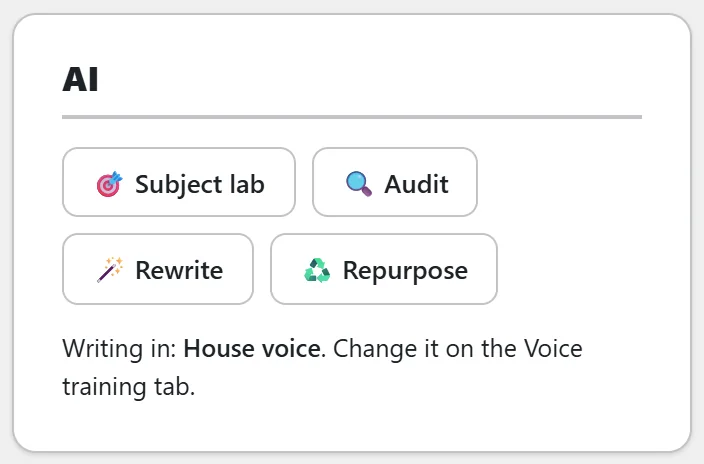
All four read what is on screen, so they work on your unsaved draft. The AI card names the voice it is writing in.
Subject lab:
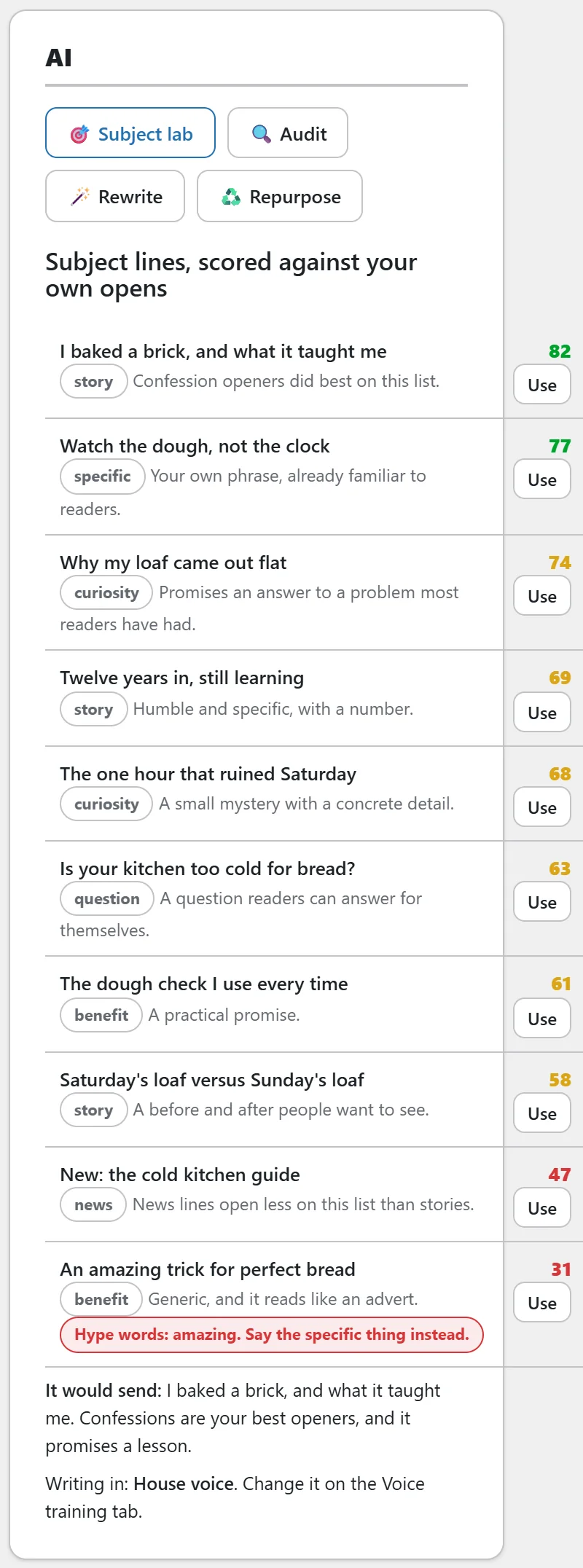
Ten subject lines, each with an angle such as story, curiosity or specific, a one line reason and a score out of 100. With ResultsAiX Mailer on the site they are judged against your real open rates. Scores of 75 and over are green, 55 to 74 amber. Any line with an em dash, a price, an exclamation mark, a hype word or too many characters carries a red flag. Use adds a line to the subject box, and It would send names the AI's pick. Press Save to keep a new line.
Audit:
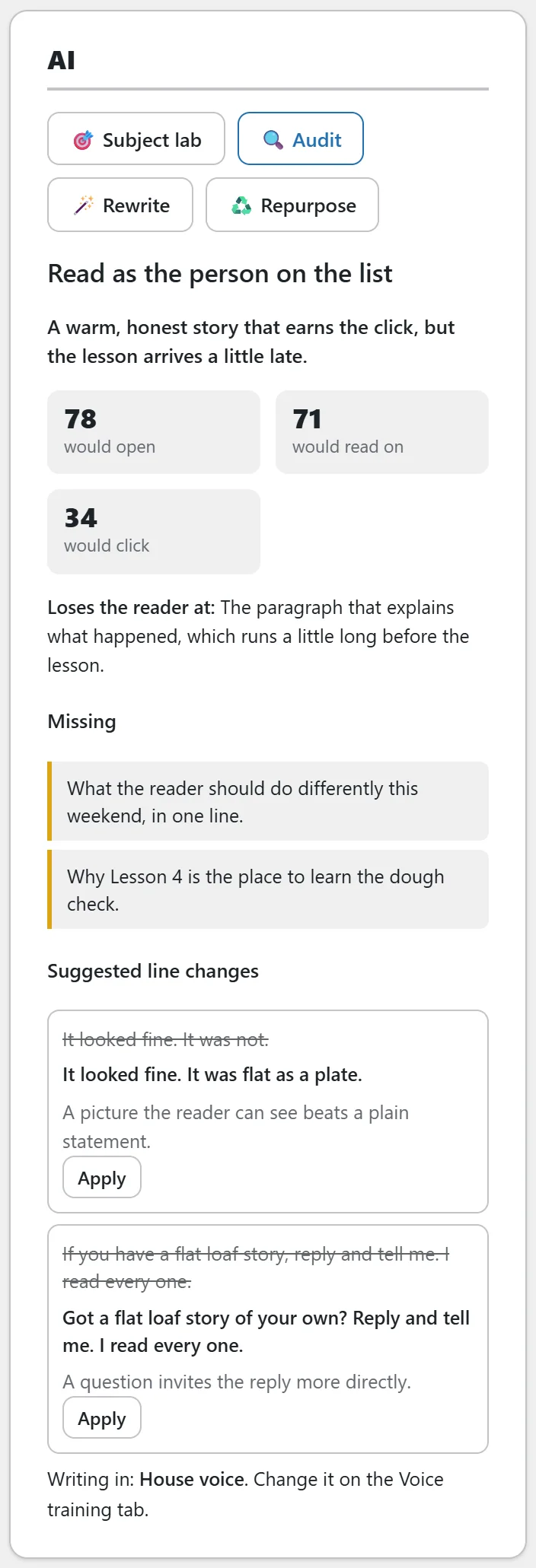
Reads the email as the person on the list. It gives a verdict, its own 0 to 100 estimates for would open, would read on and would click, where it Loses the reader at, what is Missing, and Suggested line changes. Each suggestion shows the old line struck through, the new line and why. Apply swaps that one line in the saved email and keeps the version before it in History. The numbers are the AI's estimates, not measurements. After applying the changes you want, press Save so every field on screen is saved together.
Rewrite:
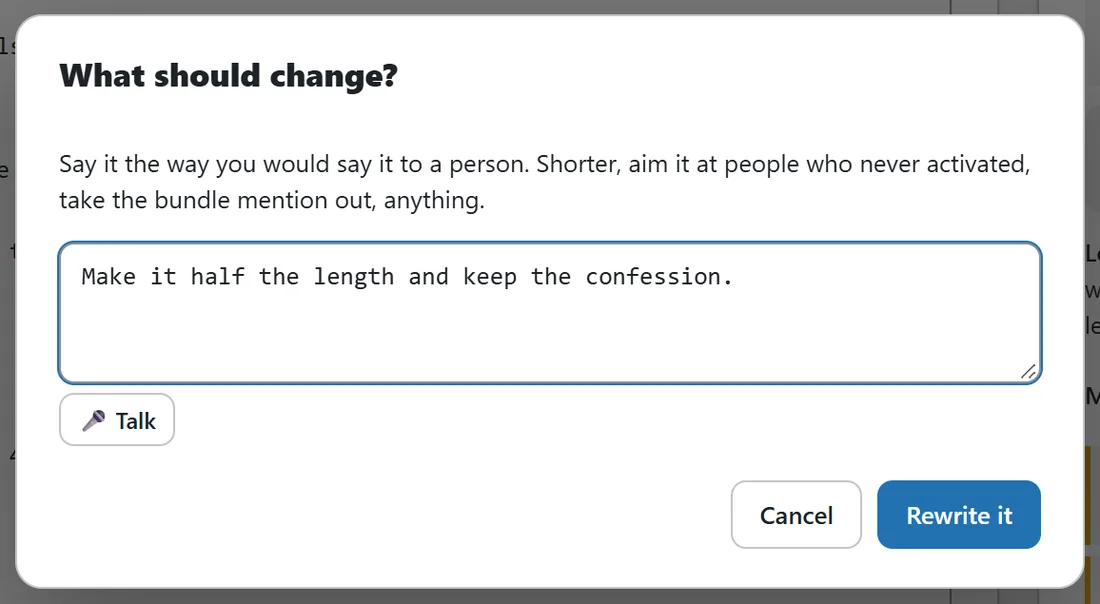
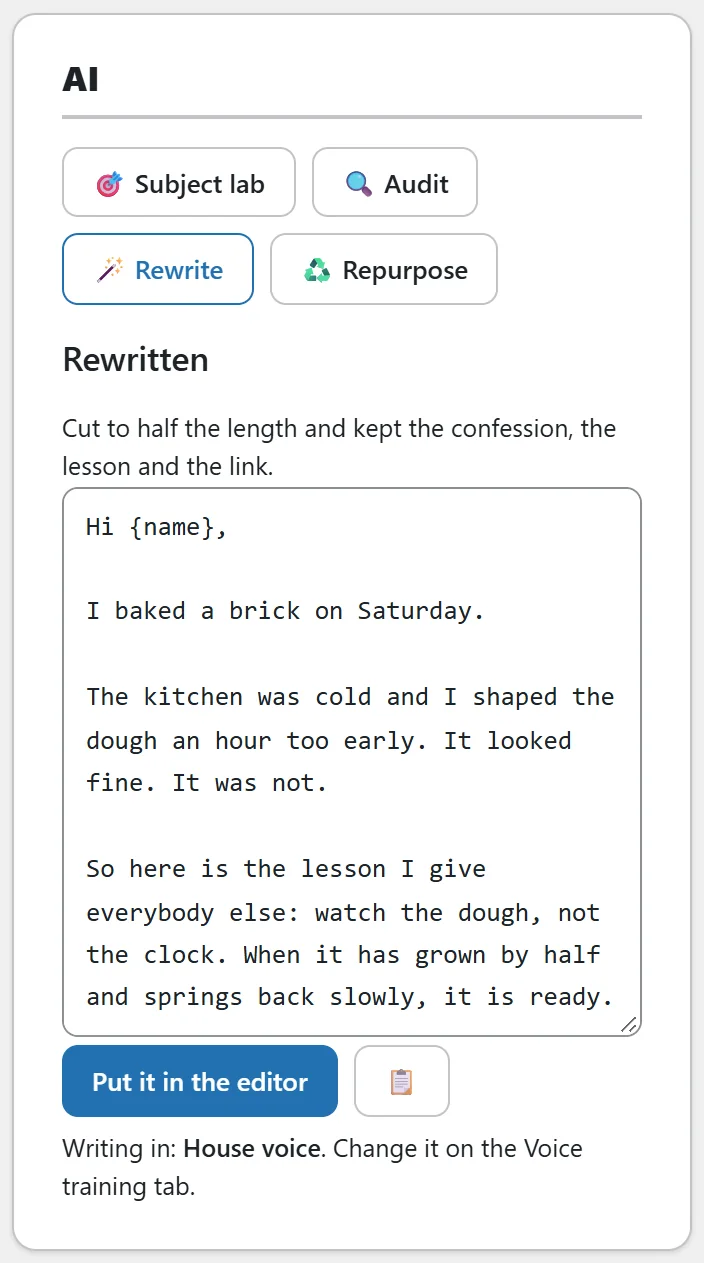
Press Rewrite. In the window What should change?, say it the way you would say it to a person, for example Make it half the length and keep the confession, then press Rewrite it. The result shows one line on what changed and the new body, with Put it in the editor and a copy button. Put it in the editor also replaces the subject lines and preheader. Nothing is saved until you press Save.
Repurpose:
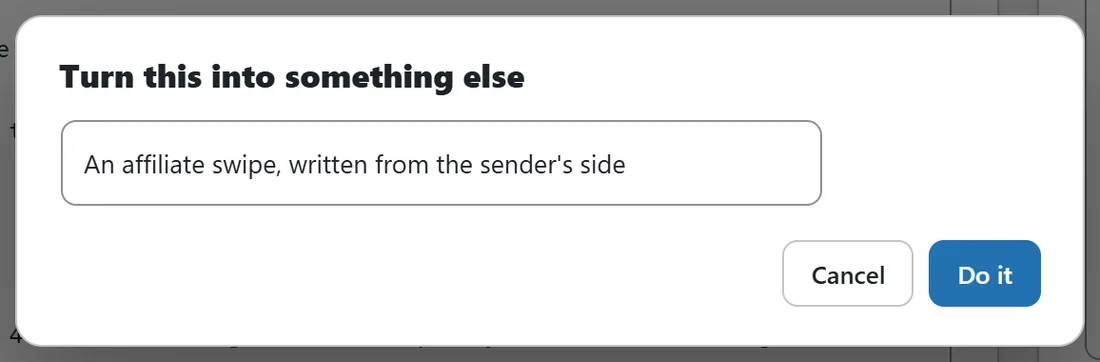
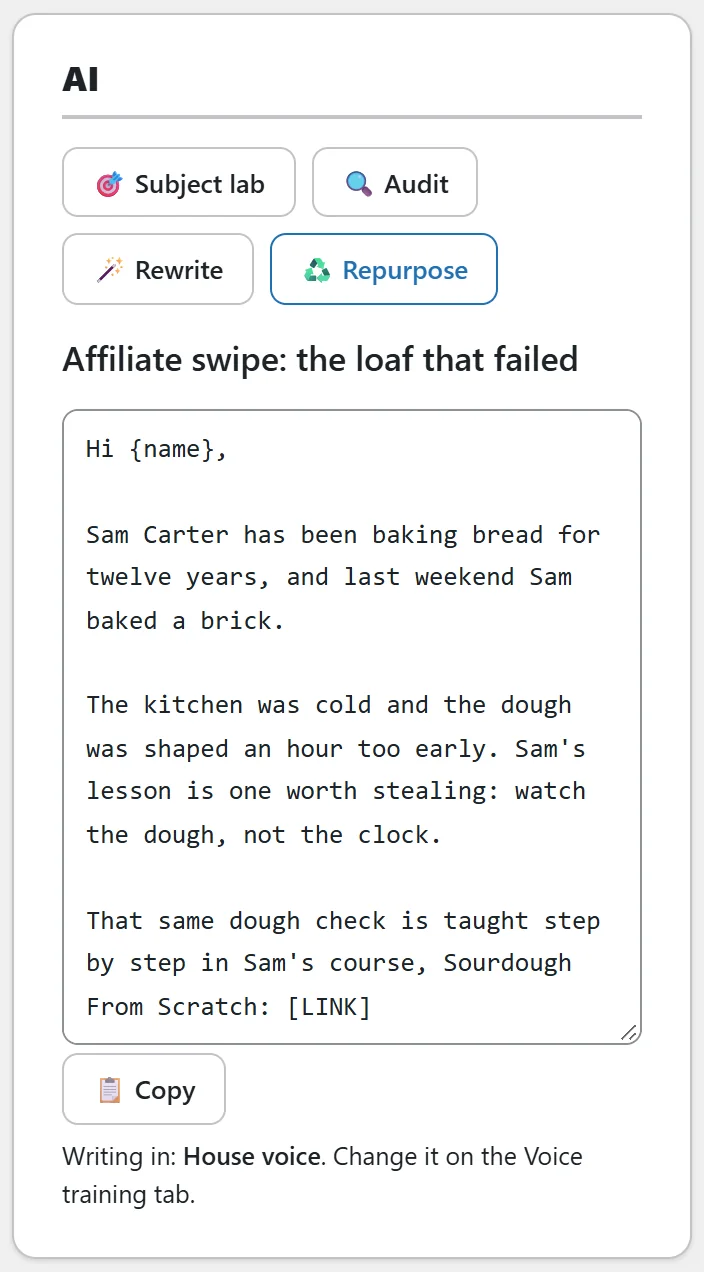
Press Repurpose, pick what to turn the email into and press Do it:
- An affiliate swipe, written from the sender's side
- A blog post
- A Facebook post
- A short message, under 300 characters
- A follow-up for everybody who did not click
- The same email at half the length
The result appears under its own title with a Copy button. It is not saved to the library, so copy it where you need it, or paste it in on Import and export to keep it.
A worked example:
Sam picks Lifecycle and Baker's Planner Pack, types For people who bought the planners a week ago and never opened the download, and presses Write it. The draft Planner pack: never downloaded scores 100 and opens with the download link. Then Sam builds a five email sequence for The Bread Club doors opening, and runs Subject lab on The loaf that failed. I baked a brick, and what it taught me scores 82, so Sam presses Use and Save.
Tips:
- Write the brief like you would say it out loud: what happened, what changed, what you want them to do.
- Open every draft, read it once, set Status to Ready to send and press Save.
- For missing emails across many products, use Coverage instead. See Coverage: Finding The Emails You Do Not Have Yet.