Short answers to the questions people ask most about ResultsAiX Theme Free. Each answer links the article with the full steps.
Is it really free, or a trial?
Really free. Your free key never expires and covers one site. Nothing in the free theme switches off later.
Do I need to wait for a key by email?
No. The theme issues your free key on its first screen, inside your own WordPress, and activates the site on the spot. See Getting The Free Theme And Your Free Key.
Where do I download it?
Sign up once at https://resultsaix.com/free-plugins/ and download it from the free members area at https://resultswithkevin.com/members/free-plugins/, along with the other free ResultsAiX downloads.
Can I use it on more than one site?
The free key covers one site. To move it, deactivate it on the old site, or remove the old site from Activated Domains in the License panel, and activate it on the new one. See Updates, Your Licence And Troubleshooting.
Does my website need the key to work?
No. Your website keeps working with or without it. Layouts, menus, legal pages and everything you have published show to visitors as normal. The key opens the theme's admin screens and brings updates.
Will switching to it change my content?
No. Switching themes changes how your site looks, not your posts, pages, media, users or plugins. You point your menus and widgets at the theme's spots once. See Installing ResultsAiX Theme Free And Switching Safely.
Are the sliding banner, the sticky bar and the YouTube feed really in the free theme? Yes. They need no AI, and they come with the same settings and per-post controls as the full theme.
Does it have a members area?
Yes. A Member Dashboard page template, a Trainings library with topics and lesson order, the Member portal layout and a switch that keeps lessons for signed-in members. See The Member Dashboard And Training Library.
Does it work with my membership plugin?
Yes. The Member Dashboard, the trainings and the signed-in and signed-out shortcodes read the WordPress login, so they work with any membership plugin. The theme can keep trainings for signed-in members, and levels and sign-ups stay with your membership plugin.
Does the theme take payments?
No. The Checkout Button dresses a checkout link you already have, and the theme stays out of the transaction.
Does it load anything from other companies?
The theme keeps it to what you add. The share buttons are plain links with no network scripts, the search uses your own content, the font loads from your own website on a new site, and the cookie notice holds tracking codes and video players until visitors allow them.
What is not included?
The AI features, the SEO engine, lead capture, the Images tab, podcasts, one-click demo content, the Accessibility panel, four of the six share card designs and removing the Powered by line. They are part of the full ResultsAiX Theme. See What The Full ResultsAiX Theme Adds.
Does it have accessibility reading tools?
The Accessibility panel and its reading tools are part of the full theme. Every page with the site header has a skip link for keyboard users, and the sliding banner stops sliding on its own for visitors whose device asks for less motion. The Accessibility Statement the free theme creates describes what visitors can adjust with their own device.
Can I remove the Powered by line?
Removing it is part of the full theme. Your own copyright line is yours to set in the Customizer, under Footer copyright line.
Can I upgrade later without losing my work?
Yes. Install the full theme and activate it. It takes over your settings, and your posts, pages, trainings, menus and legal pages stay. It asks for its own key.
Does it work with my other plugins?
It is a normal WordPress theme and works with any plugin. ResultsAiX plugins fit best: each appears as a block, and its actions sit in the panel on the edit screen.
What does it need?
WordPress 6.0 or newer and PHP 7.4 or newer.
How do I get help?
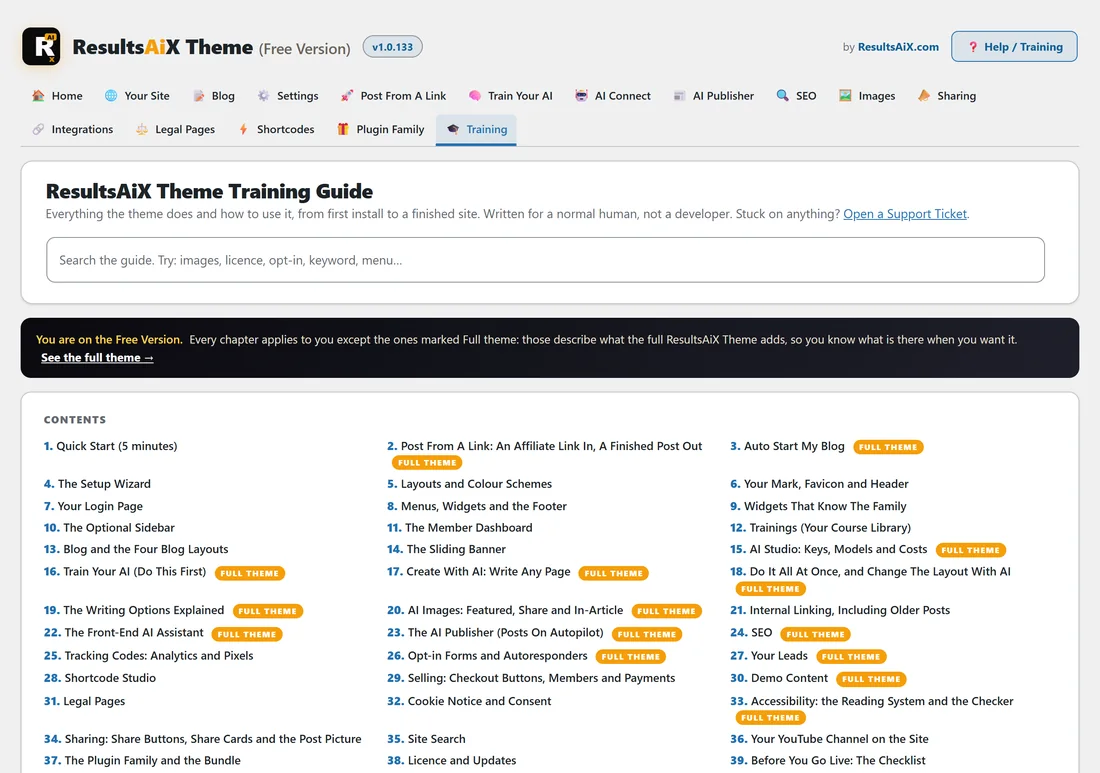
Every theme screen has a Help / Training button that opens the built-in guide. For anything else, contact support at https://kevinfahey.org/contact-support/.