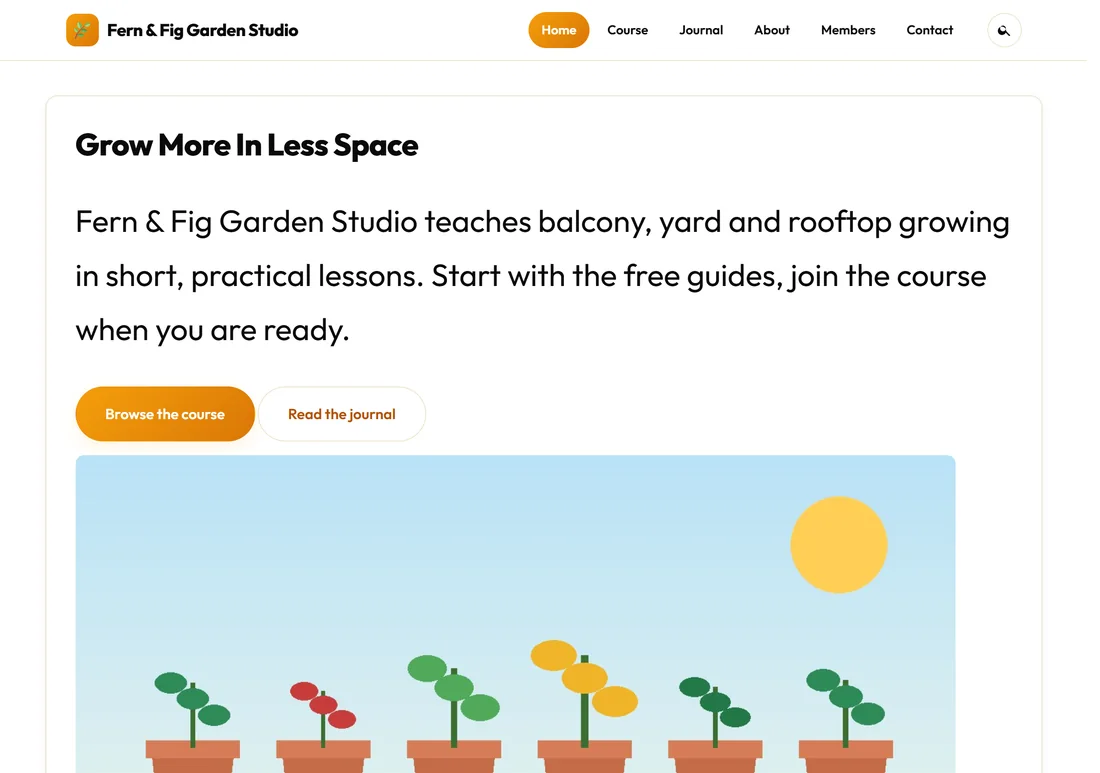
ResultsAiX Theme Free is the free edition of the ResultsAiX Theme for WordPress. It runs a whole website for you: the look, the menus, the blog, a members area with a course library, your legal pages and your cookie notice.
It is built from the same code as the full ResultsAiX Theme with the AI features left out. So what you install is the real theme, not a cut-down demo, and everything in it keeps working.
This guide was written against ResultsAiX Theme Free version 1.0.133. The pictures come from a made-up business, Fern & Fig Garden Studio at yoursite.com, so you can see what each screen looks like on a real site.
Where to find it:
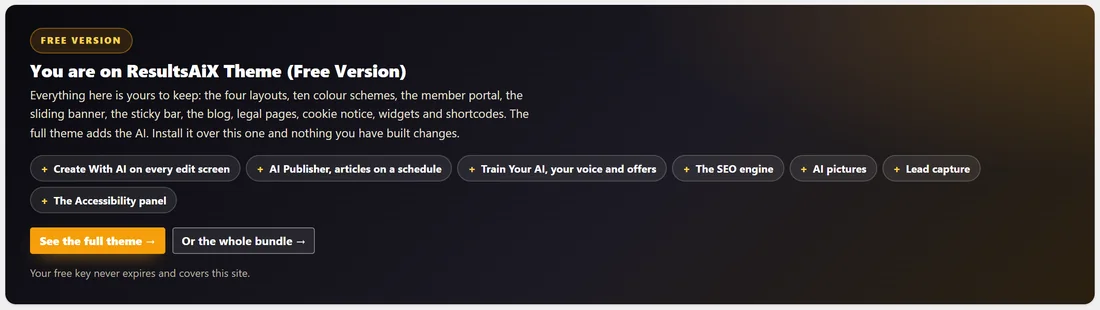
In WordPress the theme is listed under Appearance, Themes as ResultsAiX Theme (Free Version). Once it is active it adds its own menu to your admin sidebar called ResultsAiX Theme. Click it and you land on the Home tab.
The Home tab opens with a dark banner that says You are on ResultsAiX Theme (Free Version). It lists what the full theme would add and reminds you that your free key never expires and covers this site.
What your visitors see:
Your visitors never see the word WordPress or anything about licences. They see your site name, your mark or logo, your menu, your pages and posts in your colours, and a dark footer with your links and legal pages.
The Fern & Fig front page below uses the Classic site layout and the Results Amber colour scheme, which are the theme's defaults.
What is in the free theme:
- Four site layouts: Classic site, Member portal (an app-style layout with a left sidebar), Boxed classic and Minimal. Any single page can use a different layout from the rest of the site.
- Ten colour schemes, plus your own colours, page width and corner style in the Customizer.
- Your mark beside the site name, your favicon, your header sizes and where the logo goes.
- Your own login page design: Classic, Split, Minimal or Dark.
- A Member Dashboard page template and a Trainings library with topics, lesson order and a switch that keeps lessons for signed-in members.
- Four blog layouts, a switch that lets visitors pick their own view, reading time, an author box, breadcrumbs and a Keep reading section on every post.
- The sliding banner: your posts in a banner above the blog.
- The sticky reading bar: reading progress, the title, share buttons and your own button as someone reads a post.
- Your YouTube channel as thumbnails on any page, in a widget area or in the footer.
- Share buttons, share cards in two designs, and a header search that shows results as you type, with a Talk button for voice search.
- Legal pages in one click, written from your business details, and a cookie notice with consent categories, a consent log and a cookie scan.
- Tracking codes for Google Analytics, Google Tag Manager and the Meta pixel that wait for consent.
- Landing pages with no header or footer, or with a logo-only header and a quiet footer of legal links.
- A widgets kit with ready-made footer blocks, the Shortcode Studio, and blocks for any ResultsAiX plugin you have installed.
- A Setup Wizard, a Training guide built into the admin, and updates inside WordPress.
On a phone:
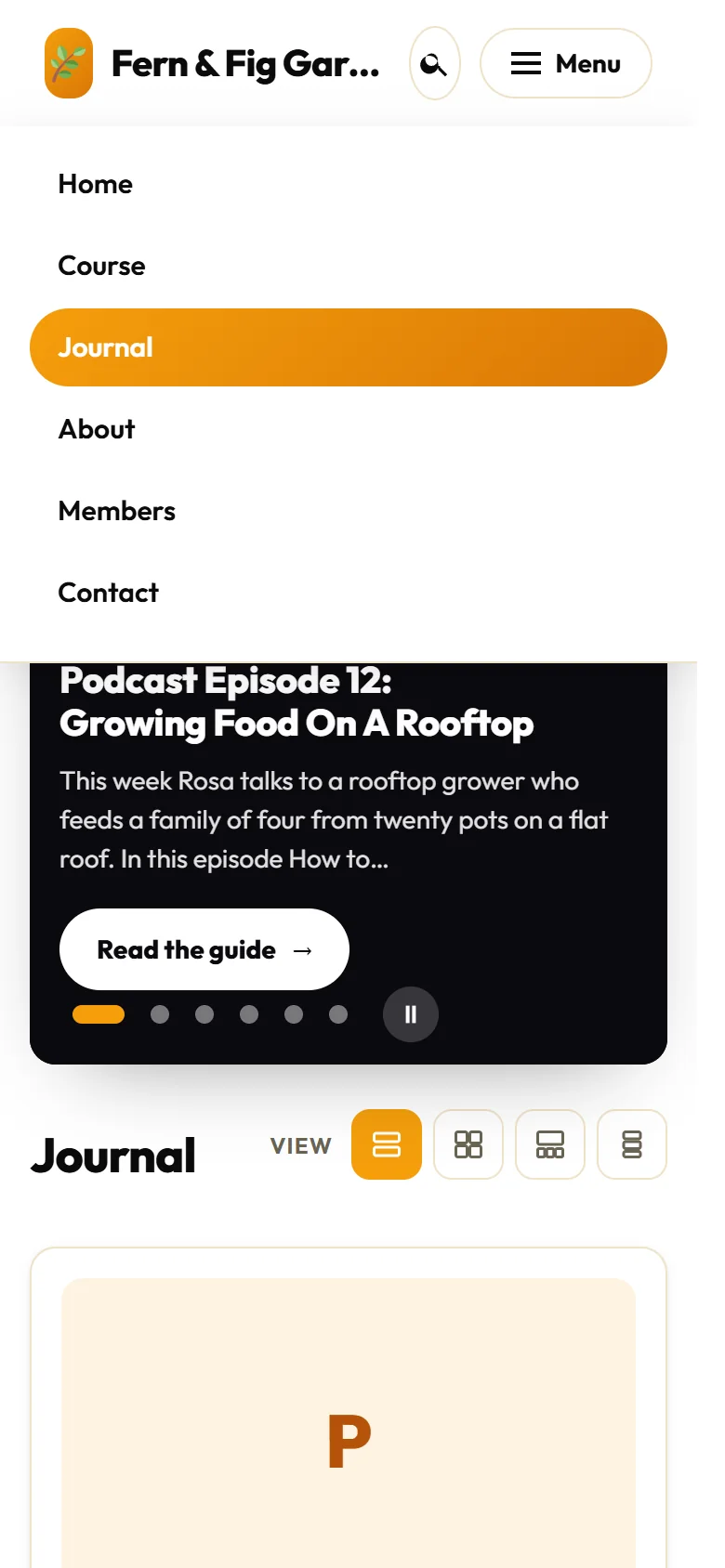
Every layout works on a phone. The menu folds into a Menu button at the top, the search sits beside it, and the pages, cards and banner stack into one column.
What it needs:
WordPress 6.0 or newer and PHP 7.4 or newer, on any normal hosting. It works with any membership plugin and any other plugin.
What the full theme adds:
The AI features, lead capture, the Images tab, one-click demo content, the Accessibility panel, four more share card designs and the option to remove the Powered by line belong to the full ResultsAiX Theme. Their tabs still show in the free theme with a Full theme label, so you can see what they do before you decide. The article What The Full ResultsAiX Theme Adds lists them all.
Your free key:
Your free key is issued on the spot inside your own WordPress. It covers one site and never expires, and it is how updates reach you. See Getting The Free Theme And Your Free Key.
A real example:
Rosa runs Fern & Fig Garden Studio, a small business that teaches balcony and yard gardening. With the free theme she has a public front page, a blog called Journal with a sliding banner, a course library of seven lessons, a members area that greets each member by name, five legal pages and a cookie notice. She set all of it up in an afternoon, without writing any code.
Tips:
- Start with the Setup Wizard. It builds your pages, menus and legal pages in about two minutes. See The Setup Wizard And Your First Steps.
- Keep the built-in guide open while you work. Every screen has a Help / Training button that opens the matching chapter.
- When you are happy with the basics, read Layouts And The App-Style Member Portal and Colour Schemes, Your Logo, Menus And The Customizer to make the site your own.