The Settings tab holds your licence and the look of the Bonus Builder screens. Your name, photo, button words and writing defaults are on Your Profile.
Where to find it:
Open Bonus Builder and click the Settings tab. Your licence is at the top; see Installing The Plugin And Activating Your Licence Key.
Appearance:
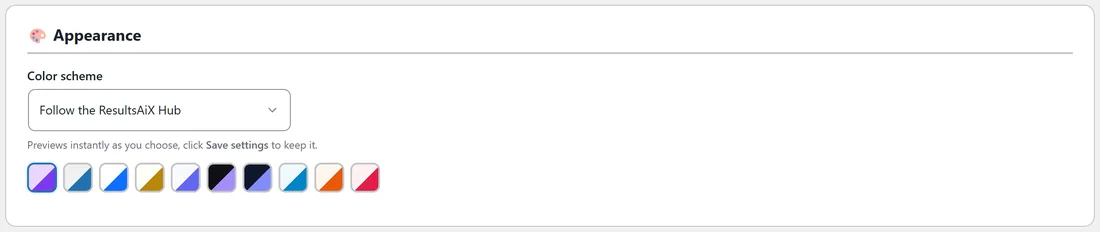
Color scheme sets the look of the Bonus Builder screens. It previews as you choose; click Save settings to keep it. This changes the plugin's own screens, not your bonus pages.
Help and your account:
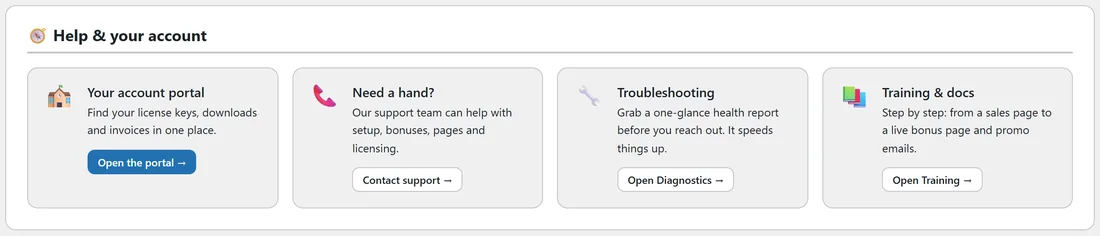
The Help & your account card has quick links to your account portal, to support, to the Diagnostics tab and to the Training tab.