WP Record With Privacy is free. This article takes you from signing up to a working plugin on your site, in about three minutes.
Get it free:
WP Record With Privacy is one of the free ResultsAiX plugins, and one sign-up gets you all of them.
- Go to https://resultsaix.com/free-plugins/ and click any of the gold buttons.
- Add your first name and email.
- Open the email we send you, click the button to confirm, then set your password for the members area.
- Log in to your free members area at https://resultswithkevin.com/members/free-plugins/ and download WP Record With Privacy. Keep the file zipped, because WordPress installs plugins from the zip.
What you need:
- WordPress 5.0 or newer
- PHP 7.4 or newer
- An administrator login for the site
Install it:
- In WordPress, go to Plugins, then Add New Plugin (called Add New on older versions), then Upload Plugin.
- Choose the zip you downloaded and click Install Now.
- Click Activate Plugin.
A new item called 🔒 Record Privacy appears in your left-hand WordPress menu, just under Comments. Only administrators see it.
Activate your free copy:
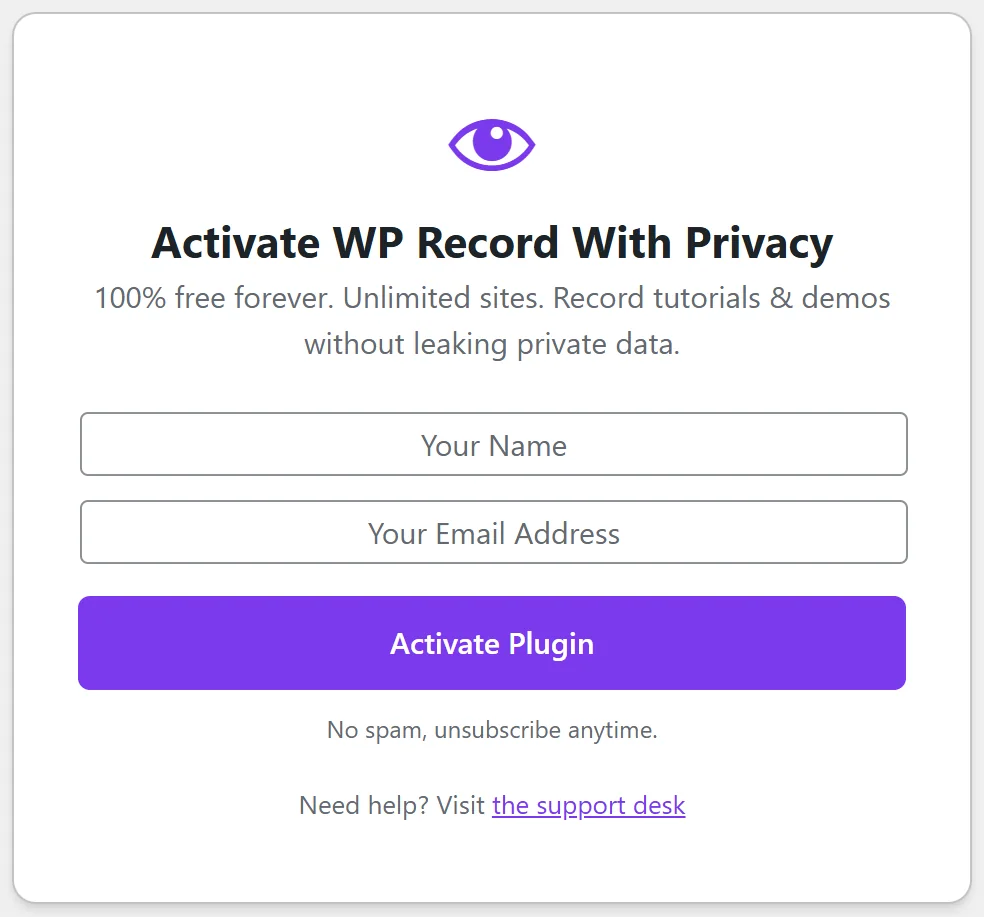
The first time you open 🔒 Record Privacy you see the Activate WP Record With Privacy screen. It says it plainly at the top: free forever, unlimited sites.
- Type your name in the Your Name box.
- Type your email in the Your Email Address box.
- Click Activate Plugin. The button reads Activating... for a moment.
You'll see Plugin activated! Reloading... and then the Dashboard opens. Your free licence key is created for you in the background, so there is no key to copy or paste. Your name and email register your copy and let us email you about updates. No spam, and you can unsubscribe any time.
If a box is empty or the email is not a real address, the screen tells you straight away: Please enter your name. or Please enter a valid email address. Fix the box and click Activate Plugin again.
Keyboard tip: press Enter in the name box to jump to the email box, and Enter in the email box to activate.
If our licence server can't be reached at that moment, the plugin still activates and finishes the registration later by itself. Until then, a small note on the plugin's screens and the Plugins screen says the licence is active locally but not yet synced, and that sync will retry automatically. The plugin works normally in the meantime, so you don't need to do anything.
A worked example:
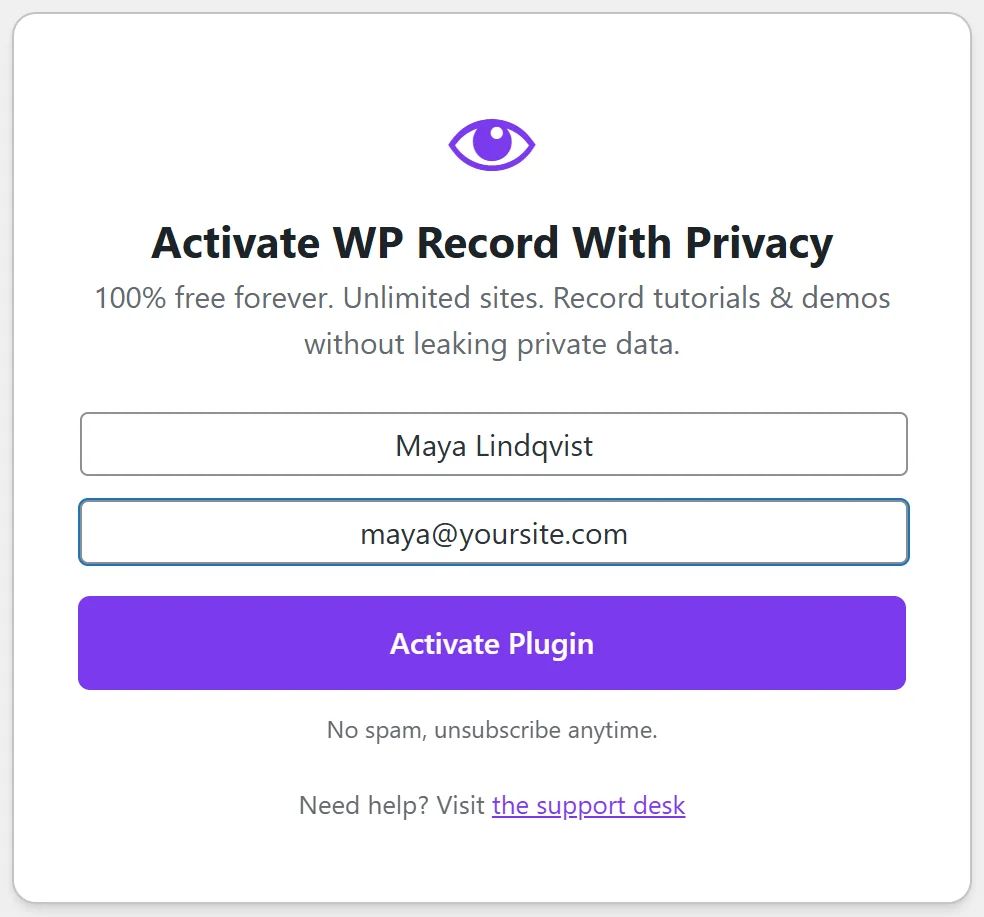
Maya installs the plugin on yoursite.com, opens 🔒 Record Privacy, types Maya Lindqvist and maya@yoursite.com, and clicks Activate Plugin. Two seconds later she is on the Dashboard with Privacy Recording Mode set to OFF, ready to choose her filters.
Use it on all your sites:
Install and activate it on each site where you record. There is no limit on the number of sites, and each site keeps its own filters, style and Point & Mask picks.
The License section:

In ⚙️ Settings, the 🔑 License section at the top shows your Status (Active or Inactive) and the Email you activated with. The Deactivate License button asks Are you sure you want to deactivate your license? and then releases this site and clears the saved name, email and key. The plugin then shows the activation screen again until you re-enter your name and email. You only need it if you want to register the site under a different email.
What to do next:
Open the Getting Started Guide and make your first private recording.