Everything lives under 🔒 Record Privacy in your WordPress menu. Only administrators see this menu, and only they can flip the switch. Every screen has the same row of tabs along the top, under the ResultsAiX WP Record With Privacy title and the version number.
The tabs:

- 📊 Dashboard: the master switch and a summary.
- ⚙️ Settings: every choice the plugin has, plus your licence.
- 🩺 Diagnostics: a health report you can copy for support.
- 📚 Training: the built-in guide, tips and FAQ.
- 🔗 Resources: other tools from the ResultsAiX family.
- 💬 Support: how to reach the support team, and the emergency off switch.
- 🤖 Hub: a shortcut to the free ResultsAiX Hub.
The master switch:


The big panel at the top of 📊 Dashboard is Privacy Recording Mode, the master switch for the whole plugin. It shows ⚪ OFF or 🔒 ON, and one button:
- ▶ Turn On Privacy Mode starts masking.
- ⏸ Turn Off Privacy Mode stops it.
The button saves in the background and then reloads the page, so the badge, the banner and every card update together. Under the button, a line tells you how many of the 11 privacy filters are switched on, for example 2 of 11 filters configured while the switch is off, or 10 of 11 privacy filters are actively masking data while it is on. The Configure filters link next to it opens Settings.
The panel turns purple while masking is on, so you can see the state from across the room.
The four cards:

Below the switch are quick cards. Each one is a shortcut.
- Active Filters: how many filters are on, for example 2/11. Click it to open Settings.
- Users Protected: the number of user accounts on the site. Click it to open the Users screen.
- WooCommerce: only shown when WooCommerce is active. Click it to open your orders.
- Recording Mode: 🔒 LIVE while masking, ⏸ Paused when off.
How It Works and the feature cards:
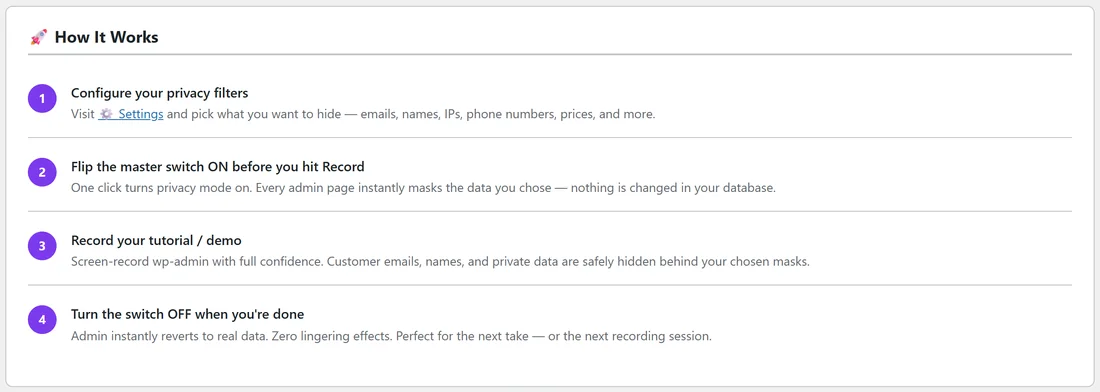
The rest of the Dashboard is a reminder for new team members. 🚀 How It Works lists the four steps (configure your filters, flip the switch on before you hit Record, record, turn the switch off when you're done). Under it, six cards sum up what the plugin does, a 💡 Pro Tip suggests the Prices and Addresses filters for WooCommerce walkthroughs, and a short card introduces WP Conversion Tracker, another ResultsAiX plugin.
The switch is site-wide:
Privacy Recording Mode is one setting for the whole site, not one per person. While it is on, everyone who opens wp-admin on this site sees masked data and the purple banner. If your team works in the same admin, let them know before you record.
Settings:
All your choices live here, in this order: 🔑 License, 🎭 Mask Style, 🔒 Privacy Filters, 🧠 Smart Detection, 🎯 Point & Mask and 🎨 Appearance, followed by the Save Settings button. Each section has its own article in these docs. Nothing you change takes effect until you click Save Settings, except Point & Mask picks, which save the moment you make them.
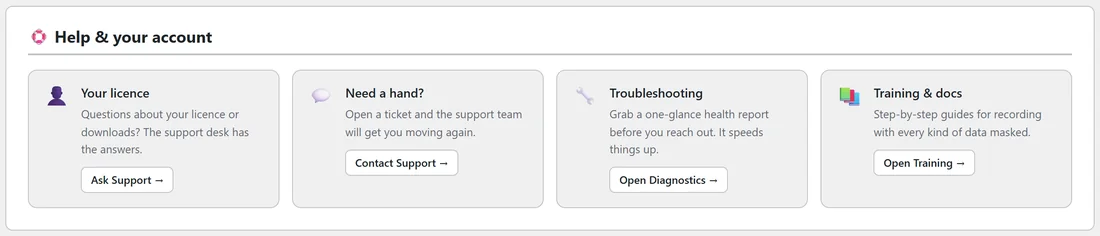
At the bottom, 🛟 Help & your account has four shortcut cards: Your licence (Ask Support), Need a hand? (Contact Support), Troubleshooting (Open Diagnostics) and Training & docs (Open Training).
Diagnostics:
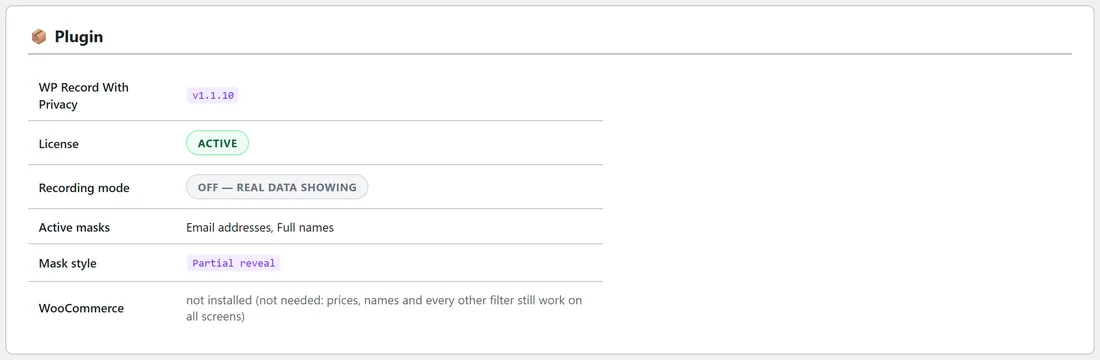
A one-glance health report with a 📋 Copy Report for Support button and an ✉️ Open Support button. The 📦 Plugin table shows the version, licence, recording mode, active masks, mask style and whether WooCommerce is active. The 🌐 Environment table shows WordPress, PHP, MySQL / MariaDB, Site URL, HTTPS / SSL and Memory limit. See Troubleshooting, Diagnostics And Updates.
Training:
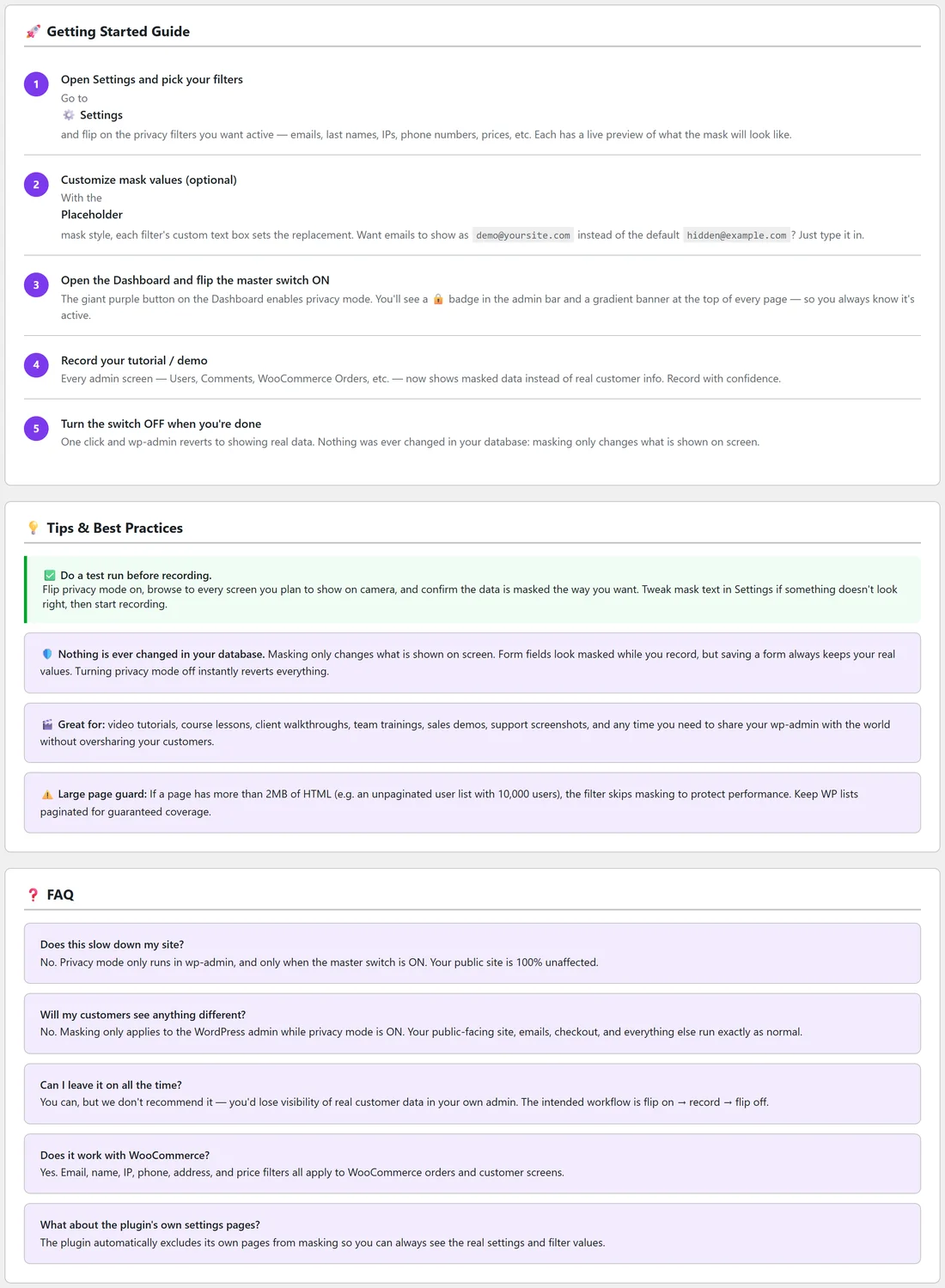
The built-in 🚀 Getting Started Guide in five steps, 💡 Tips & Best Practices, and a short ❓ FAQ. Handy for team members who never read these docs.
Resources:
Other tools from the ResultsAiX family, grouped into sections. Anything already running on your site is marked ✓ Installed.
Support:
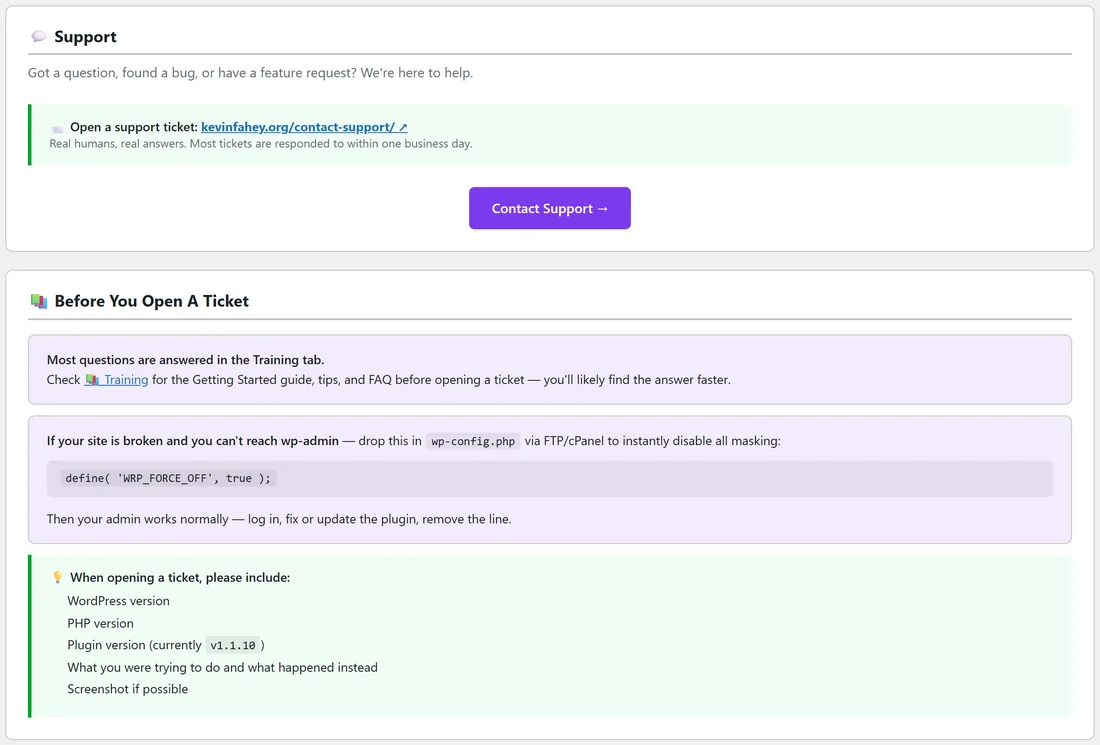
💬 Support has a link to open a support ticket at https://kevinfahey.org/contact-support/ and a Contact Support button. Under 📚 Before You Open A Ticket you'll find a pointer to the Training tab, the emergency off switch for your wp-config.php file, and the details worth including in a ticket: WordPress version, PHP version, plugin version, what you were trying to do and a screenshot.
Hub:
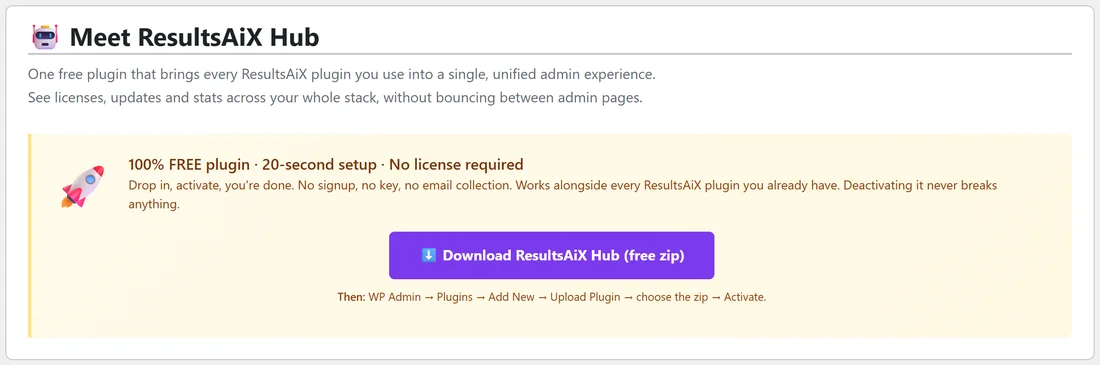
If the free ResultsAiX Hub plugin is active on your site, this tab takes you straight into it, where WP Record With Privacy is listed with your other ResultsAiX plugins. If it isn't, the tab explains what the Hub does and offers the free download with the ⬇️ Download ResultsAiX Hub (free zip) button.