A profile is one press that sets a whole group of options for a particular need, so a visitor never has to learn every control. The five profiles sit under Profiles in the panel, each with a short line saying what it does. This article lists exactly what each one switches on.
Where to find them:
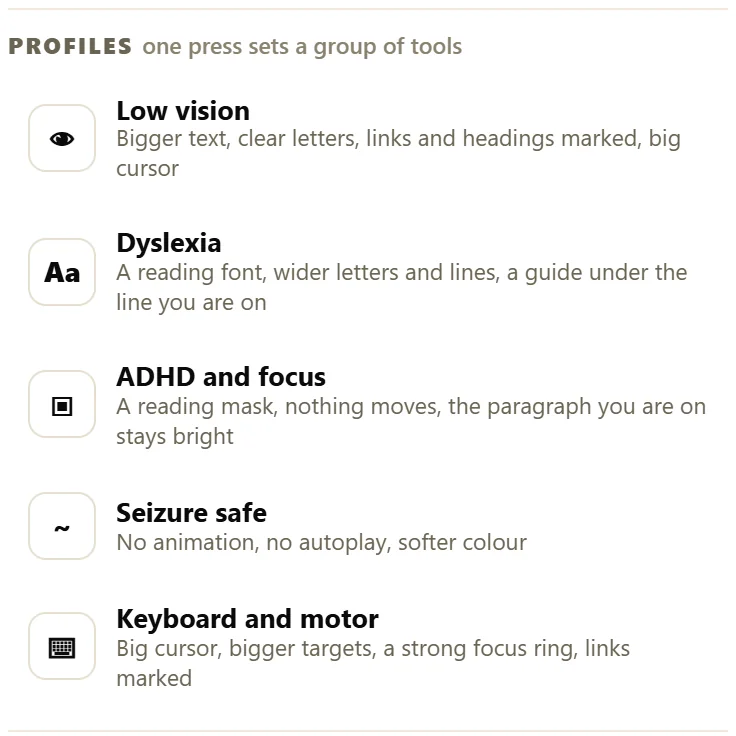
Open the Accessibility button, or press Alt + A, and look under Profiles, one press sets a group of tools. On the first visit, three of the answers to the question are profiles too.
How profiles behave:
- Pressing a profile starts from a clean page and switches on its group. The Listen speed and voice are kept.
- The profile you pressed is highlighted. One profile is highlighted at a time.
- Pressing the same profile again puts everything back to normal.
- Changing any single option by hand afterwards keeps the settings but un-highlights the profile, because the page is no longer exactly that profile.
- Reset at the top of the panel clears the profile and every other option.
Low vision:
The line visitors see: Bigger text, clear letters, links and headings marked, big cursor.
- Text size 130 percent.
- Line height 1.90.
- Font: Clear letters (Atkinson Hyperlegible).
- Highlight links, Highlight headings and Big cursor switched on.
Who it helps: readers with low vision, older readers and anyone reading on a small or distant screen.
Dyslexia:
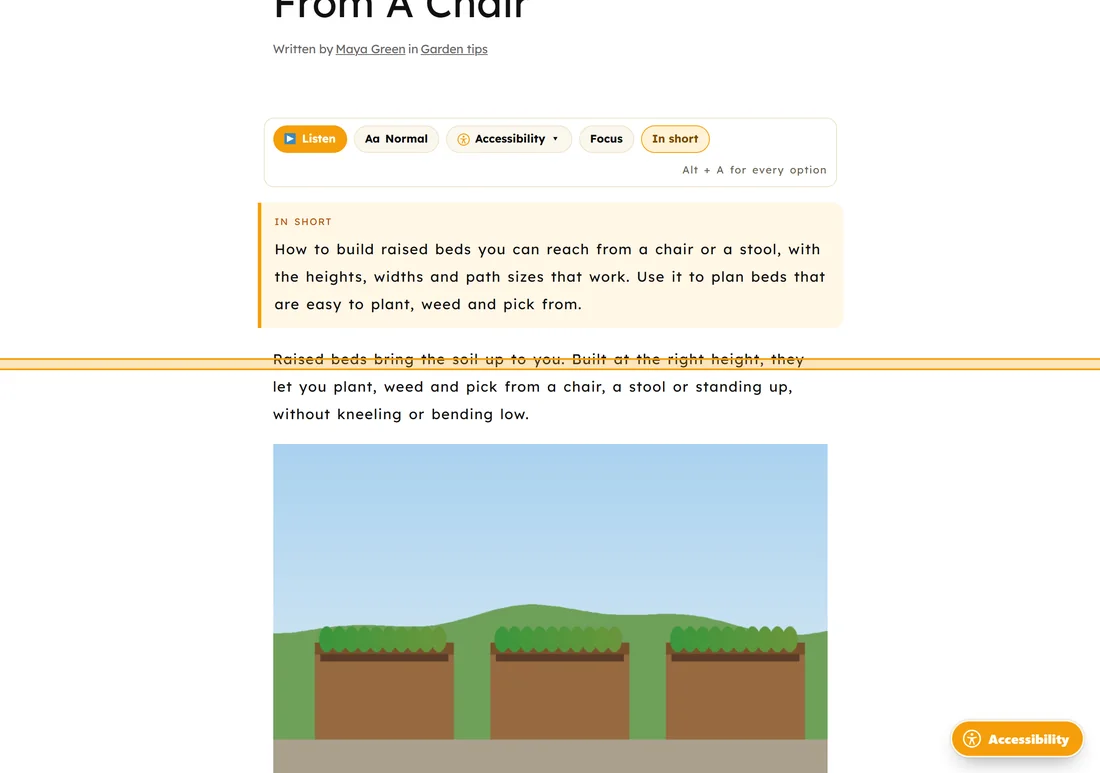
The line visitors see: A reading font, wider letters and lines, a guide under the line you are on.
- Font: Reading font (Lexend).
- Letter spacing 0.06 em and word spacing 0.12 em.
- Line height 1.95.
- Article text aligned to the left.
- Reading guide switched on.
Who it helps: readers with dyslexia, and anyone who loses their place in long lines.
ADHD and focus:
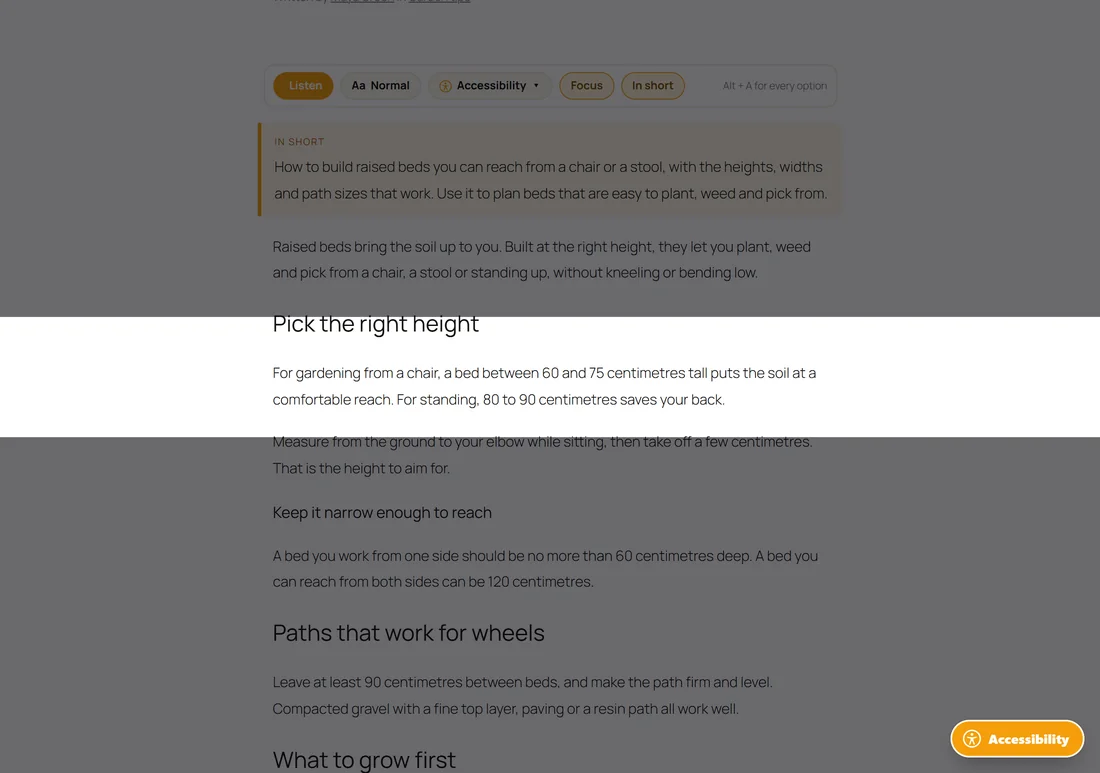
The line visitors see: A reading mask, nothing moves, the paragraph you are on stays bright.
- Focus on one paragraph switched on.
- Reading mask switched on.
- Stop animations switched on.
- Line height 1.85.
Who it helps: readers who find busy pages distracting and lose focus easily.
Seizure safe:
The line visitors see: No animation, no autoplay, softer colour.
- Colour mode: Low colour.
- Stop animations switched on, which also pauses any video that is playing and holds any video that tries to start by itself. A video the visitor starts with a click still plays.
Who it helps: readers with photosensitive epilepsy, migraines or motion sensitivity.
Keyboard and motor:
The line visitors see: Big cursor, bigger targets, a strong focus ring, links marked.
- Big cursor, Strong focus ring, Highlight links and Bigger buttons switched on.
Who it helps: readers who use a keyboard instead of a mouse, and anyone with shaky hands or limited movement.
Profiles and the first-visit question:
Three of the answers to Anything making this hard to read? are profiles: Text is small picks Low vision, Hard to focus picks ADHD and focus, and Letters swim picks Dyslexia. Too bright picks the Dark colour mode, which is not a profile.
Choosing a profile together with other options:
A profile is a starting point. After pressing one, a visitor can change any slider, colour mode or aid. Common mixes:
- Low vision plus Dark, for readers with low vision and light sensitivity.
- Dyslexia plus Low colour, for readers who find bright white pages tiring.
- ADHD and focus plus Listen, to hear each paragraph while it stays bright.
What profiles never change:
Profiles never change your content, your layout file or your settings. They change how the page looks in that one visitor's browser, and only for them.
A real example:
On Raised Beds You Can Reach From A Chair at yoursite.com, a reader with dyslexia presses Dyslexia. The text changes to Lexend with wider spacing, the article lines up on the left, and a gold reading guide follows her mouse under the line she is reading. She also likes a bigger size, so she moves the Text size slider to 115 percent. Dyslexia is no longer highlighted, because the page is now her own mix, and every setting stays in place.
Tips:
- Profiles are a starting point. Encourage visitors to adjust from there.
- Every option a profile touches is explained in The Five Colour Modes And The Text Controls and The Ten Reading Aids, One By One.