These habits come from the questions people ask most. Each one saves you time later, and most take seconds.
Build pages that work first time:
- Keep a single-file page self-contained: CSS and JavaScript inside the file, images on full https:// addresses. If your page comes with its own folders, upload it as a ZIP.
- Add a title tag and meta description to every file. Search engines and social sites use them.
- Add meta charset="utf-8" to the head so accents and symbols show correctly.
- Add the viewport meta tag so the page lays itself out on phones.
- Open the file in your browser before you upload it. What you see there is what visitors will see.
Check on a phone:
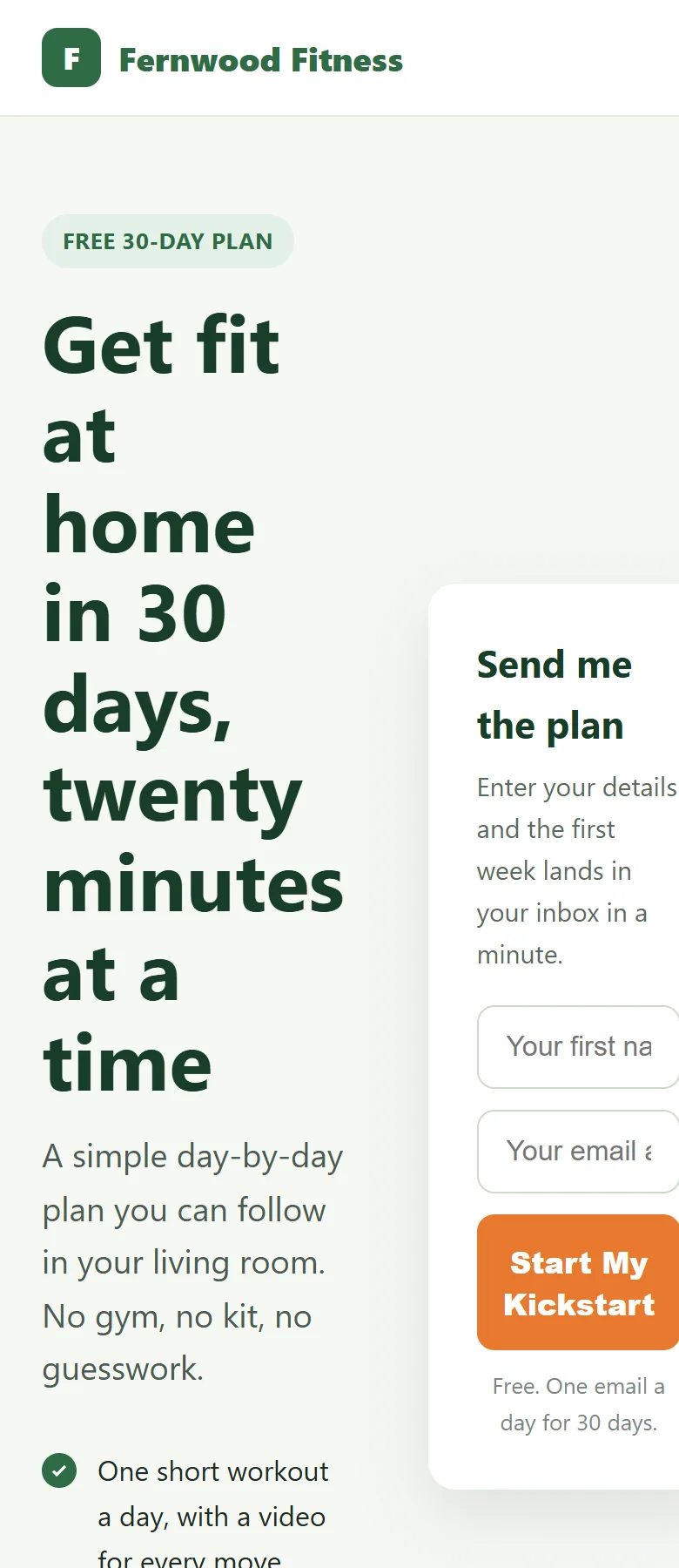
Open every new page on your phone after publishing, and tap every button. Most of your visitors from email and social media arrive on a phone.
Name things well:
- Pick short, clear titles. The title becomes the page address, so Free Guide gives you /h/free-guide/.
- Shorten long addresses with the Edit button next to the Permalink before you share them.
- Keep a master copy of every page on your computer, with clear file names such as coaching-plan.html. The plugin serves your file as it is, so your copy is what you edit.
- Keep each ZIP export in its own folder, so you can change one file and zip it again.
Publish safely:
- Click Save Draft first, preview with Preview Page →, then publish.
- Use Copy Link rather than typing addresses by hand.
- Choose your URL prefix once, early, before you share links.
- Schedule seasonal pages ahead of time with the Publish box. See Drafts, Private And Scheduled Pages.
Track properly:
- Put site-wide analytics and pixels in Settings, Code Injection.
- Put one-page scripts, such as a conversion pixel on a thank-you page, in that page's Page Code Injection.
- On the ResultsAiX Theme, your theme tracking codes are added to these pages for you, so there is no need to paste them again.
- After adding code, check View Page Source on the live page to see it in place.
Work faster:
- Use Duplicate to make variations of a page, then change only what differs.
- A duplicate keeps the original's own head and body code, so check it still suits the copy.
- The Dashboard cards jump straight to published pages, drafts or your prefix setting.
- Bookmark HTML Pages, All HTML Pages if you add pages often.
Make pages load fast:
- Resize photos before you upload them. A hero image 1600 pixels wide is plenty for most screens.
- Use modern image formats such as webp where your page tool offers them. Both single files and ZIPs can use them.
- Keep CSS inside a single file rather than loading several stylesheets from other sites.
- On a ZIP page, images, styles and scripts are cached by the browser for an hour, so the second page of a funnel opens quickly.
Organise many pages:
- Use the search box in All HTML Pages to find a page by title.
- Filter by month with the All dates menu, or by status with the links above the table.
- Give funnel steps titles that sort together, such as Spring Challenge, Spring Challenge Thank You and Spring Challenge Offer.
- Trash pages you no longer use, so the list stays short. Empty the Trash once you are sure.
Plan a funnel before you build it:
- Write down each step and its title.
- Decide the addresses, so every button can point at the next one.
- Decide which page counts as the conversion, and put the conversion snippet only there.
- Build, upload as drafts, click through, then publish all steps together.
Keep things healthy:
- Run the Diagnostics tab after moving hosts or changing server settings.
- Keep the plugin updated from the Plugins screen, or switch on auto-updates.
- Leave the plugin's own files as they are. Updates replace them, and the plugin checks its core files, so always update with a fresh copy from your members area.
- Before deleting the plugin, read Deleting Pages, Deactivating And Uninstalling.
A real example:
Fernwood Fitness keeps a folder on Jamie's computer called HTML Pages, with one file per page: 30-day-kickstart.html, kickstart-thank-you.html, coaching-plan.html, stretch-guide.html and the spring-challenge export folder. A headline change is one edit, one upload on the right page, one Update, and the address never changes.