Help is a click away, inside Pulse and outside it. Most questions are answered by Diagnostics or the built-in Training; for anything else, open a ticket and include what Diagnostics shows.
Help inside Pulse:
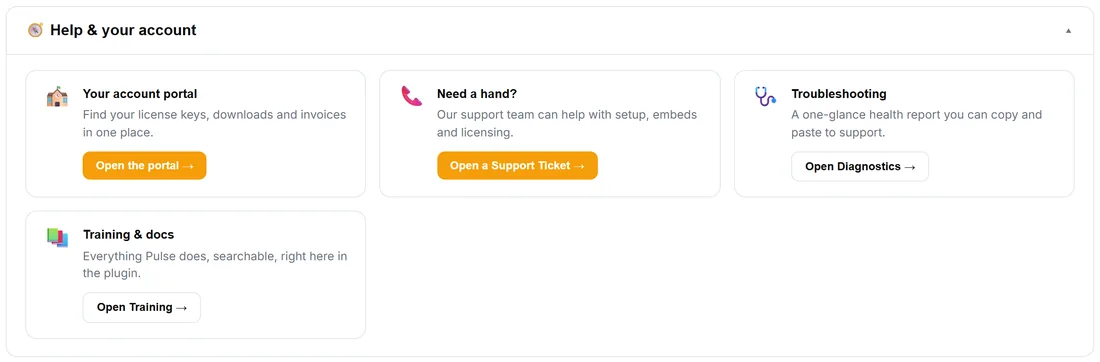
⚙️ Settings, 🧭 Help & your account has four cards:
- Your account portal: your licence keys, downloads and invoices in one place. Open the portal.
- Need a hand?: Open a Support Ticket.
- Troubleshooting: a one-glance health report you can copy and paste to support. Open Diagnostics.
- Training & docs: everything Pulse does, searchable, right inside the plugin. Open Training.
The ❓ Help / Training button at the top of every Pulse screen and the 📚 Training tab open the built-in Training too.
Opening a ticket:
- Open 🩺 Diagnostics and press Copy For Support.
- Press Open A Ticket (or Open a Support Ticket under Settings).
- Say what you expected to see and what you saw, and paste the report. A screenshot of the screen in question is perfect.
The answer usually comes back in one reply.
More training:
More training, videos and every other ResultsAiX plugin: resultsaix.com/training.
Tips:
- Many answers are already in Troubleshooting and in the FAQ: ResultsAiX Pulse: Frequently Asked Questions.