You can show testimonials anywhere WordPress lets you add a shortcode or a block. This article is the full reference. For a no-typing way to build a display, see Display Batches: Build Once, Show Anywhere.
The main shortcode:
[autoproof] shows your approved testimonials. With no options it shows the newest 12 in your default layout from the Settings tab.
The options for [autoproof]:
- layout: grid, masonry, list, carousel, single or gallery
- columns: how many across (3 by default)
- limit: how many to show (12 by default)
- product: only this product, for example product="Healthy Meal Plans"
- tag: only testimonials with this tag
- rating: minimum stars, for example rating="4"
- kind: testimonial, result or jv
- featured: featured="1" for featured only
- ids: exact testimonials by ID, for example ids="44,45,46"
- batch: a saved batch by ID or name, for example batch="1" or batch="Homepage favourites"
- orderby: created_at (the default), rating, author_name, featured or rand for a random order. order is DESC or ASC.
- show_photo, show_rating, show_product: set to 0 to hide. show_date="1" shows the date.
- skin: classic, clean, midnight, glass, gradient, minimal, bold, paper, neon, royal or sunset
- theme: light or dark
- accent: a colour for stars and highlights, for example accent="#6c5ce7"
- autoplay: for carousels, the time between slides in milliseconds (5000 by default)
- font: system, serif or rounded. text_size: sm, md or lg. radius: corner size in pixels. card_bg, text_color and star_color: your own colours.
The other shortcodes:
- [autoproof_wall]: the Wall of Love, with search and filters. See Wall of Love, Carousels & Floating Widgets.
- [autoproof_proof]: a gallery of Result / Proof screenshots. [autoproof_results] does the same. Options: columns, limit (24), product, tag, ids, skin, theme, accent.
- [autoproof_jv]: the same gallery for JV Proof entries such as leaderboard places and contest wins.
- [autoproof_summary]: the average rating and review count. See Star Ratings, Verified Badges & Media Testimonials.
- [autoproof_form]: your testimonial form. See Designing Your Testimonial Forms.
- [autoproof_float]: a floating popup that rotates testimonials in a corner.
- [autoproof_best]: your most persuasive testimonials (PRO). Options: limit (10), layout, columns, product, skin, show_product. Testimonials scored by the AI curation tool come first. Until any are scored, it shows your featured testimonials.
The layouts:
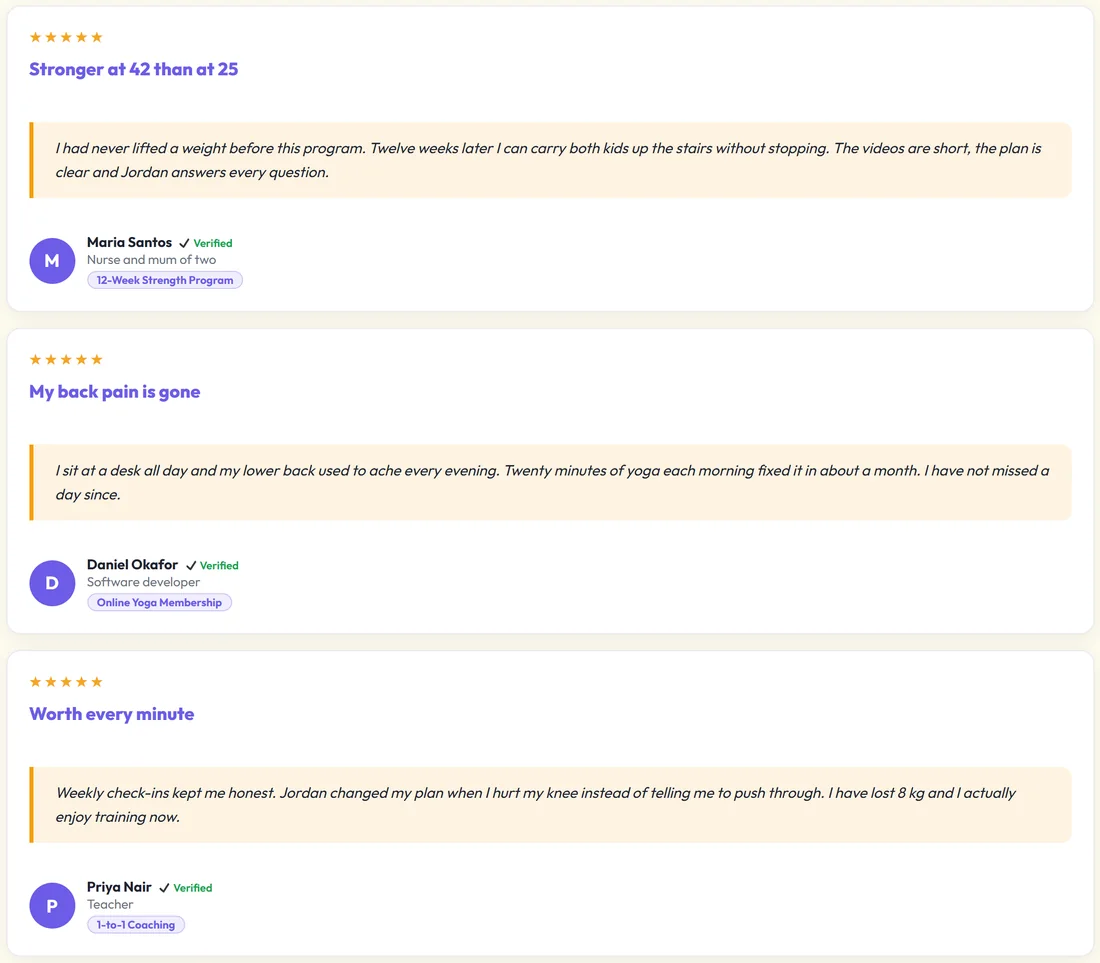
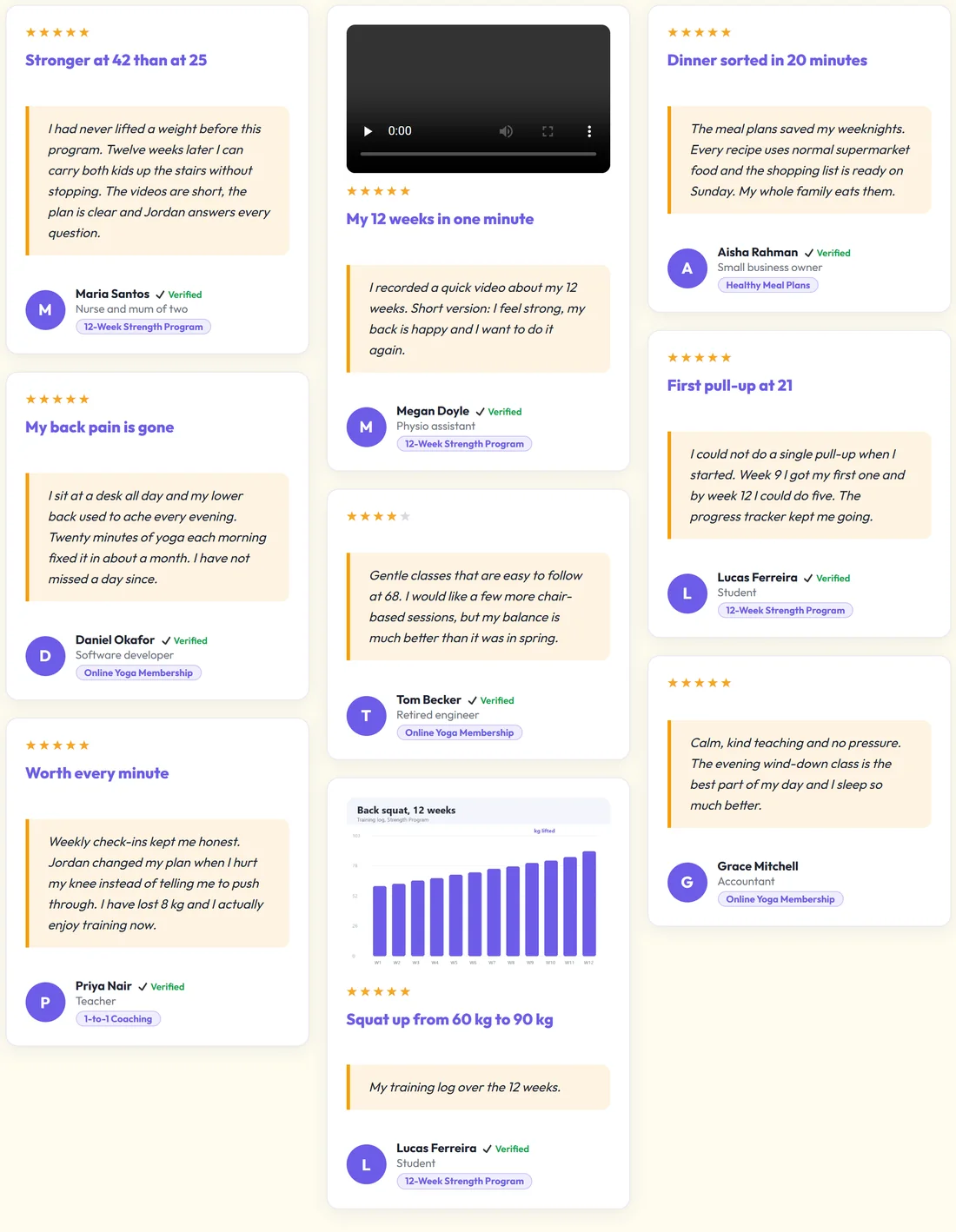
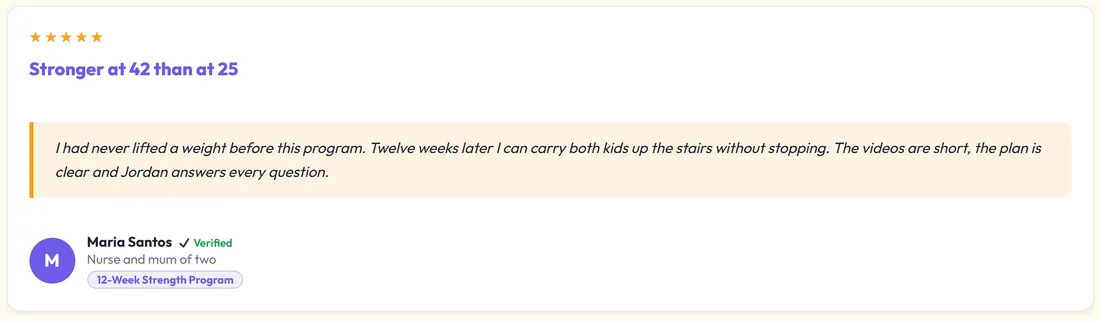
- Grid: equal cards in columns
- Masonry: cards of different heights packed together
- List: one testimonial per row, full width
- Carousel: slides that move by themselves, with arrows and dots
- Single: one big quote
- Gallery: image first, with click to zoom, made for result screenshots
The skins:
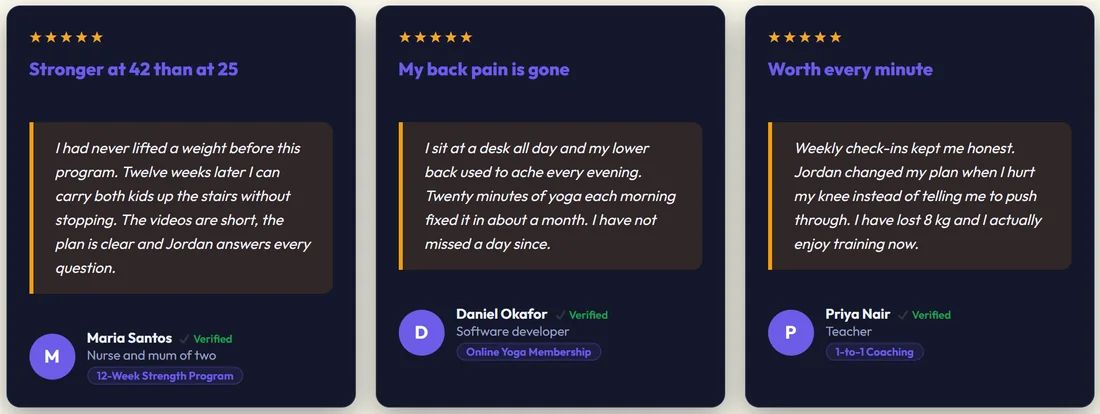
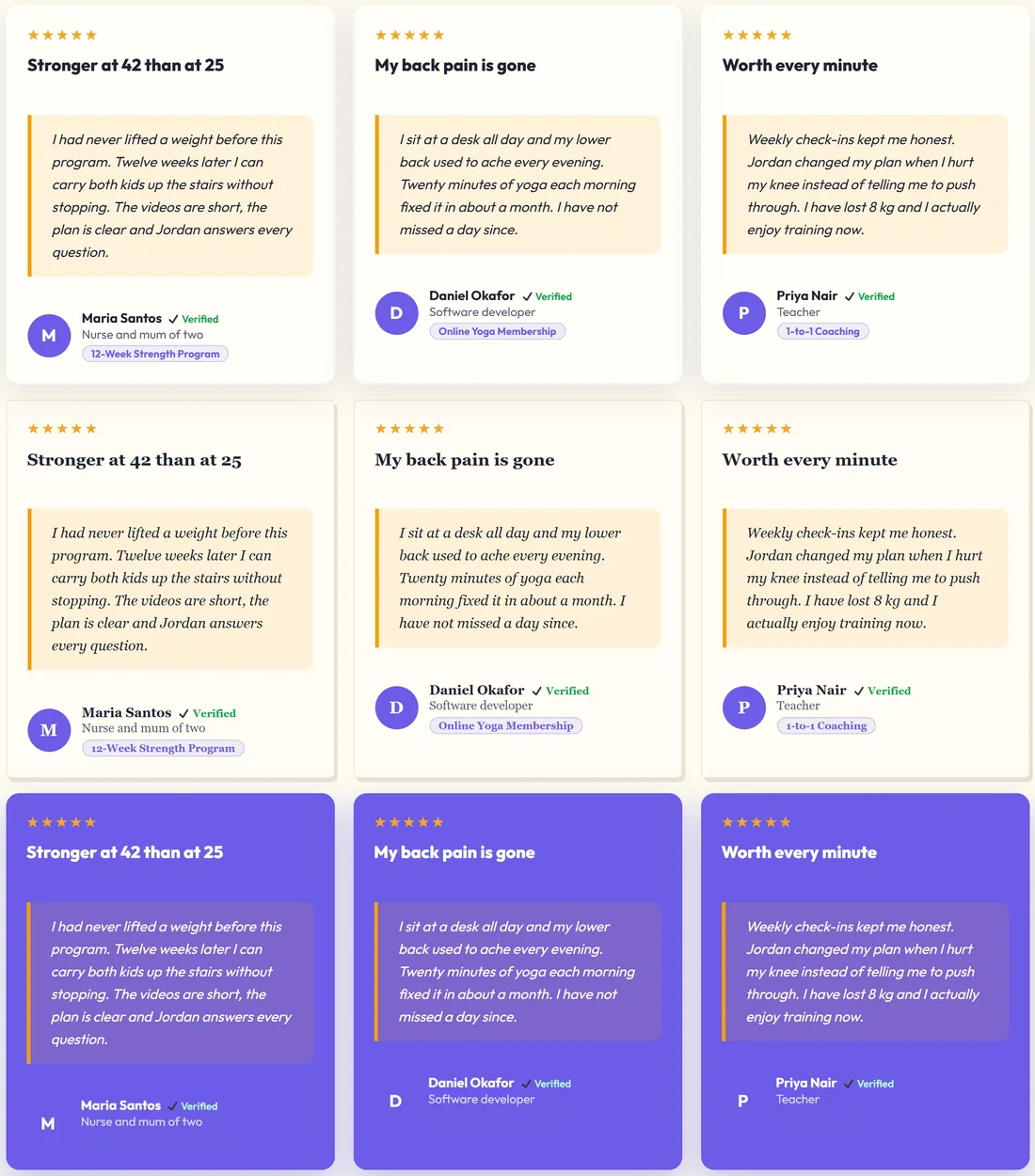
Eleven skins change the card style: classic (the default), clean, midnight, glass, gradient, minimal, bold, paper, neon, royal and sunset. Set the default on the Settings tab, or add skin="midnight" to one display.
The block:
In the block editor, add the ResultsAiX Testimonials block. Its side panel has:
- Layout: Layout (Grid, Masonry, List, Carousel, Single (rotating), Gallery (proof screenshots)), Template skin, Show (Everything, Testimonials only, Results / proof only), Columns and How many to show
- Filter: Product / source, Tag, Minimum rating and Featured only
- Display: Show photo, Show rating, Show date and Show product name
The sidebar widget:
Under Appearance, Widgets, add the ResultsAiX Testimonials widget to a sidebar. Set a Title (What our customers say by default), Number to show, Layout (List, Grid, Carousel or Single), an optional Product filter and Display product name on cards.
A real example:
On the Fit at Home Academy strength program page:
[autoproof_summary product="12-Week Strength Program"] [autoproof product="12-Week Strength Program" layout="grid" columns="3" limit="6"]
On the home page, a carousel of yoga reviews:
[autoproof layout="carousel" product="Online Yoga Membership" limit="8"]
Tips:
- The Display & Embed tab writes these for you. See Display Batches: Build Once, Show Anywhere.
- Use a batch for any set you want to reuse. Change the batch once and every page updates.
- If a display looks empty, check that you have approved testimonials matching its product, tag and rating.