The KDP Cover PDF is one flat sheet holding the back cover, the spine and the front cover. Getting the spine width right is what makes a cover line up when it is printed, so the plugin works it out for you from the page count and the paper type.
Where to find it:
The cover PDF is made when you click Build Export Files on the Publish tab, as long as the book has cover art. Download it with the KDP Cover PDF button. Your paper type is set in Settings, Paper type (spine width).
Spine width:
- White paper: 0.002252 inch per page.
- Cream paper: 0.0025 inch per page.
The spine is the page count times that number. The page count used is your book's pages plus the title page and copyright page, and never less than 24.
The full cover sheet:
The cover always has 0.125 inch of bleed on all four sides, even when the inside pages do not.
- Width: two times the trim width, plus the spine, plus 0.25 inch of bleed.
- Height: the trim height plus 0.25 inch of bleed.
Working it through for Ella's journal:
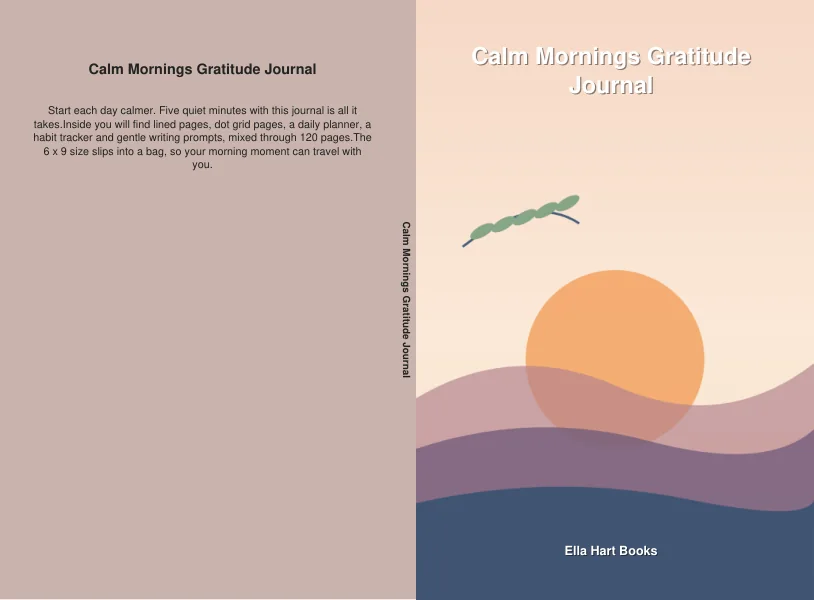
Calm Mornings Gratitude Journal is 6 x 9 inches with 120 pages, plus the title and copyright pages: 122 pages. On cream paper the spine is 122 x 0.0025 = 0.305 inch. The cover sheet is 6 + 6 + 0.305 + 0.25 = 12.555 inches wide and 9 + 0.25 = 9.25 inches tall.
Her coloring book has 32 pages on white paper, so its spine is 32 x 0.002252, about 0.072 inch.
Text on the spine:
The title is printed down the spine only when the book has 79 pages or more and the spine is wide enough. Thinner books get a plain spine in the cover color, which is the normal look for them.
What is on each panel:
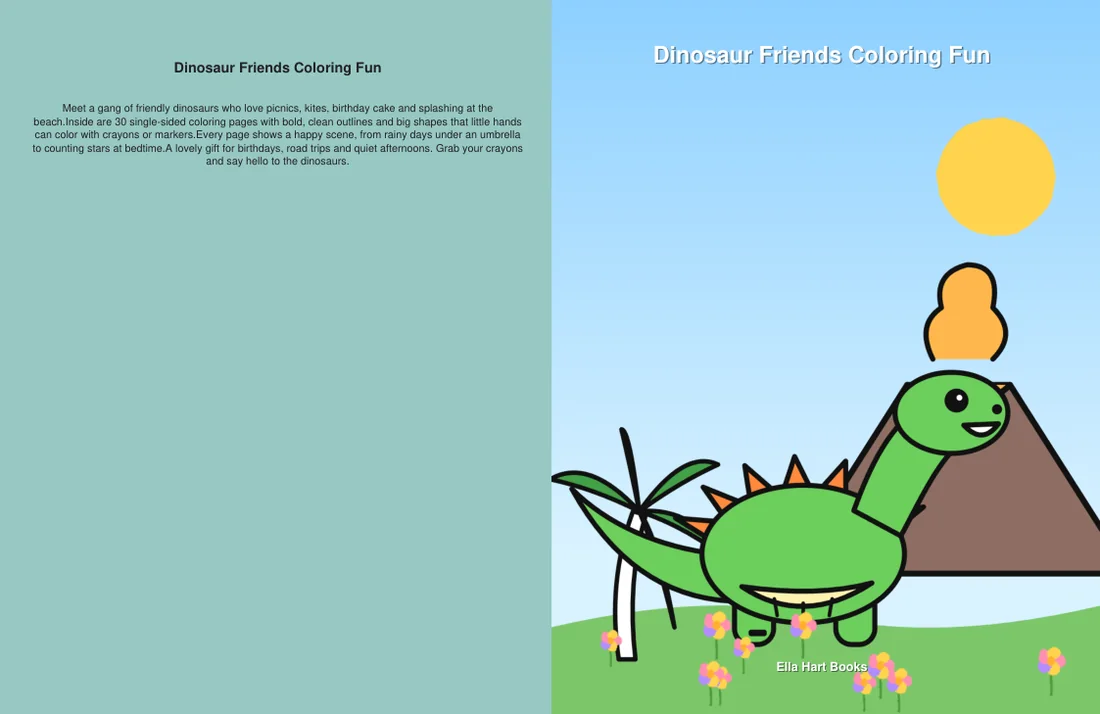
- Front: your cover art, cropped to fill the panel and running into the bleed, with the title near the top and the author name near the bottom in white bold text with a soft shadow.
- Spine and back: filled with one color taken from the average color of your cover art.
- Back: the title, then a blurb. The blurb is the description from your listing kit if you made one, otherwise your premise, cut to fit. The text is white on dark colors and dark grey on light ones.
Setting the paper type:

- Open Settings.
- Under Paper type (spine width), pick White paper (default, best for coloring books) or Cream paper (common for story books and journals).
- Click Save Settings.
- Build your export files again, so the cover uses the new spine.
Pick the same paper when you set up the paperback on KDP. Cream is a little thicker than white, so the spine is wider.
Tips:
- Generate the listing kit before you export. Its description becomes the back cover blurb.
- The front panel also comes out as front-cover.jpg, 1600 pixels wide, with the title and author on it. It is handy for store listings and social posts.