Most things have a quick fix. Here is what to do when you see each one. If you still need help, open Diagnostics, click Copy For Support and paste the report into a support ticket.
A page says Failed:
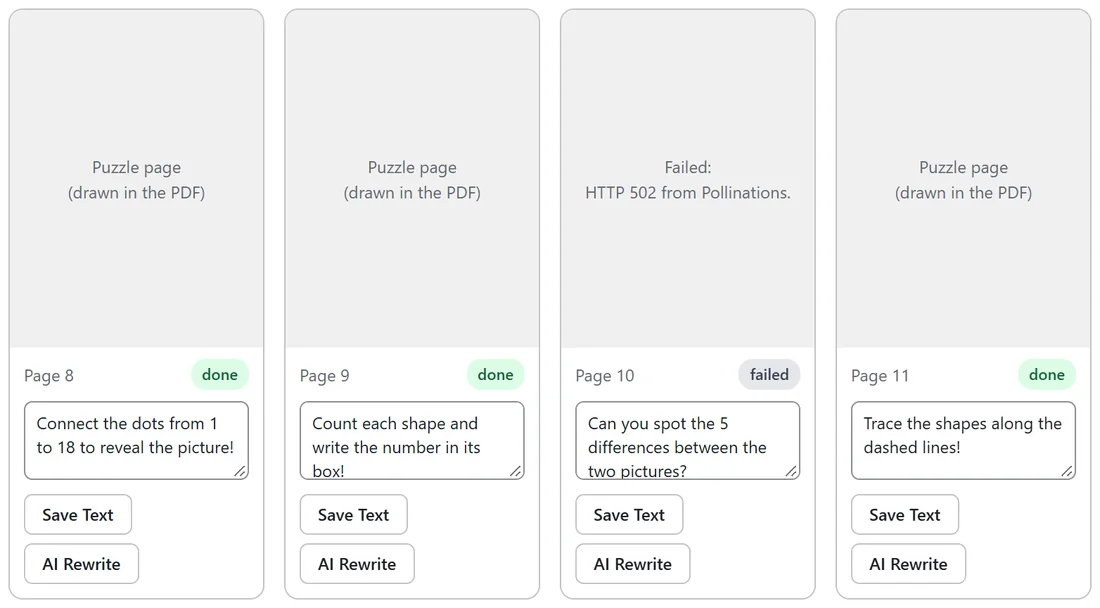
The card shows the provider's own message, for example HTTP 502 from Pollinations. The queue keeps going with the other pages.
- Hover over the failed card and click Reroll.
- If several pages failed with the same message, open the Providers tab and click Test Key on the provider you use.
- Fix the key or pick a different Default image provider in Settings, then reroll the failed pages.
The progress line says Paused by the daily image safety cap:
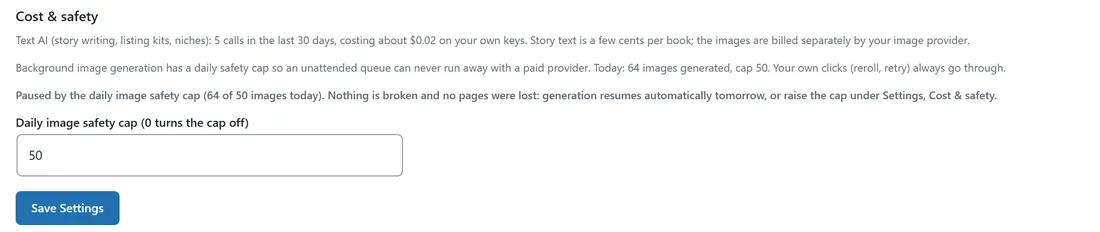
The queue has made as many images today as your cap allows. Nothing is lost. Either wait until tomorrow, when it carries on by itself, or open Settings, raise Daily image safety cap (or set 0 to turn it off) and click Save Settings.
The progress bar has not moved for a while:
WordPress cron runs when the site gets visits. Keep the progress panel open, which keeps the site busy, or ask your host for a real cron job that calls wp-cron.php every minute. Diagnostics shows Queue (next tick) so you can see when it runs next.
Keyless pages look rough:
The free keyless tier varies in quality. Add the optional free Pollinations key, or a premium provider key, on the Providers tab. For books you plan to sell, it is worth it.
The Publish tab says This book is not fully generated yet:
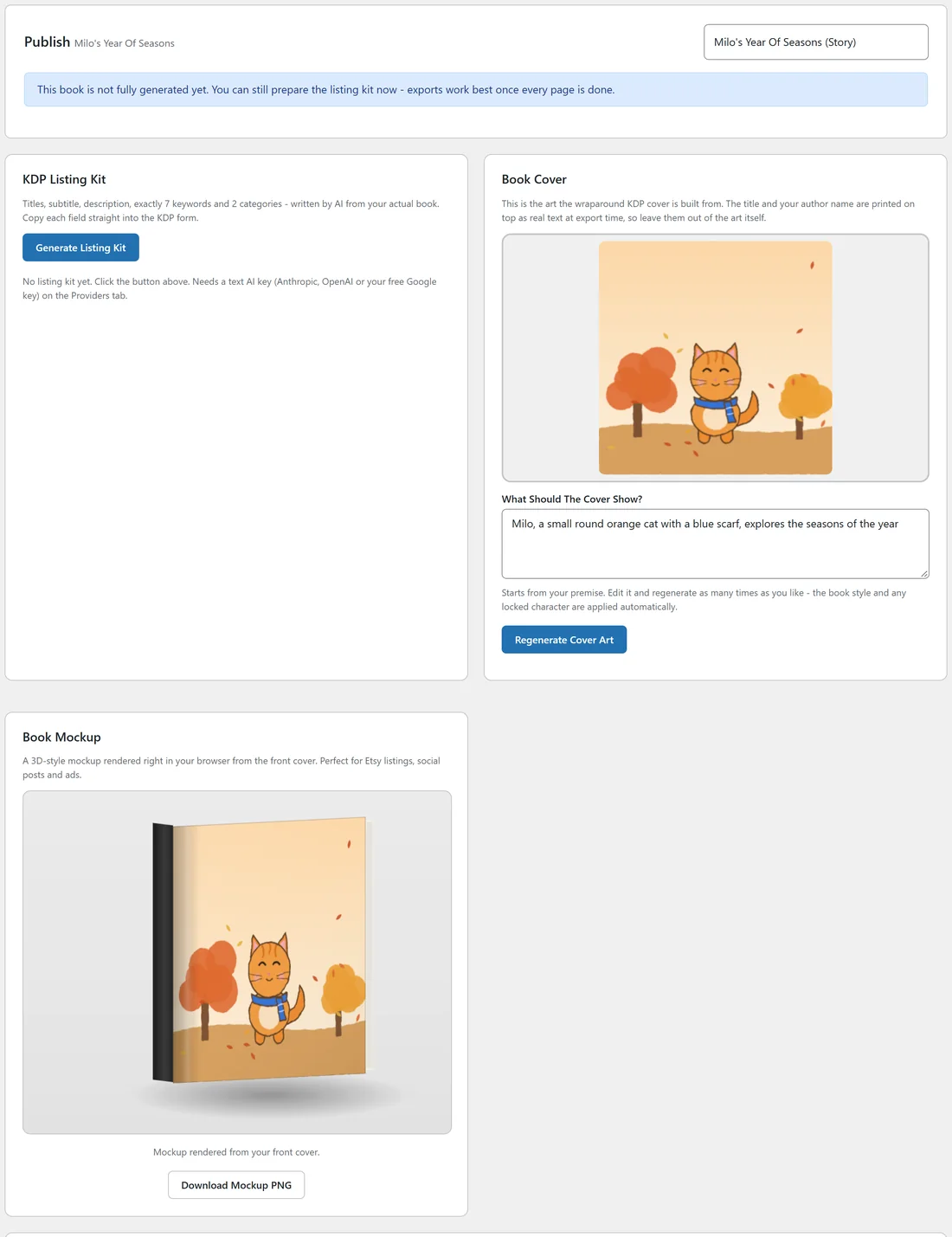
In version 1.0.20 this note shows on every book that has not been exported, including finished books in Review. If every page in the grid is done, go ahead and click Build Export Files.
Export takes a long time:
Building 300 DPI files holds a lot of image data in memory. Coloring books and journals are quick. Full color story books take several minutes.
- Keep the tab open until the download buttons appear.
- Check PHP memory limit on Diagnostics. Ask your host to raise it to 256M or more for story books.
- A shorter story book builds faster.
The export says No cover art yet:
Generate cover art in the Book Cover card on the Publish tab, then click Build Export Files again. See Book Cover Art: Generate And Regenerate.
A notice says a provider module was disabled:
If a provider file ever fails to load, the plugin switches off just that provider to keep your site running and shows a notice naming it. Use another provider for now. It switches back on by itself after the next plugin update.
The character panel says Describe your character first, then generate the sheet: Open Diagnostics, click Copy For Support and send it to support, who can help you start the book. See The Character Consistency Engine.
The character looks different on a page or two:
Reroll that page. It is made again against the same locked sheet. Two or three signature items, such as a scarf and a hat, keep a character steady.
A story book will not start:
The progress panel says Story books need a text AI key (Anthropic, OpenAI or a free Google key). Add one on the Providers tab, then try again. Add a text AI key on the Providers tab, then try again.
The listing kit button shows a message:
The listing kit needs a text AI key. Add one on the Providers tab and click Generate Listing Kit again.
Where are my files?
Click Build Export Files to see the download buttons again. On the server, your files are in wp-content/uploads/rap-books/ in a folder for each book. See File Management: Where Your Books Live.
Tips:
- Always include the exact message from the page card when you contact support.
- Diagnostics, Last AI error, shows the provider's words for text problems.