The ResultsAiX Theme is one WordPress theme that runs the whole website of a small business: the blog, the sales pages, the funnel pages, a podcast and a members area with trainings. You switch the parts on as you need them, for the whole site or page by page.
It installs like any other WordPress theme. It needs WordPress 6.0 or newer and PHP 7.4 or newer. This documentation describes version 1.0.137.
Where to find it:
After you activate the theme, a new menu called ResultsAiX Theme appears in your WordPress sidebar. Click it and you land on the Home tab. Every setting the theme has lives on one of the tabs across the top of that screen, and the look of your site (layout, colours, blog style) lives in Appearance, Customize, under ResultsAiX Theme.
The Home tab:
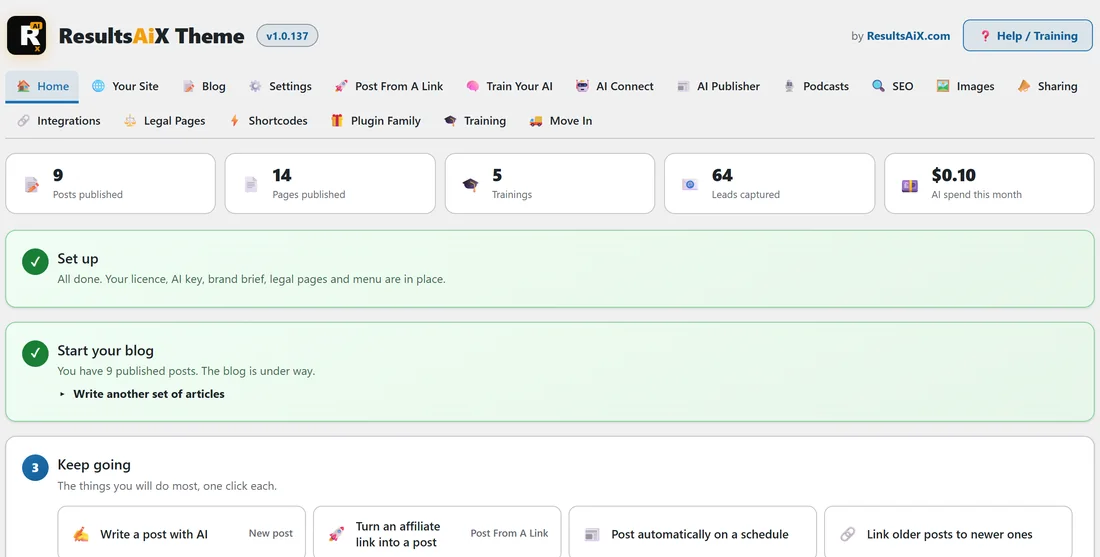
The Home tab is your daily starting point. Across the top it counts your published posts, pages and trainings, the leads your forms have captured and the AI spend this month. Under that:
- Set up: a checklist of what is still to do before the AI can do its best work (AI connected, your AI knows your business, legal pages live, a main menu, a licence key). When everything is ticked it says All done.
- Start your blog: how many posts you have, with Write another set of articles to plan and write a fresh run of posts.
- Keep going: one-click shortcuts to the things you do most, such as Write a post with AI, Turn an affiliate link into a post, Post automatically on a schedule, Link older posts to newer ones and Read the guide.
What the theme does for you:
- Four site layouts and ten colour schemes, with your own colours on top. See Site Layouts And Colour Schemes.
- A blog with four layouts, a sliding banner of your posts, related posts, an author box and share buttons. See The Blog: Layouts And Reading Experience.
- A members area with a Trainings library and a Member Dashboard page, with no membership plugin needed. See Members Area And Trainings, No Membership Plugin Required.
- Podcasts: public shows for Apple Podcasts and Spotify, members-only shows with a private feed per member, listeners with no login, and a player for any page. See Podcasts: Shows, Members-Only Feeds And The Player.
- Create With AI on every post and page edit screen: full drafts, rewrites, FAQs, internal links, SEO and pictures. See Create With AI: The Workstation On Every Edit Screen.
- An AI Publisher that writes posts on a schedule, and Post From A Link, which turns an affiliate link into a finished post.
- Built-in SEO, tracking codes, an opt-in form with eight autoresponder connections, and a Leads list on your own site.
- One-click legal pages and a cookie notice built for the EU, the UK, Canada, the US state laws and Brazil.
- A full accessibility panel for your visitors, Listen (the page read aloud) and a checker for what you write.
- Share buttons, share cards drawn for every post and a site search with results as you type.
A real example:
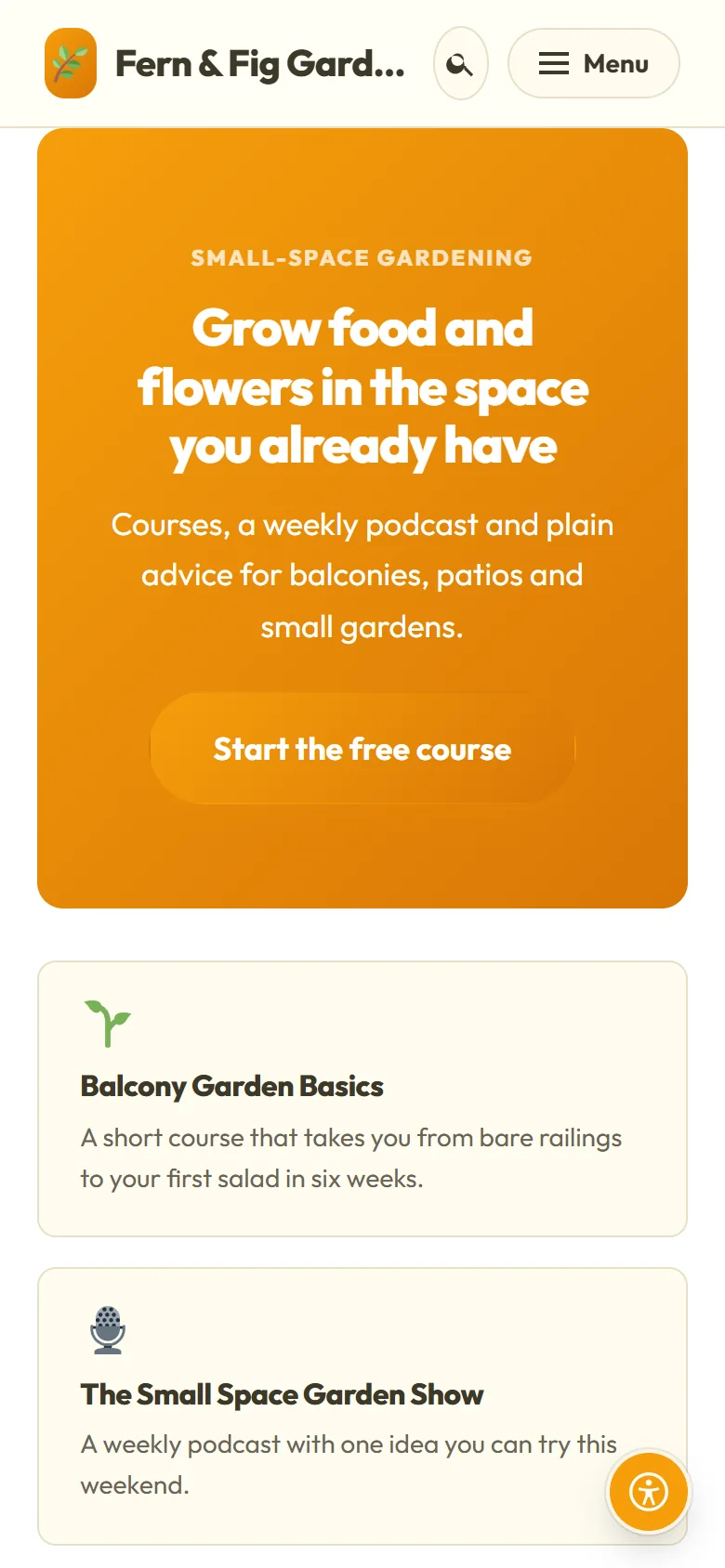
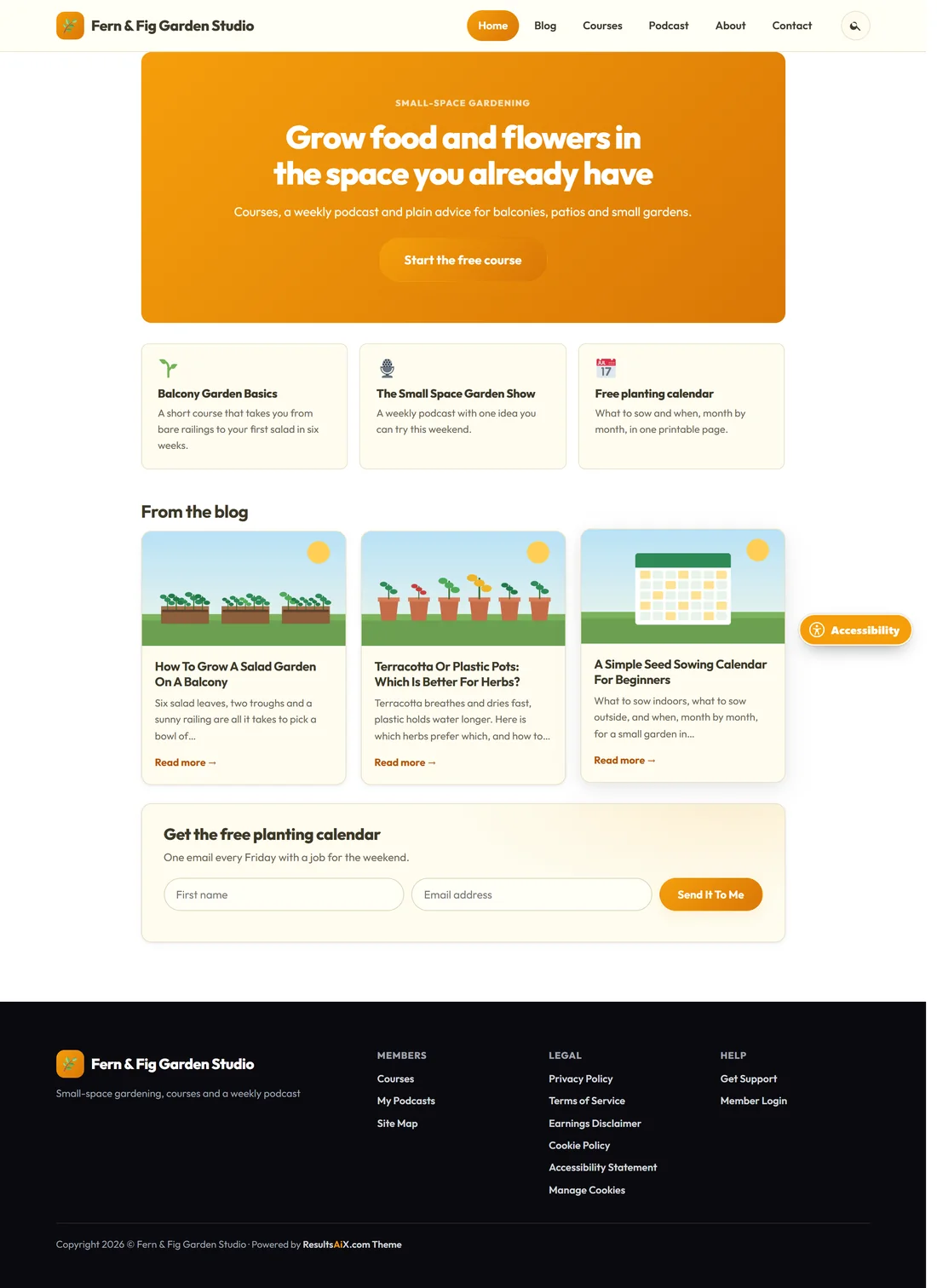
Jo Hartley runs Fern & Fig Garden Studio at yoursite.com: a blog about small-space gardening, a six week beginners course and a weekly podcast. With one theme, Jo has the blog with a sliding banner on the Blog page, the course lessons in Trainings, the members home on a Courses page with the Member Dashboard template, The Small Space Garden Show as a public podcast, a members-only Q&A show, and a free planting calendar on a Landing page that collects emails into Mailchimp. The front page in the first screenshot is built entirely from the theme's own blocks.
Tips:
- Start with the Setup Wizard. It asks what you are building and creates the pages, menus and legal pages for you. See Setup Wizard And First Steps.
- Fill in Train Your AI next, so every AI feature writes like someone who works for you. See Train Your AI: The Brand Brief Behind Every Feature.
- Every tab has a matching chapter on the Training tab, with over forty chapters from Quick Start to a plain English glossary.