ResultsAiX Video PRO is an optional upgrade, installed as its own plugin next to the core plugin and unlocked with its own key. When PRO is active, the locked PRO items in the builder turn into live tools.
What PRO unlocks:
- 20 Designer Templates: a gallery of hand designed looks. Click one to apply it.
- Background Music: a 16 track library with a full music panel. See Background Music (PRO).
- Motion: animated text reveals and a slow pan and zoom. Dynamic, Subtle or Off (static).
- Auto Captions: each slide's words as a subtitle style caption at the bottom of the frame, for Reels, Shorts and TikTok.
- Brand Kit: your logo watermarked on every video.
- 16 more voices in the Voice menu.
- The full font library in the Font picker, not only the 9 core fonts.
Where to find it:
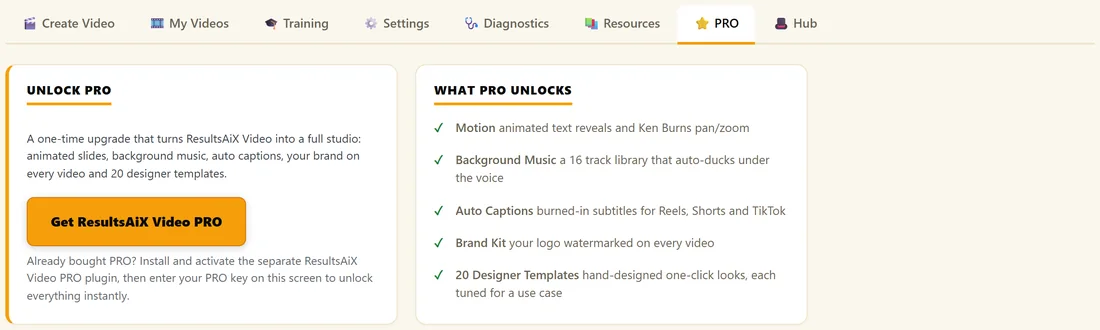

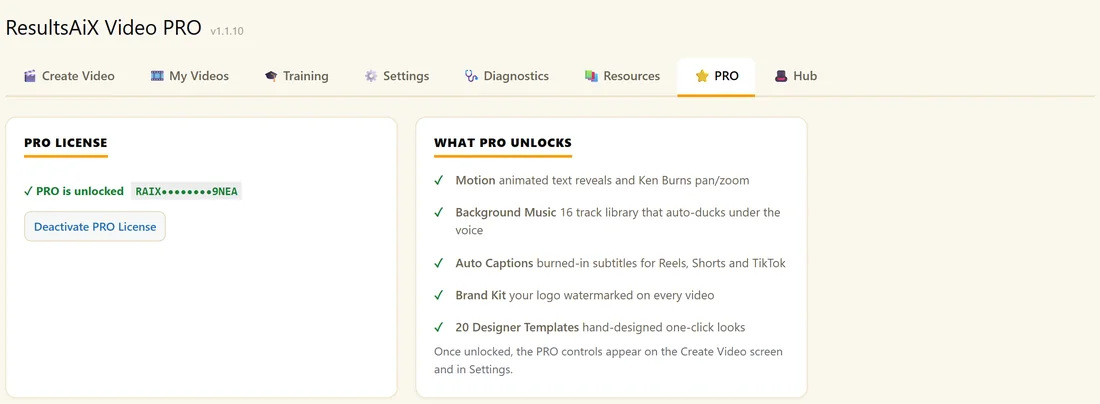
- The PRO tab. Before PRO is installed, it shows Unlock PRO and What PRO Unlocks. With the PRO plugin installed, it becomes the PRO License screen.
- On Create Video without PRO, an Unlock PRO bar under Voice Polish lists the PRO features, and PRO fonts show a small lock.
- On Create Video with PRO: Motion PRO and Captions PRO in the look controls, the PRO Templates gallery under the Font picker, and the Background Music panel.
- In Settings with PRO: the Brand Kit section.
Install and unlock PRO:
- Keep ResultsAiX Video installed and active.
- Go to Plugins, Add New, Upload Plugin, and install the ResultsAiX Video PRO zip. Click Activate Plugin.
- Open AI Video, then the PRO tab.
- Paste your PRO licence key (a separate key from your core key) and click Unlock PRO. The screen shows PRO is unlocked.
- Open Create Video. The PRO tools are now live.
Designer Templates:
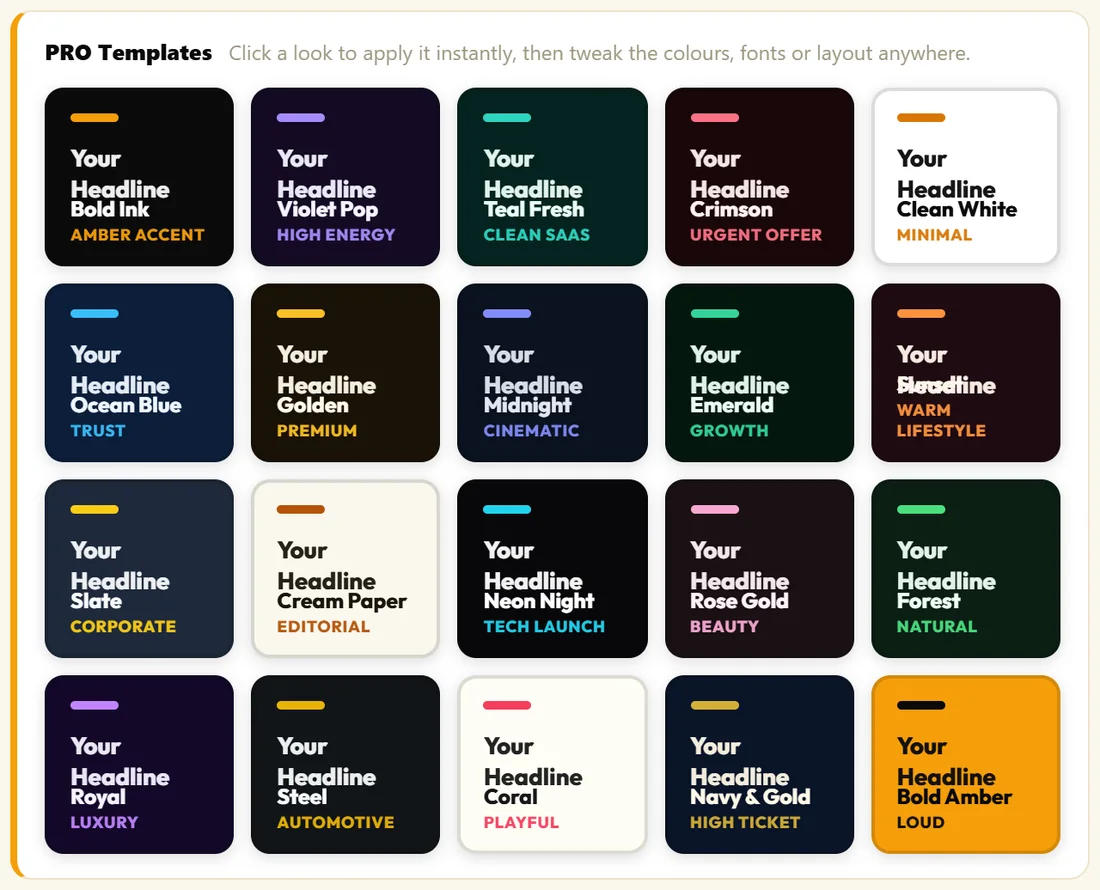
Each card shows the look with Your Headline and its use: for example Bold Ink (Amber accent), Teal Fresh (Clean SaaS), Crimson (Urgent offer), Golden (Premium), Cream Paper (Editorial), Neon Night (Tech launch) or Navy & Gold (High ticket). One click sets the background, text and accent colours, the font, the size, the text position and the accent style. You can still change anything afterwards, and the template name shows in the Theme menu.
Motion and Captions:
- Motion: Dynamic gives a stronger pan and zoom with a staggered text reveal. Subtle is gentler. Off (static) keeps slides still. Motion shows in the Preview and the MP4.
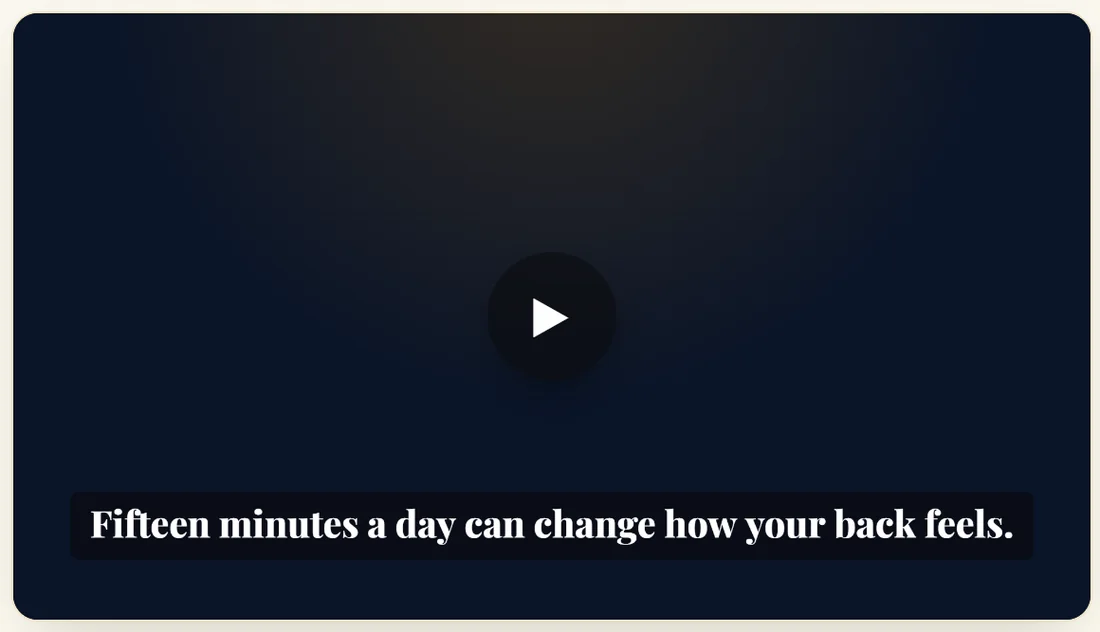
- Captions: On (subtitle style) burns each slide's words into the bottom of the video.
Brand Kit:
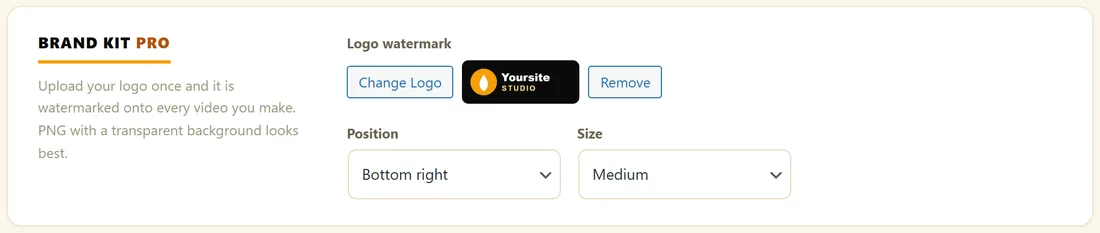
In Settings, Brand Kit, click Upload Logo and choose your logo. A PNG with a transparent background looks best. Choose the Position (Bottom right, Bottom left, Top right or Top left) and the Size (Small, Medium or Large), then click Save Settings. The logo appears on every video in the Preview and the MP4.
A real example:
Yoursite Studio uploads its round amber logo, Bottom right, Medium. For a high ticket retreat video she clicks the Navy & Gold template: the slides turn deep navy with gold accents and Playfair Display. For the Morning Stretch Reel she picks the Sunset template, Motion Dynamic and Captions On.
Which template for which video?
- Sales offers with urgency: Crimson (Urgent offer) or Bold Amber (Loud).
- Software and online tools: Teal Fresh (Clean SaaS), Neon Night (Tech launch) or Violet Pop (High energy).
- Coaching and wellbeing: Sunset (Warm lifestyle), Forest (Natural) or Emerald (Growth).
- High ticket and premium: Navy & Gold (High ticket), Golden (Premium) or Royal (Luxury).
- Training and reports: Clean White (Minimal), Cream Paper (Editorial) or Slate (Corporate).
- Films and stories: Midnight (Cinematic) or Steel (Automotive).
Tips:
- The two keys are separate: the core key runs the core plugin, the PRO key unlocks the PRO tools.
- A PRO template can be the starting look for every new video: choose it under Settings, Defaults, Theme.
- For the living VSL on your pages, the core fonts give the closest match to your MP4.