The Support tab is organised as a ladder, because most questions are answered faster somewhere other than a support queue. Follow it top to bottom and you usually have your answer before you ever write to anyone.
Where to find it:
Open ResultsAiX Hub and click the Support tab.
Licence key problems go to the Customer Portal first:
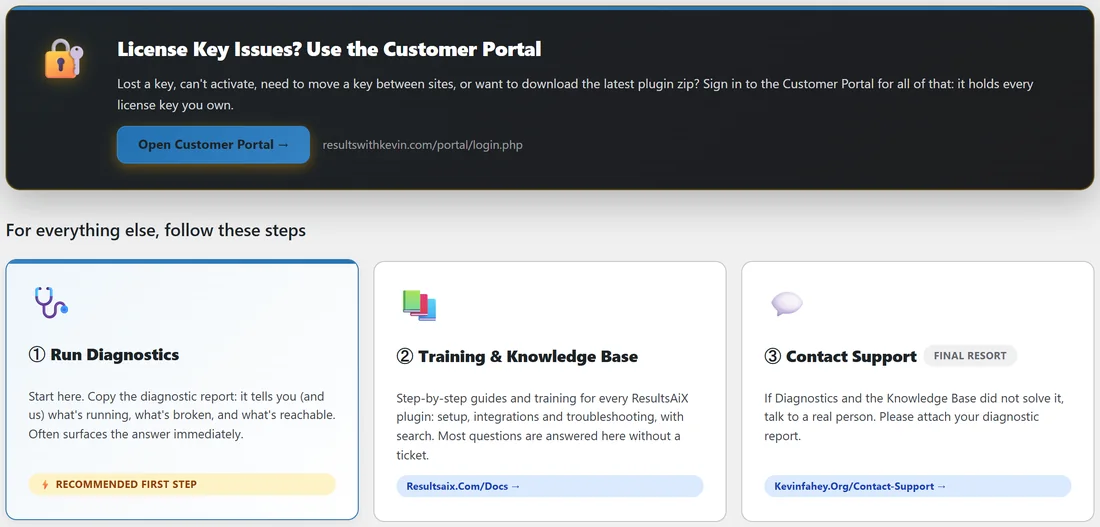
The card at the top, License Key Issues? Use the Customer Portal, separates key problems from everything else. Lost a key, cannot activate, need to move a key between sites, or want to download the latest plugin zip? The Customer Portal at resultswithkevin.com/portal/login.php handles all of that, and it holds every key you own. Press Open Customer Portal.
For everything else, follow these steps:
- Run Diagnostics. It is marked Recommended first step for a reason: the report shows what is running and what is reachable, and often surfaces the answer on its own.
- Training and Knowledge Base at resultsaix.com/docs. Step by step guides and training for every ResultsAiX plugin: setup, integrations and troubleshooting, with search. Most questions are answered here.
- Contact Support, marked final resort, at kevinfahey.org/contact-support. Talk to a real person, and attach your diagnostic report.
Your Installed Products:
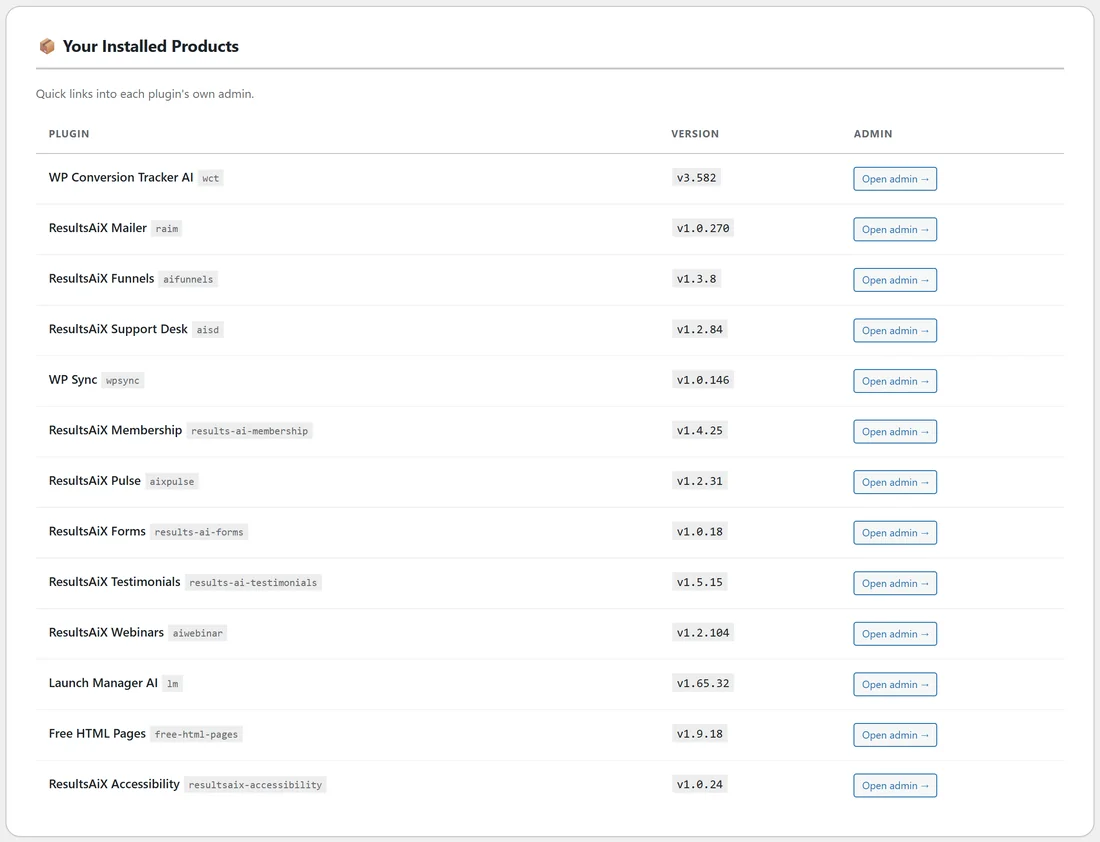
Below the ladder is a table of every registered ResultsAiX plugin (add-ons are left out), with its name, its slug, its version and an Open admin button that jumps straight into that plugin's own screens. Handy when you are half way through checking something and need to look at a setting inside the plugin.
What is this hub?
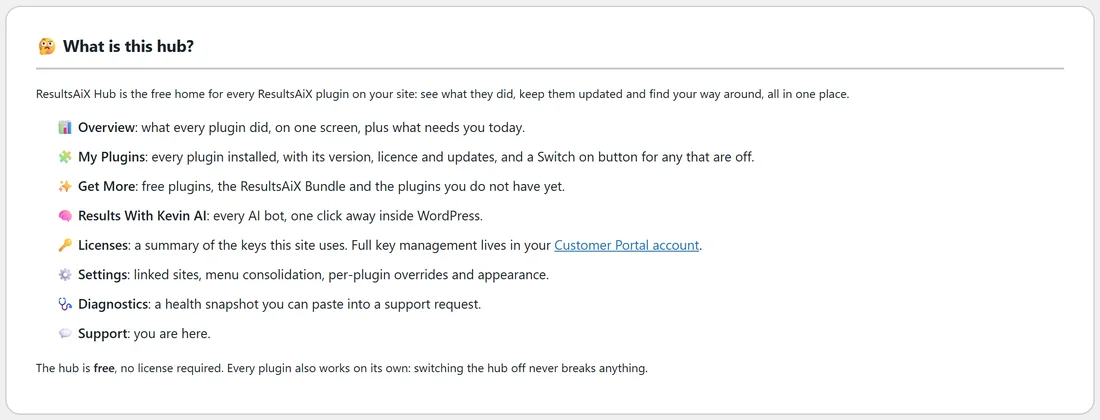
The last card is a short summary of the Hub's tabs, plus the two things worth remembering: the Hub is free and needs no licence, and every plugin also works on its own, so switching the Hub off never breaks anything.
A real example:
Jamie cannot find the WP Sync key after moving to a new laptop. Rather than open a ticket, Jamie presses Open Customer Portal on the Support tab, signs in and copies the key in under a minute. A week later a funnel page looks wrong after an update: Jamie runs Diagnostics, sees the Funnels update finished, searches the knowledge base for the page builder question, and finds the answer there.
Contacting support:
You can reach ResultsAiX support at any time at https://kevinfahey.org/contact-support/. Include your diagnostic report and say which screen you were on, what you expected and what happened.
What to write when you contact support:
- Which plugin and which screen you were on.
- What you did, step by step.
- What you expected to happen, and what happened instead, word for word if there was a message.
- Your diagnostic report from the Diagnostics tab.
A message like that is usually answered in one reply.
Tips:
- Keep the Customer Portal bookmarked: it answers every key question.
- Search the knowledge base with the exact words you see on screen.
- Always attach the diagnostic report. See Diagnostics And The Copy Paste Support Report.