The Two Step Yes / No popup splits the ask into two moves. Step one is a question with two buttons. Step two, the form, only appears to people who clicked yes.
Why it works:
Saying yes is a tiny step that costs nothing. Once somebody has clicked Yes, I want the discount, handing over an email feels natural. People who click no were not going to fill in a form anyway, and they leave without fuss.
Where to find it:
Campaigns tab, + New Campaign, then Two Step Yes / No in the Popups group, or the Two Step Yes / No Offer template in Grow your list.
Setting it up:
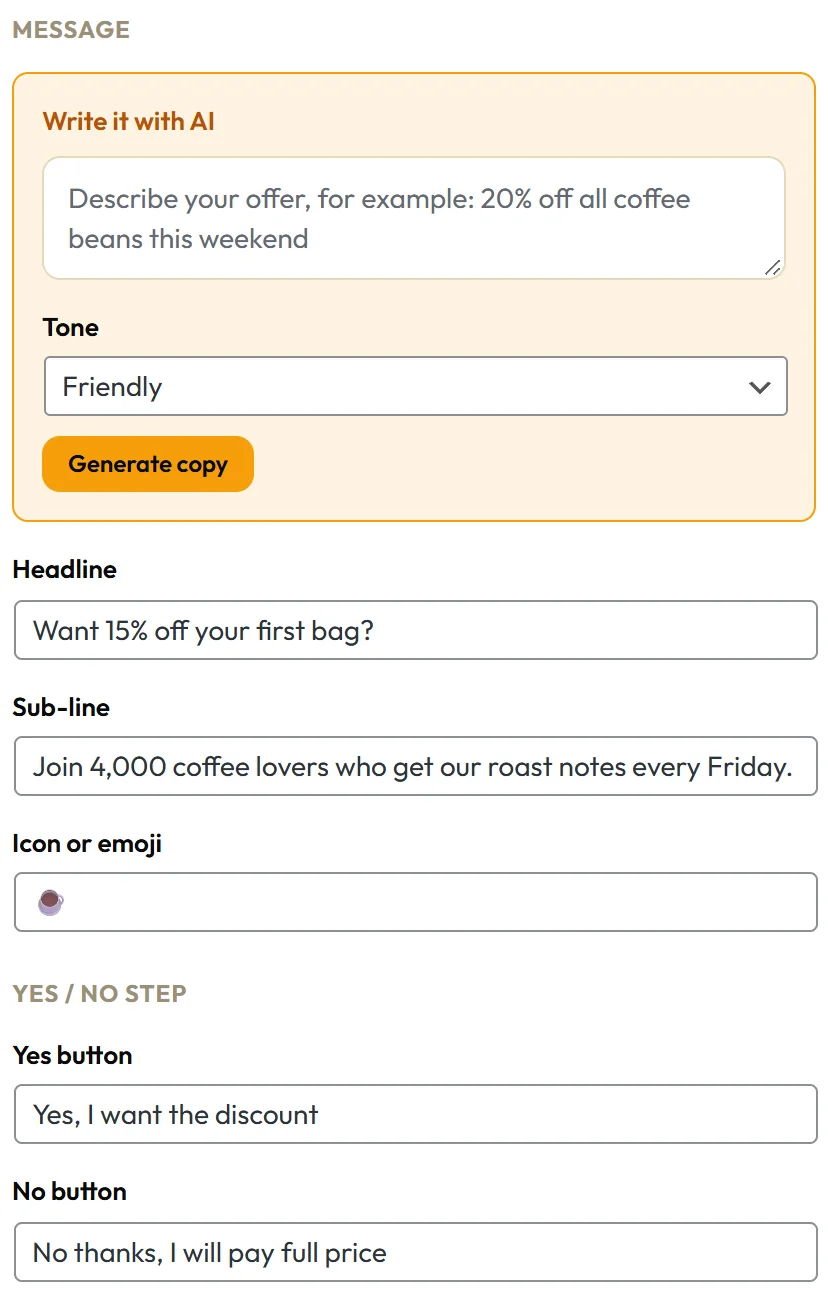
- On the Content tab, write the Headline as a question. Want 15% off your first bag? works better than Join our newsletter.
- Add a Sub-line that gives a reason, for example Join 4,000 coffee lovers who get our roast notes every Friday.
- Under Yes / No step, set the Yes button and No button text.
- On the Opt-in tab, tick Turn this campaign into an opt-in, choose your fields and your autoresponder.
- On the Triggers tab, pick After scrolling down the page at about 45 percent, or On exit intent (desktop).
- Click Save & Publish.
What visitors see:
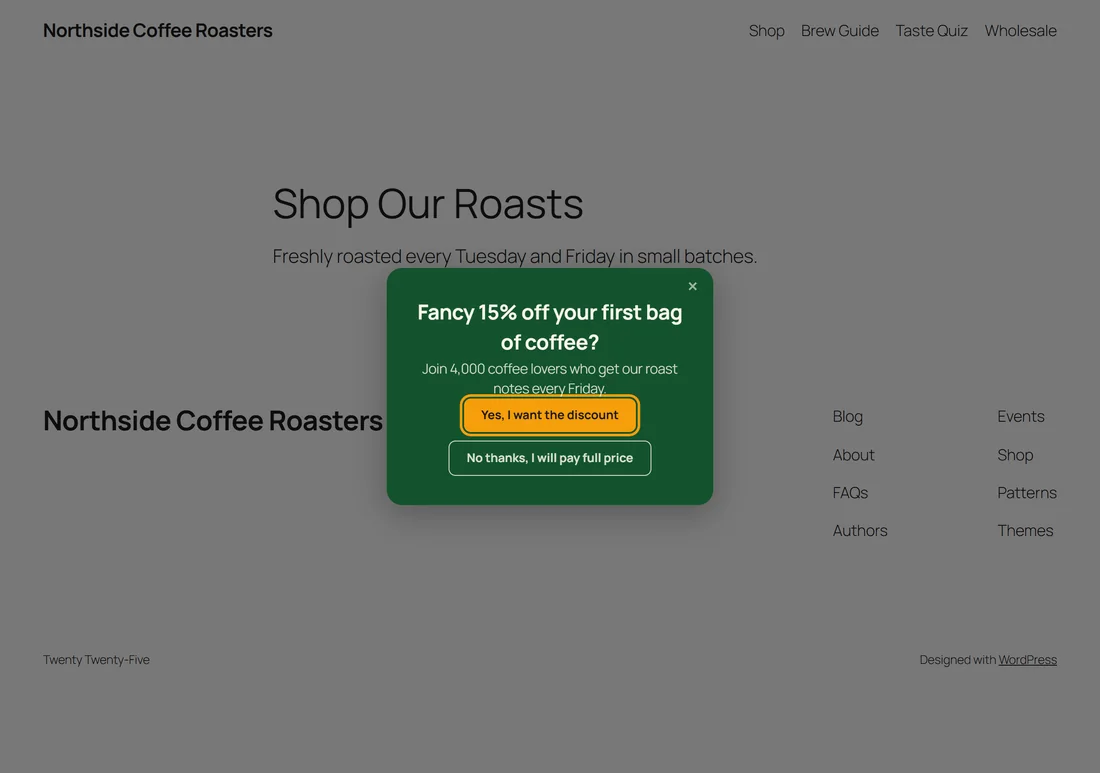
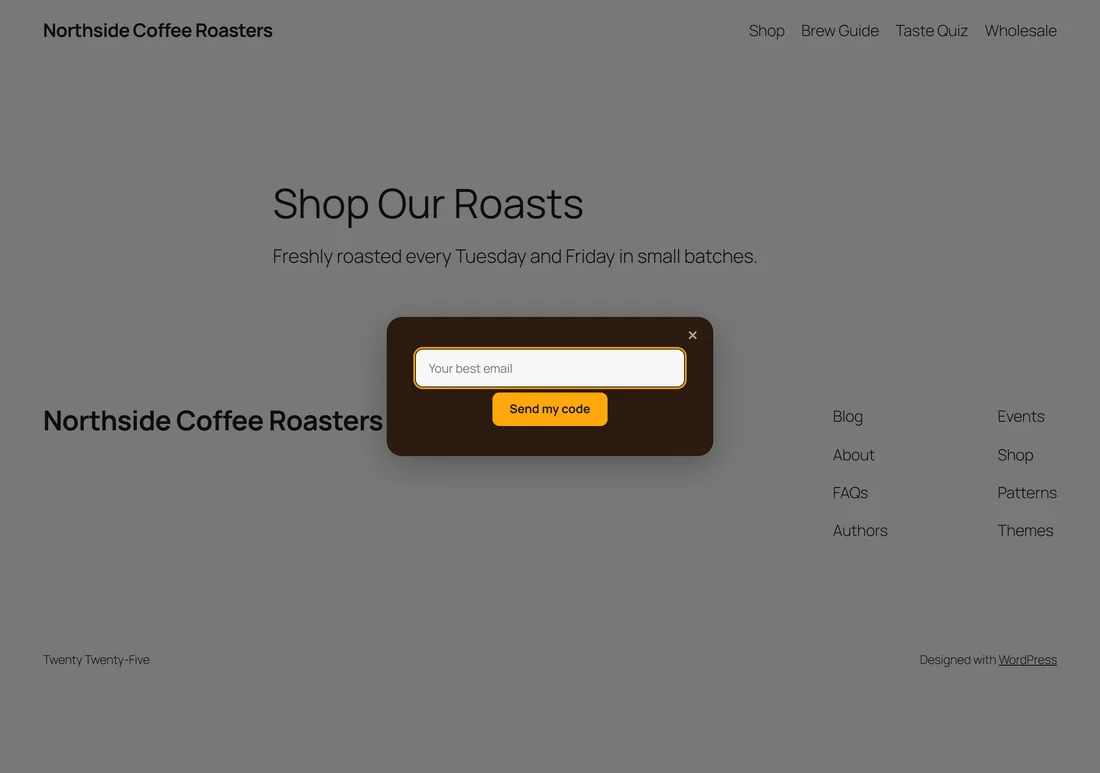
Step one shows your question and both buttons. Clicking yes swaps the buttons for the form. Clicking no closes the popup.
Without the opt-in:
If the Opt-in tab is off, the Yes button becomes a link instead. Set it under Where Yes goes on the Content tab: Button link and Open the link in a new tab. Leave the link blank and Yes simply closes the popup.
Writing the two buttons:
The yes button restates the benefit: Yes, I want the discount. The no button can gently name what they turn down: No thanks, I will pay full price. Keep it light. The aim is a smile.
The Entry Gate:
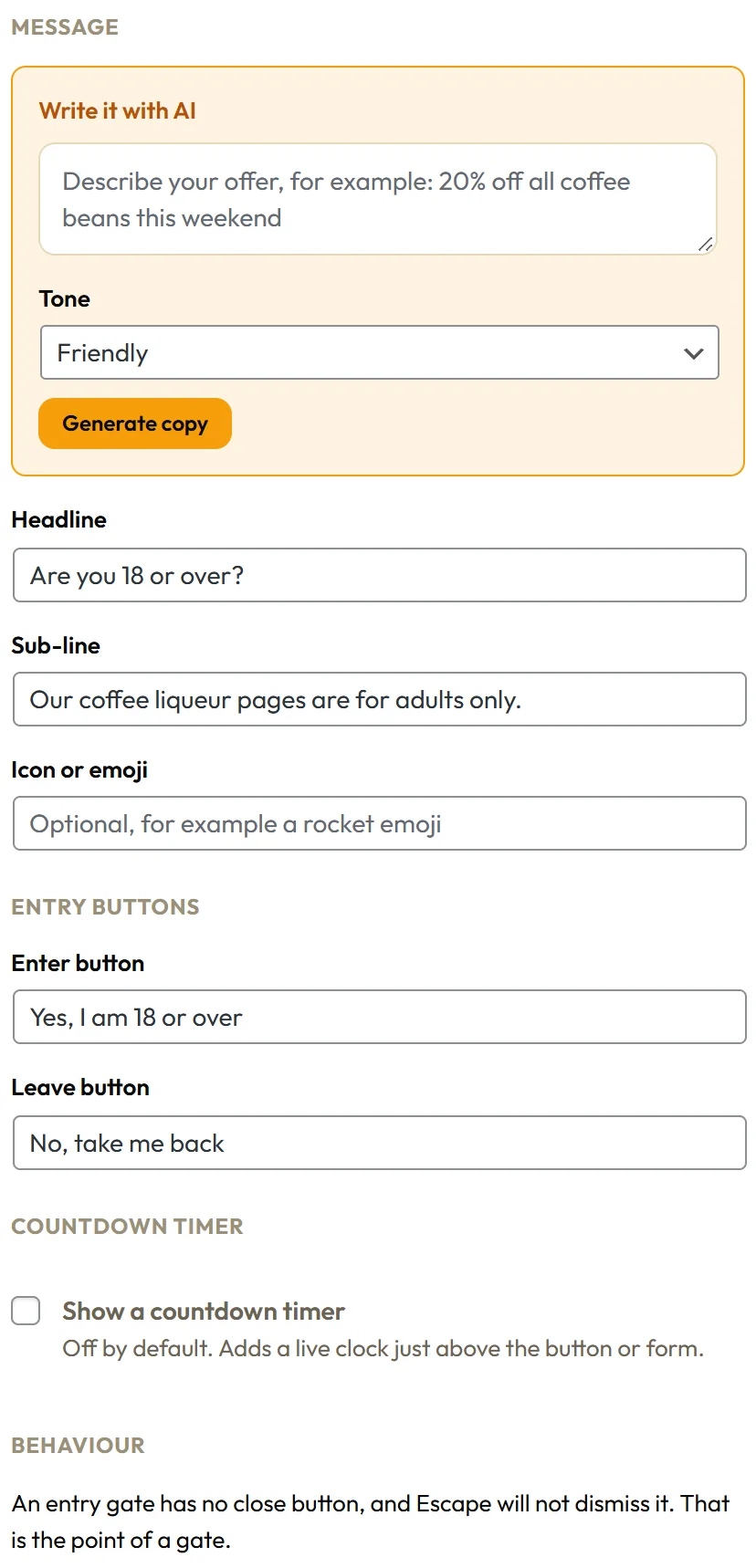
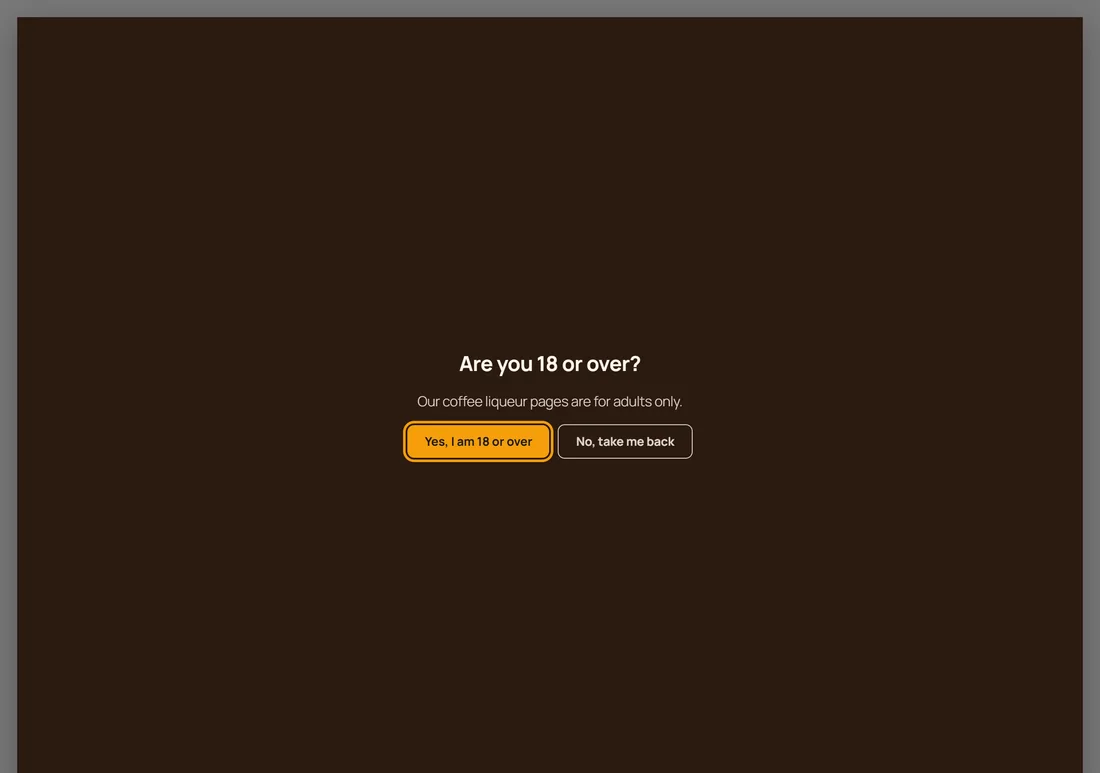
The Entry Gate uses the same two button idea for a different job: an age or entry question before the page can be used. Its Content tab has Entry buttons with an Enter button and a Leave button. Enter closes the gate. Leave takes the visitor back to the page they came from. An Entry Gate has no close button and Escape does not dismiss it, which is the point of a gate.
A real example:
Northside's First Bag Discount Two Step shows at 45 percent scroll, sends yes clicks to a single email field with Send my code, and adds new subscribers to the Coffee Club Newsletter list in MailerLite with the tags first-bag and two-step. They also run a split test with a different headline. See PRO: Split Testing, Geo Targeting And Spin To Win.
Questions that work:
- Want 15% off your first order?
- Would you like our free 7 day starter plan?
- Shall we send you the printable checklist?
- Want first look at the new collection?
Each one names something the reader wants, so yes is easy.
Tips:
- Keep step two to one field. The yes already did the convincing.
- Clicks on Yes are counted as clicks, so a high click rate with few conversions points at step two.