Choosing the right question type makes a survey quicker to answer and easier to read afterwards. ResultsAiX Surveys has seven types. Five give you countable charts, and two collect answers in people's own words.
Where to find it:
In the builder, on the Questions step, every question row has a type dropdown on the left. Change it at any time; the row updates to match.
Multiple choice (pick one):
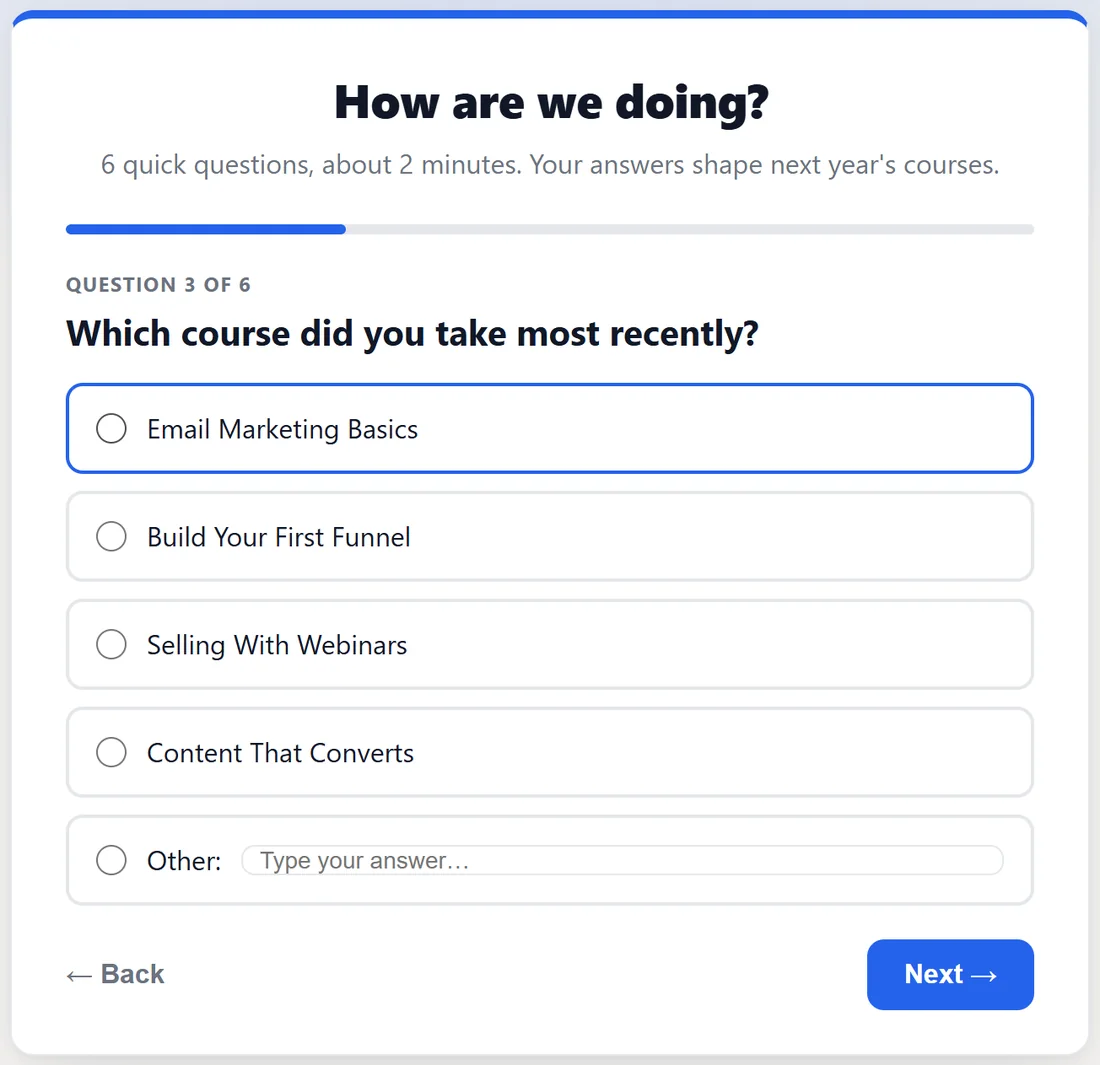
The workhorse. The visitor picks one of your options, shown as large buttons. Two to six short options work best. Picking an option moves the survey on to the next question by itself, so these are the fastest questions to answer. In your results each option gets a bar with its count and percentage.
Show as a dropdown:
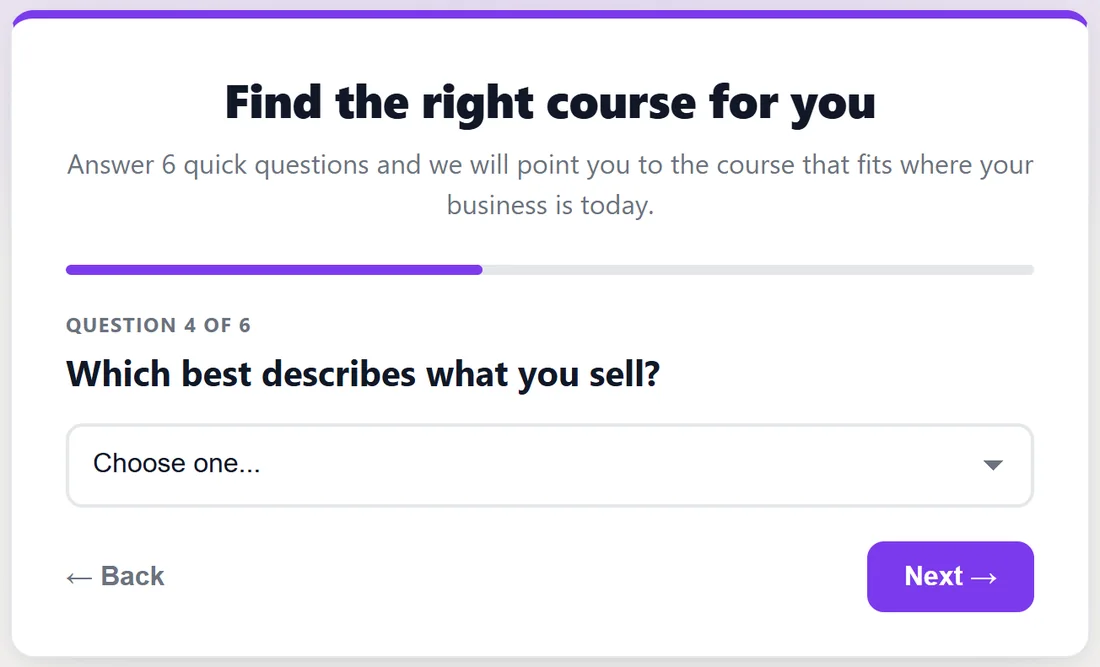
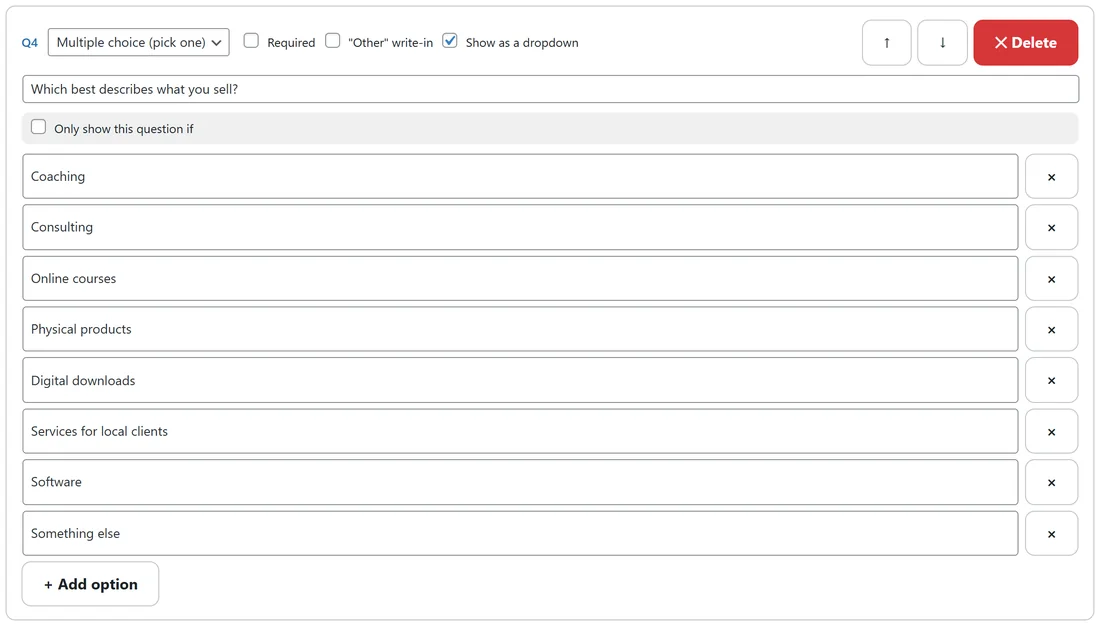
Tick Show as a dropdown on a multiple choice question and the options appear as one list with a "Choose one..." placeholder instead of a button per option. It suits long lists, such as a country or a business type, and on phones it opens the phone's own picker. A dropdown never moves on by itself, so the visitor confirms with Next. The answer stored is the exact option text, just like the buttons.
Checkboxes (pick several):
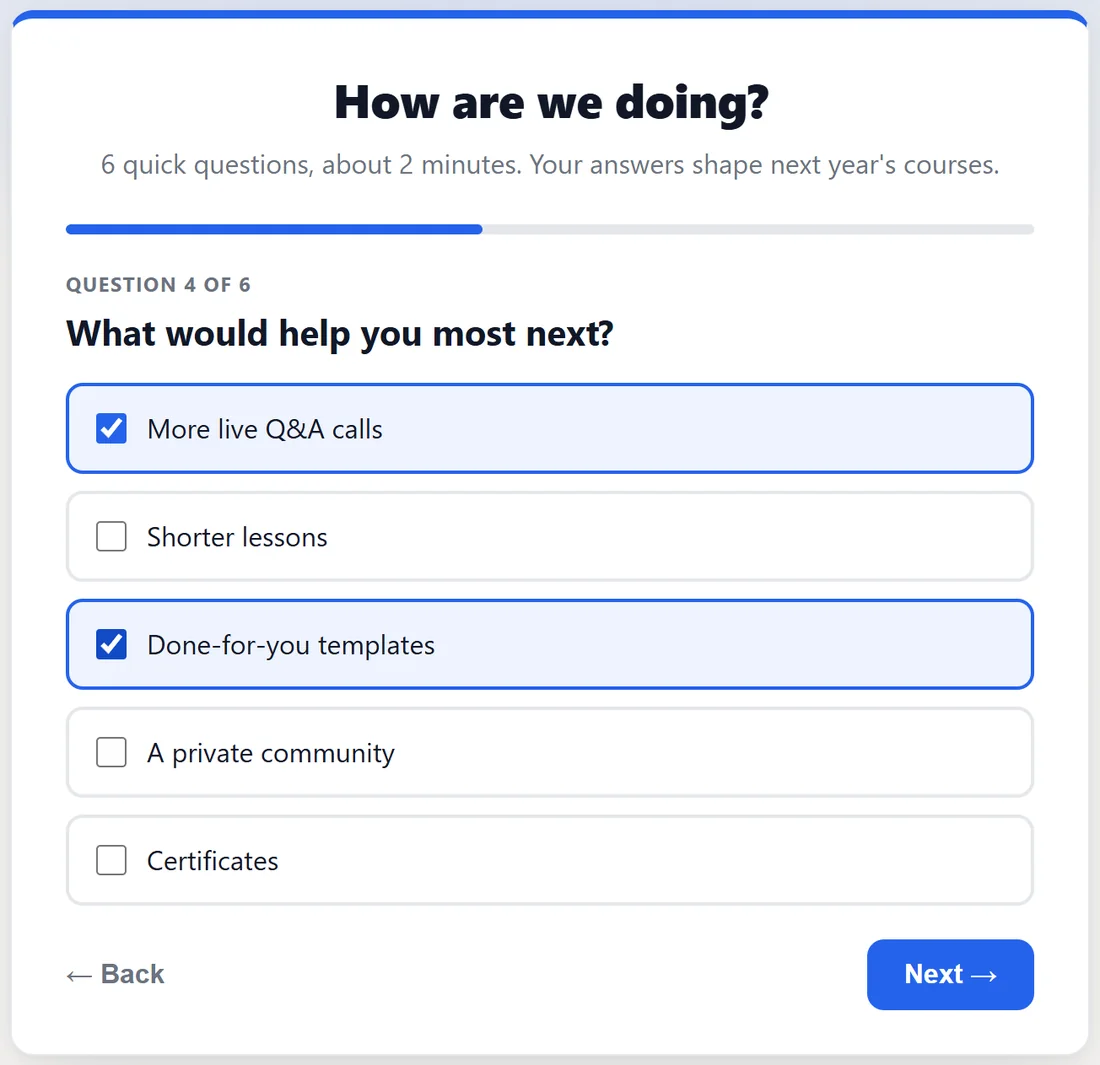
For "select all that apply". Each ticked option is counted on its own in your charts, so the percentages can add up to more than 100%. The visitor clicks Next when done.
Star rating (1-5):
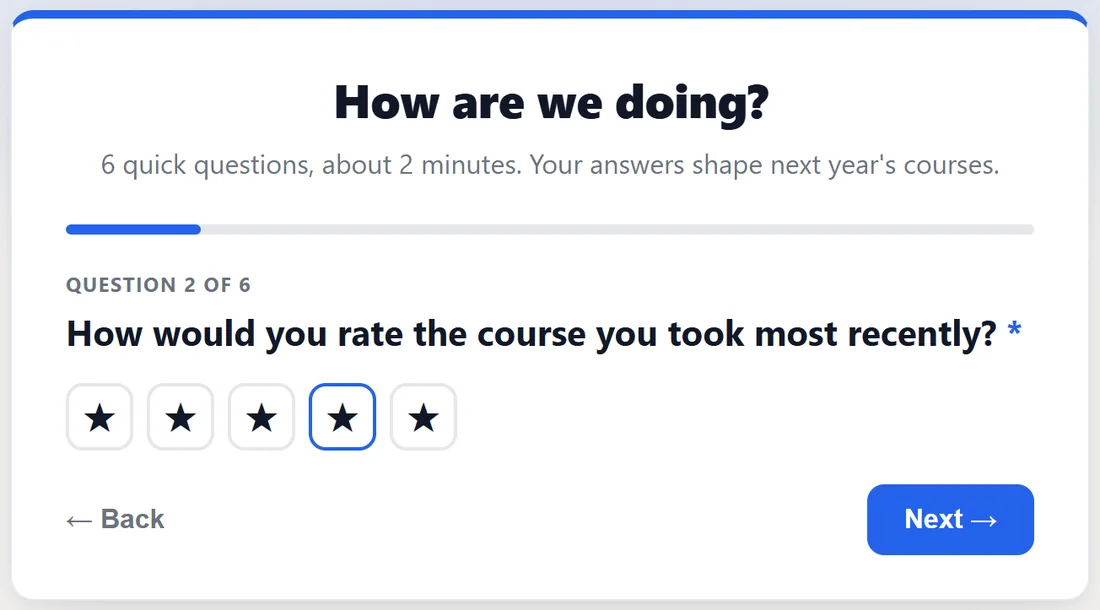
Satisfaction in one tap. Tapping a star picks that rating and moves the survey on. You get the average and the full spread of 1 to 5 stars.
Score 0-10 (NPS):
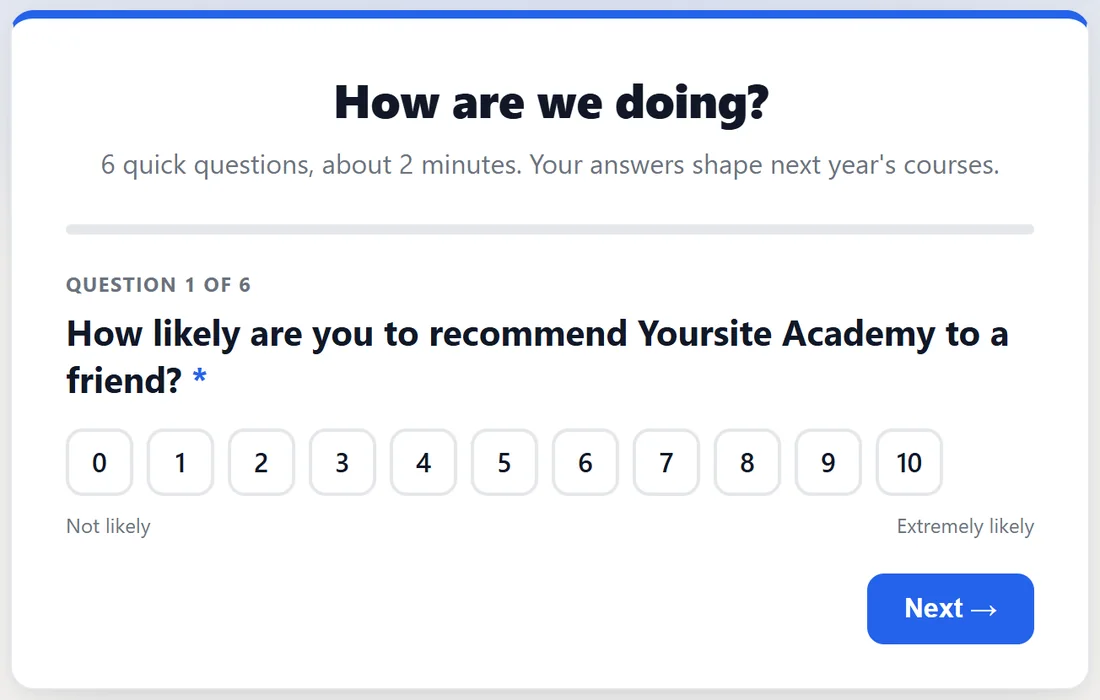
The classic "how likely are you to recommend us" scale, with Not likely and Extremely likely under the ends. On the Responses tab it gets a recommend score from minus 100 to plus 100: people scoring 9 or 10 are promoters, 7 or 8 passives, and 0 to 6 detractors. The score is promoters minus detractors as a share of everyone who answered.
Yes / No:
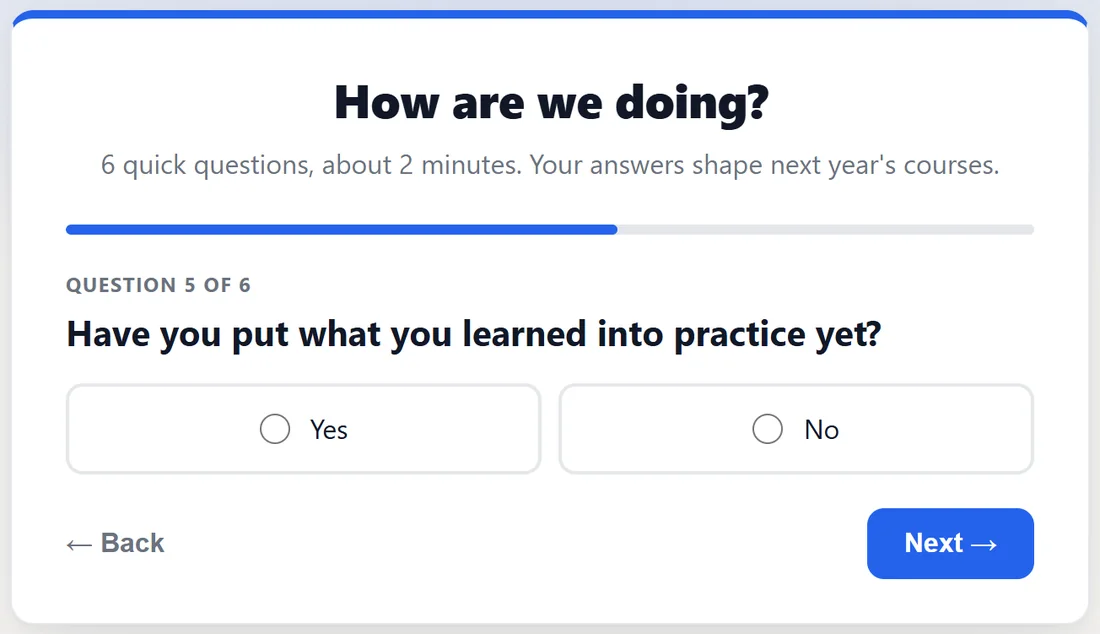
A clean binary, shown as two buttons side by side. Like multiple choice, a tap moves the survey on.
Short answer:
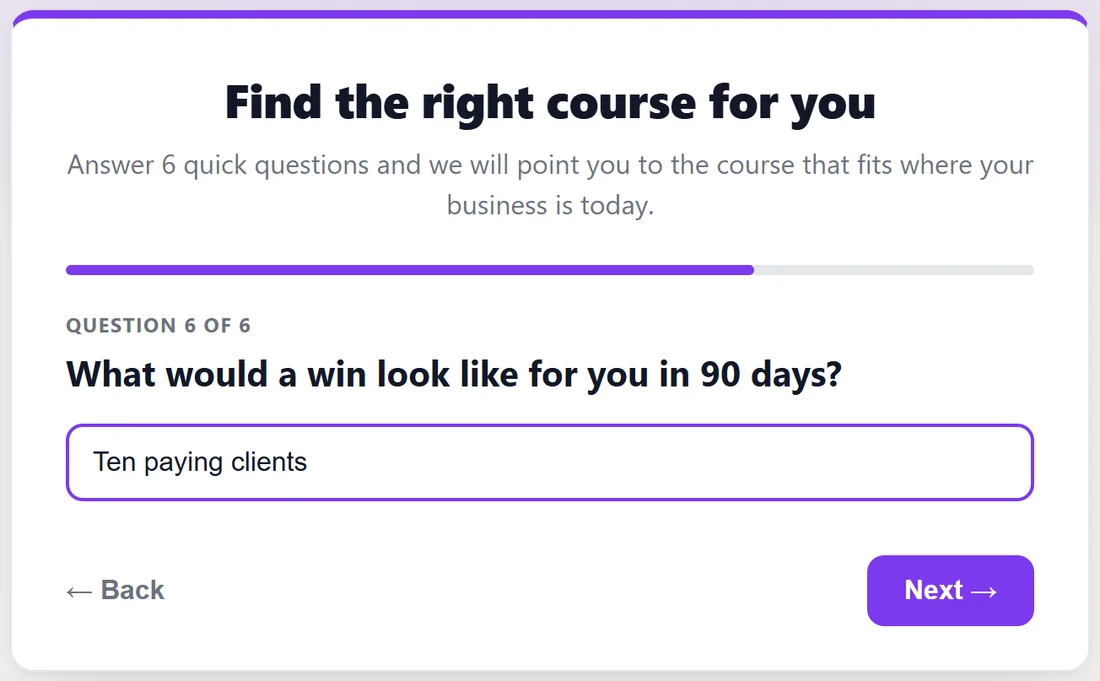
One line of free text. Good for a name of a feature, a one word reason or a goal, such as "What would a win look like for you in 90 days?".
Long answer:
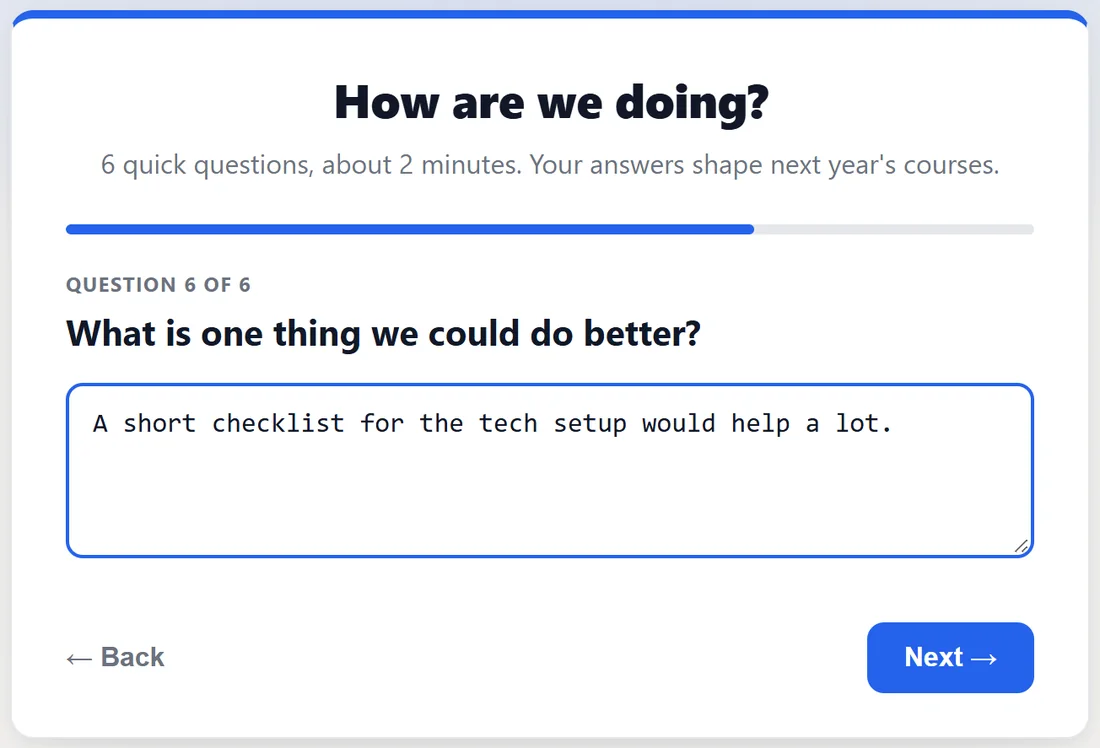
A larger box for answers that explain things. Put these last and expect fewer of them; the ones you get are the most useful. Every long and short answer can be read in full in the Written answers view, and the AI reading uses them to explain your numbers.
Let people write their own answer:
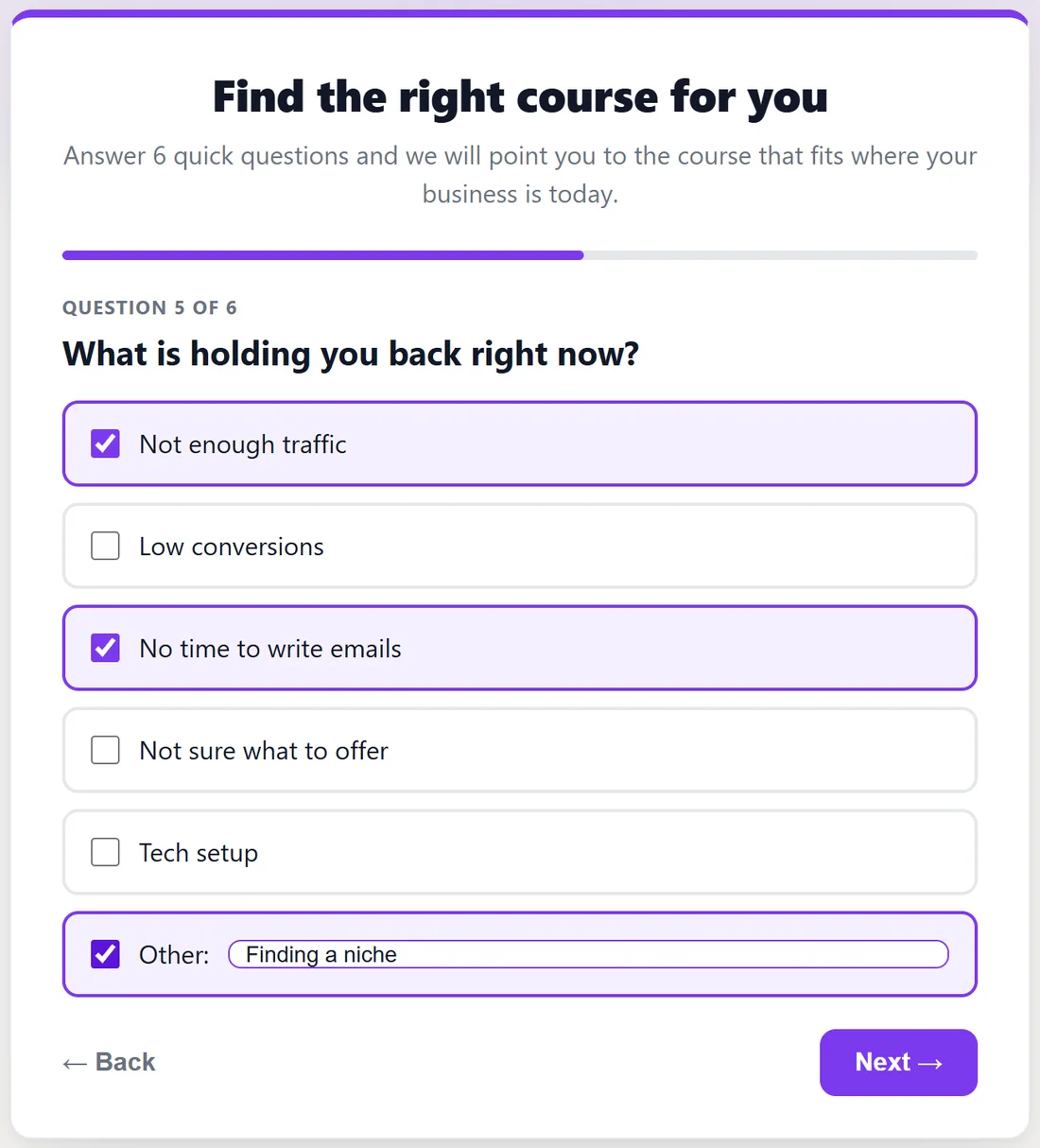
On a multiple choice or checkbox question, tick "Other" write-in. Visitors get an extra Other: choice with a box beside it, where they can type up to 200 characters. Picking Other never moves the survey on by itself, so they have time to type. Typed answers are stored with the response, and in the Summary they appear as bars of their own after your listed options, the most given first. On a dropdown, Other is the last entry in the list, and choosing it opens a box to type in.
How answers are checked:
Every answer is checked against the survey's own questions when it arrives.
- A choice that is not one of your options is dropped, unless the question has "Other" write-in switched on.
- Yes / No only accepts Yes or No.
- A star rating must be 1 to 5, and a score 0 to 10.
- Written answers are cleaned of code and capped at 5,000 characters each.
- An answer to a question the person was never shown, because of an Only show this question if rule, is dropped too.
A real example:
The Yoursite Academy course finder quiz uses five types: "Where is your business today?" as multiple choice, "Do you have an email list yet?" as yes or no, "Which best describes what you sell?" as a dropdown with eight options, "What is holding you back right now?" as checkboxes with "Other" write-in, and "What would a win look like for you in 90 days?" as a short answer.
Tips:
- Mix structured questions with one or two written ones. The structured ones give you charts; the written ones tell you why.
- Use a dropdown once a pick-one list goes past six or seven options.
- Next, see Different Questions For Different People, And Saving Answers As They Go to show questions only to the people they fit.