A survey is only useful if people finish it and the answers lead to a decision. These habits make the difference, and the plugin is built to support each of them.
Keep it short:
Five to eight questions are finished far more often than fifteen. Ask only what you will act on and cut the rest. The Finished what they started card in AI Insights tells you when a survey is too long: if many people start and few finish, take a question out.
Open with an easy tap:
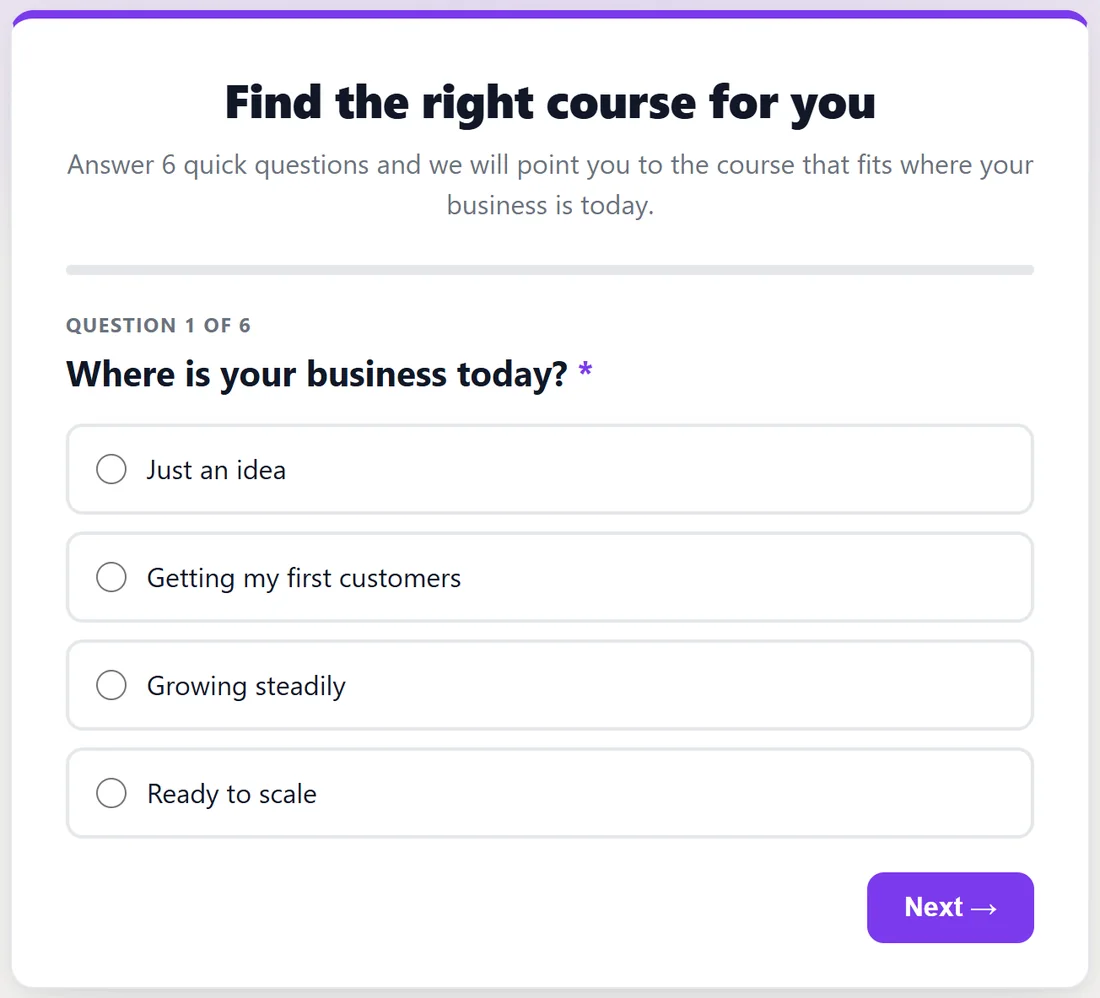
A multiple choice question, a star rating or a 0 to 10 score first builds momentum, because one tap answers it and moves on. A blank text box first stops people. The Started answering number in AI Insights shows how well your first question works.
Save open text for last:
By the last question people are invested, and their written answers are longer and more useful. Put short and long answer questions at the end, and expect fewer of them; the ones you get are the most valuable.
One thing per question:
"Was the course fast and useful?" is two questions wearing one hat, and the answer tells you neither. Split it, or pick the one that matters.
Do not lead the witness:
"How much did you love the new lessons?" only collects the answer you already wanted. "How would you rate the new lessons?" with a star rating gives you the truth.
Required is a cost:
Every required question is a place someone can quit. Require only what the whole survey depends on, usually the first question or two. Everything else can be optional.
Earn the email:
"Where should we send your results?" gives people a reason. "Enter your email" gives them a chore. Use the opt-in heading to promise something real, and the button text to name what they get, such as Show My Course. See Email Opt-Ins: Turning Answers Into Subscribers.
Close the loop:
Tell people what you changed because of their answers, in your next newsletter or on the thank-you page of the next survey. It is the surest way to make your next survey get more responses.
Ask a question you are willing to be wrong about:
A survey that only confirms what you already believe is an expensive way to feel good. The uncomfortable answer is the one worth the effort.
A worked example:
The first draft of the Yoursite Academy feedback survey had eleven questions, starting with "Tell us about your experience" in a long text box. The final version has six: it opens with the 0 to 10 recommend score, then a star rating, which course they took, what would help most, whether they have put it into practice, and one open question last. Only the first two are required. Of the people who started, 75.6% finished.
Plugin features that help:
- Only show this question if keeps every path short by skipping questions that do not apply. See Different Questions For Different People, And Saving Answers As They Go.
- Save every answer as it is given keeps the answers of people who stop half way.
- The intro line on Thank-you & Look tells people how long it takes, for example "6 quick questions, about 2 minutes."
- Preview lets you time yourself through the whole survey before anyone else sees it.
Tips:
- Read your survey aloud. Anything you stumble over, your visitors will too.
- Ask one colleague to take it before you share it, and watch where they pause.
- Clone the survey to test a shorter version, and compare the finish rates on the Surveys tab.