The CSV file needs a header row with the right column names, then one row per funnel. This page lists every column, the values each one accepts, and a complete example you can copy.
The header row:
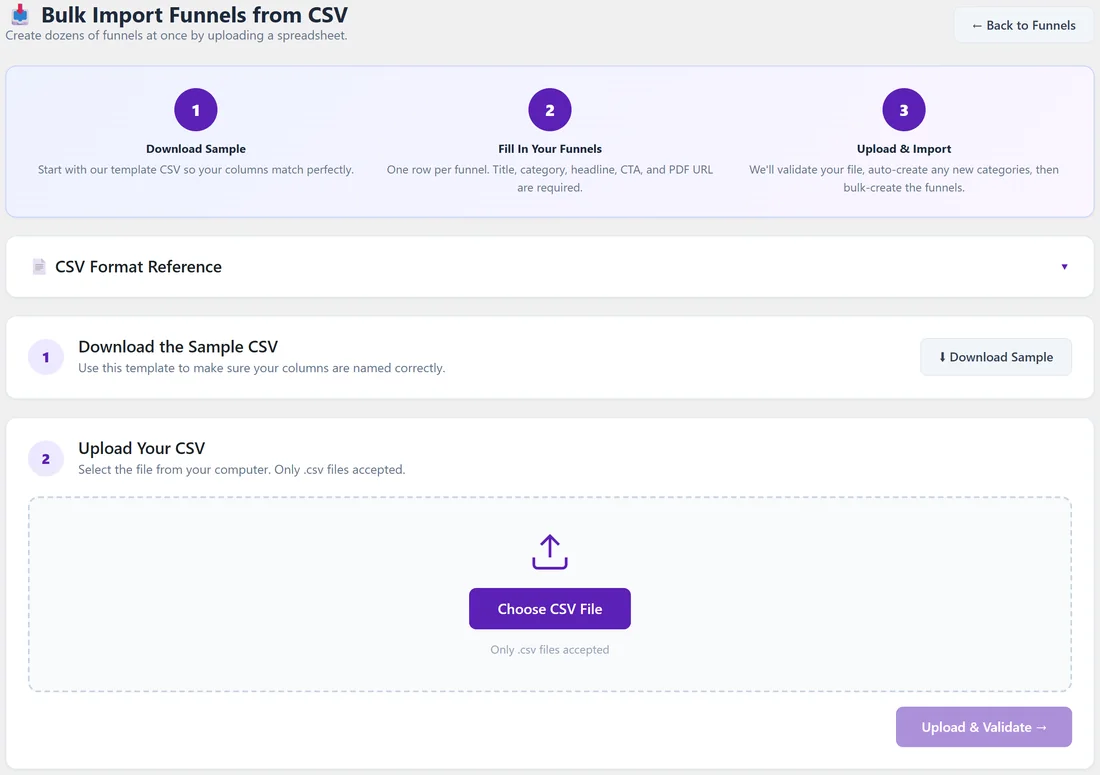
The first row must hold the column names. Column order does not matter. Extra columns are ignored.
Required columns:
- title: the funnel title. The address is made from it.
- category: a niche slug (beauty, dating, education, gaming, health, home, sweepstakes, tech) or its name, for example health or Health & Fitness, or the slug or name of one of your own categories. Letter case does not matter. A new name, like Pet Care, can be created for you during the import.
- headline: the squeeze page headline.
- cta_text: the button text.
- pdf_url: a direct link to the PDF. It is downloaded to your site during the import.
Optional columns:
- subheadline: the line under the headline.
- cover_image_url: a link to the cover image. It is downloaded and used as the cover.
- accent_color: a hex colour with the # sign, for example #667eea. Blank uses #667eea.
- affiliate_link: this funnel's own Check Out This Resource link. Blank uses your Geo Smart Links and Default Affiliate Link.
- template: one of gradient, clean-card, bold-vibrant, minimal, dark-professional, modern-glass, neon-cyber, warm-sunset, corporate-blue. Blank uses gradient.
The popup headline and the gradient colours are set in the wizard. Imported funnels use the headline in the popup and the standard purple and blue gradient. Click Edit on My Custom Funnels to change them later.
Full header row:
title,category,headline,cta_text,pdf_url,subheadline,cover_image_url,accent_color,affiliate_link,template
Example row:
"Best Home Workout Gear Guide",health,"FREE: Best Home Workout Gear Guide","Get Free Access","https://example.com/wp-content/uploads/home-workout-guide.pdf","What to buy, and what to skip","https://example.com/wp-content/uploads/home-workout-cover.png","#10b981","","clean-card"
A real example for yoursite.com:
"Grocery Savings Playbook",smart-shopping,"FREE: The Grocery Savings Playbook","Get Free Access","https://yoursite.com/wp-content/uploads/grocery-playbook.pdf","Cut your weekly food bill without eating worse.","https://yoursite.com/wp-content/uploads/grocery-cover.png","#16a34a","","gradient"
Saving the file:
- Put quotes around any value that has a comma in it.
- Save with commas, not semicolons.
- In Excel, "CSV UTF-8" and "CSV (Comma delimited)" both work.
- In Google Sheets, use File, then Download, then Comma Separated Values.
Fill the file in a spreadsheet:
- Open funnel-import-sample.csv in Google Sheets or Excel.
- Keep row 1 as it is.
- Replace the example rows with your own, one funnel per row.
- For each PDF, upload it to your Media Library first, open it, and copy its link into pdf_url.
- Save as CSV and import it. See Funnel Builder: Importing Funnels From A CSV File.
Tips:
- Start from the sample file so the header row is exactly right.
- Use the niche slugs in the category column when the funnel belongs in a report niche. The CSV Format Reference on the import screen lists them too.