Most questions have a quick answer. Work through the steps for what you see, in order. Diagnostics and the Debug Log help with almost all of them. See Diagnostics And The Debug Log.
A report address shows a 404 page:
- Go to WordPress Settings, then Permalinks. Choose Post name and click Save Changes, even if it is already chosen.
- On the Funnels tab, check the report's switch is on.
- Check your licence includes the report's niche. Settings, Your Report Volumes, shows what each key includes.
- Check the address. Report names use capital letters, for example HealthMealPrepMadeEasy. Copy the address from the report's Edit page.
- On the Assets tab, check the report's niche is Complete. A report without files shows a short page saying the files are not installed yet.
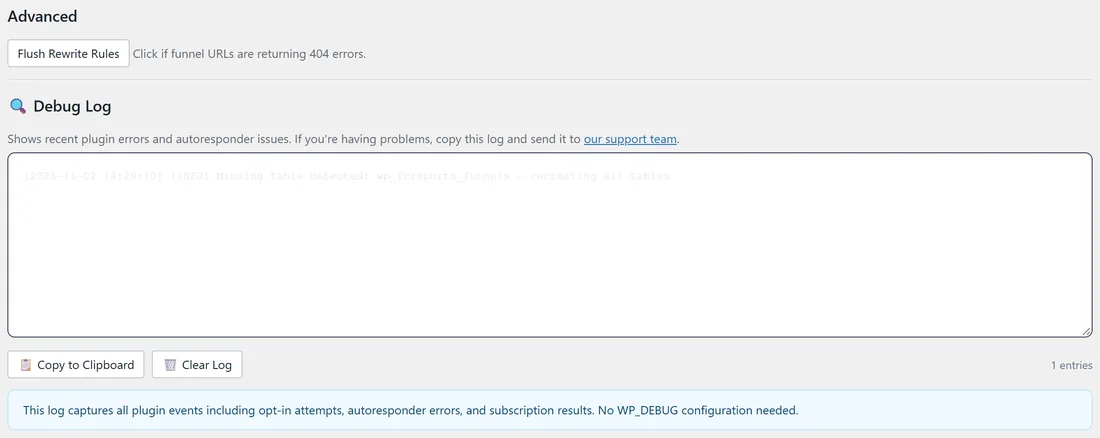
- In Settings, scroll to Advanced and click Flush Rewrite Rules.
Leads do not reach my list:

- Open the Autoresponders tab and check your service shows Connected.
- Click Test Connection on its card.
- Check the list ID letter by letter. For AWeber, use the Unique List ID, not the list's name.
- Open the Lists tab and click Missing List and No Provider. Fix any report listed.
- Open the report's Edit page and check the Autoresponder section. "Currently using" shows the list it sends to.
- Test with an email address that is not on your list yet.
- Check your service for subscribers waiting to confirm their email.
- Read the newest lines of the Debug Log in Settings for your service's own reply.
The lead is still saved on the Lists tab in every case, so nothing is lost while you fix it. Export it later and import it into your service.
My new list is not in the menu:
Lists are remembered for a day to keep the screens fast. Click Refresh Lists on your service's card on the Autoresponders tab.
Report files will not download:
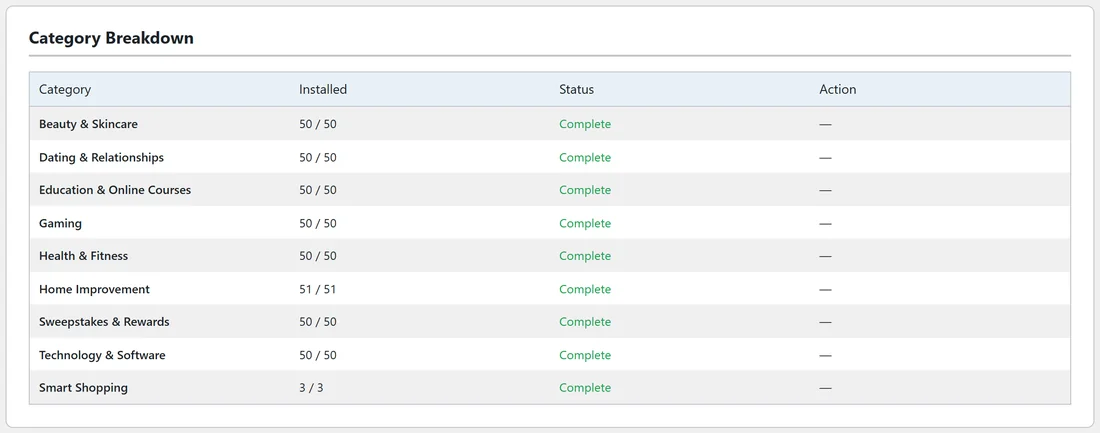
- On the Assets tab, click Download on one niche at a time instead of Download All Funnel Assets.
- On the Diagnostics tab, look at Max Execution Time and Memory Limit. If a note says they are low, ask your host to raise them.
- Or upload the files yourself by FTP into wp-content/uploads/fcreports-assets/funnels/ and click Scan for Manually Uploaded Assets.
PDFs will not rebrand:
- Rebrand By Category, one niche at a time, instead of All Funnels.
- On Diagnostics, check Memory Limit and Max Execution Time. PDF work needs more memory than normal pages. Ask your host to raise them if a note shows.
- Check the report's files are installed. Only installed reports can be rebranded.
- Leave the PDF Rebrander page open until the progress bar finishes.
The PDF has no call to action page:
The page needs an offer link. Add a Default Affiliate Link or Geo Smart Links in Settings, or an Affiliate Link in the PDF Rebrander, then rebrand again.
The download page has no Recommended Resource box:
The box needs an offer link too. Add a Default Affiliate Link in Settings, or an Affiliate Link Override on the report. If you have resource cards or banners set, those show in its place.
The licence key is not accepted:
- Copy the key again from your purchase email or portal, with no space before or after.
- If all the key's sites are used, open Settings on a site you no longer use and click Deactivate This Site. Or use Remove next to an old site in the License panel.
- Click Refresh License Info after buying another niche.
- Still stuck? Contact support from Settings, Help & your account.
A niche shows a lock:
Your keys do not include that niche yet. Add the key for that niche under Add another license key. Keys stack.
The numbers look high:
The counts include your own test visits. A few tests make no real difference once real traffic comes in.
Pages look different with a caching plugin:
Diagnostics lists caching plugins under Detected Potential Conflicts, with the setting to change. Most need your report addresses (/reports/ by default) left out of the cache.
Still stuck?:
Contact support from Settings, Help & your account, Contact support. Include the Diagnostics report (Copy Full Report To Clipboard) and the Debug Log.