The Settings tab holds the defaults every report uses. Set it up once and most reports never need their own settings. This page lists every option in the order you see it, with a good value for each.
Where to find it:
Free Consumer Reports, then the Settings tab. Most options sit in one long form. Click Save Settings at the bottom, or on the save bar that stays at the bottom of the screen as you scroll. You see "Settings saved."
License and Your Report Volumes:
At the top: your key, its status, Add another license key, Refresh License Info, Deactivate This Site, and the table of every key and what it includes. See Installation And Licence Activation.
Help & your account:
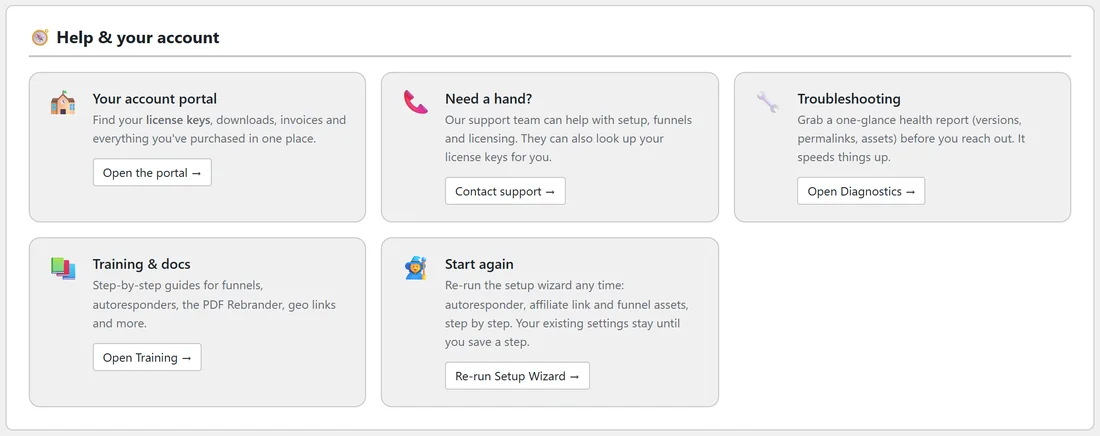
Five cards with a button each:
- Your account portal: Open the portal, for your keys, downloads and invoices.
- Need a hand?: Contact support.
- Troubleshooting: Open Diagnostics.
- Training & docs: Open Training.
- Start again: Re-run Setup Wizard. Your settings stay until you save a step.
General Settings:
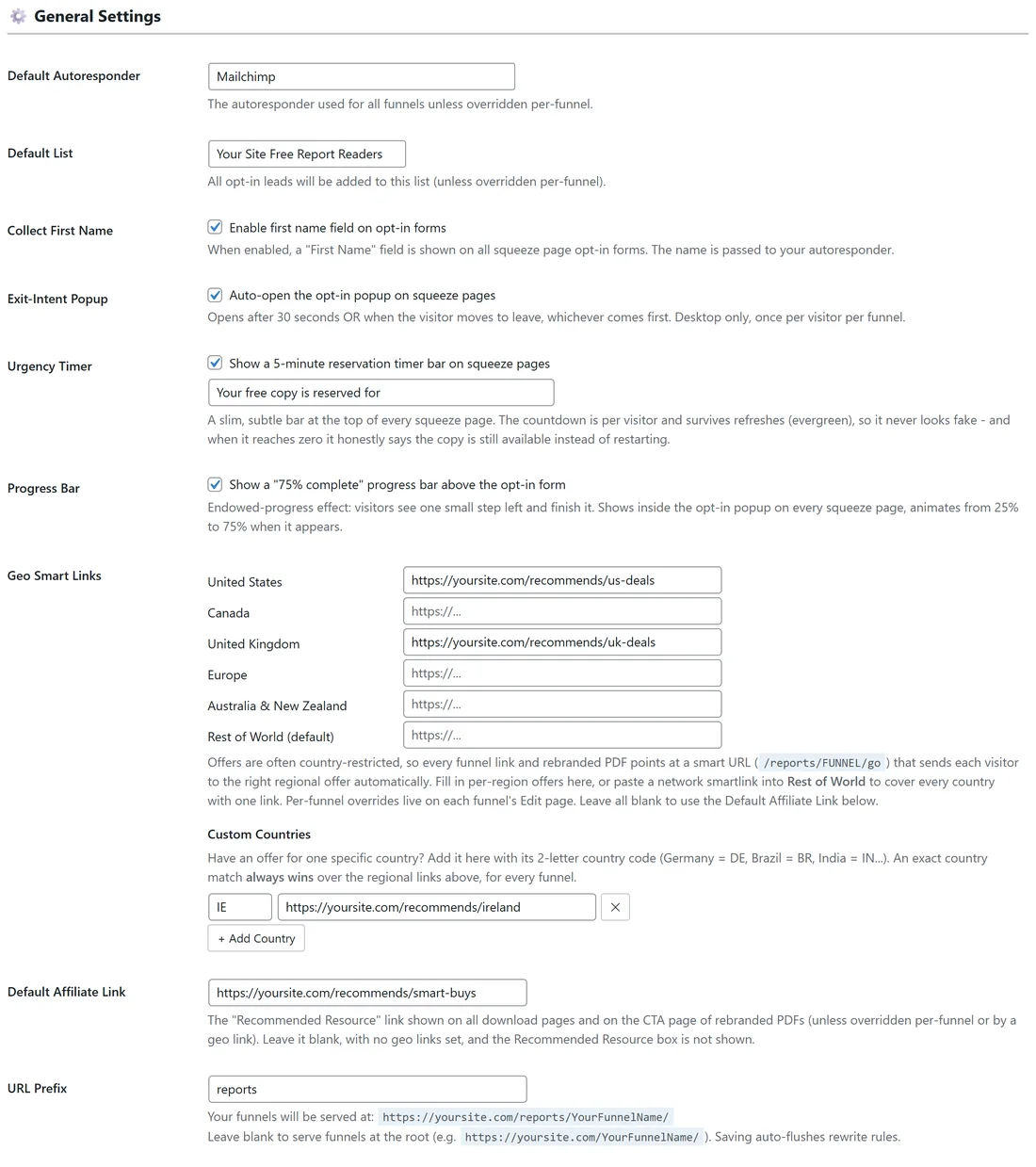
- Default Autoresponder: the email service every report uses unless a report has its own. Choose from AWeber (Legacy Form Mode) and your connected services.
- Default List: the list new subscribers join. It is a menu for connected services, or a box for services that use an ID.
- AWeber List Name: shows when AWeber is the default. Your AWeber Unique List ID.
- Collect First Name: Enable first name field on opt-in forms. Good value: on if your emails greet people by name.
- Exit-Intent Popup: Auto-open the opt-in popup on squeeze pages. Good value: on.
- Urgency Timer: Show a 5-minute reservation timer bar on squeeze pages, plus the words before the clock. Good value: on.
- Progress Bar: Show a "75% complete" progress bar above the opt-in form. Good value: on.
- Geo Smart Links: an offer link per region, and Custom Countries for single countries.
- Default Affiliate Link: the offer behind the Recommended Resource box and the PDF button. Leave it blank, with no geo links set, and the box is not shown.
- URL Prefix: the word in every report's address. reports to start with.
See Connecting Your Autoresponder, Exit Intent, Urgency Timer And Progress Bar, Geo Smart Links And Per Country Offers, and Funnel URLs And The URL Prefix.
Download Page Resources & Banners:
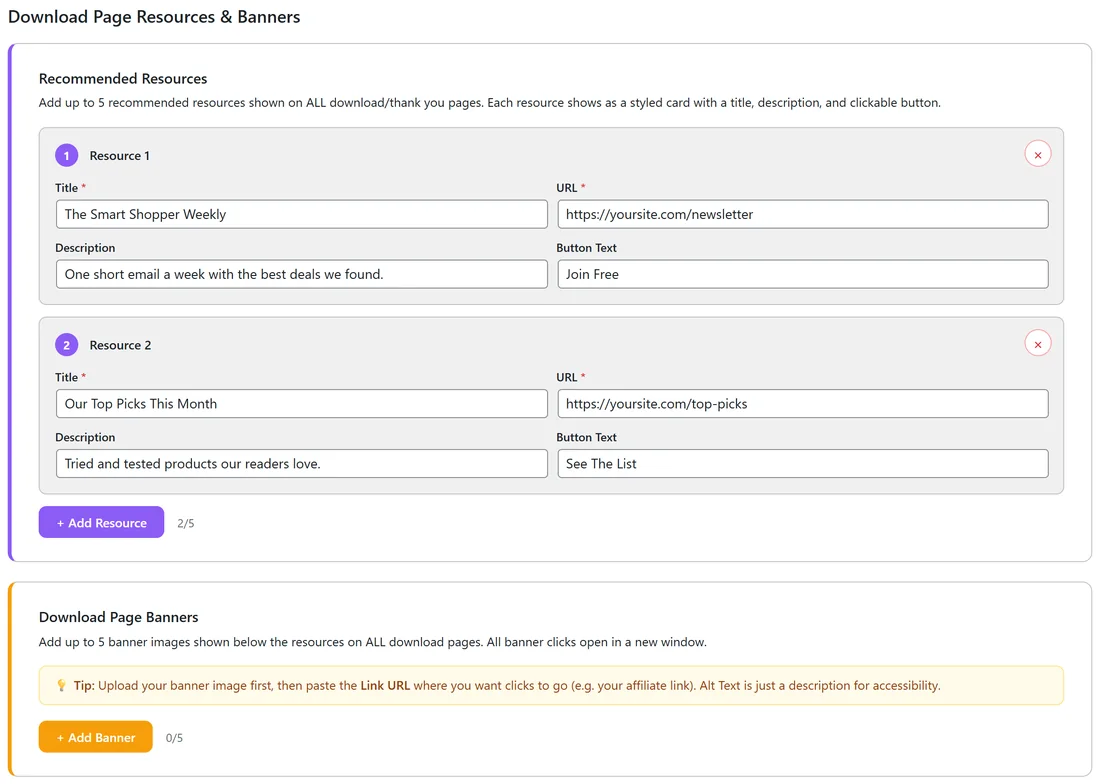
- Recommended Resources: up to 5 cards with a Title, URL, Description and Button Text, on every download page.
- Download Page Banners: up to 5 pictures with a Banner Image, a Click URL and Alt Text.
When either is set, it takes the place of the Recommended Resource box. See The Download Page And Its Offer Slots.
Tracking & Analytics:
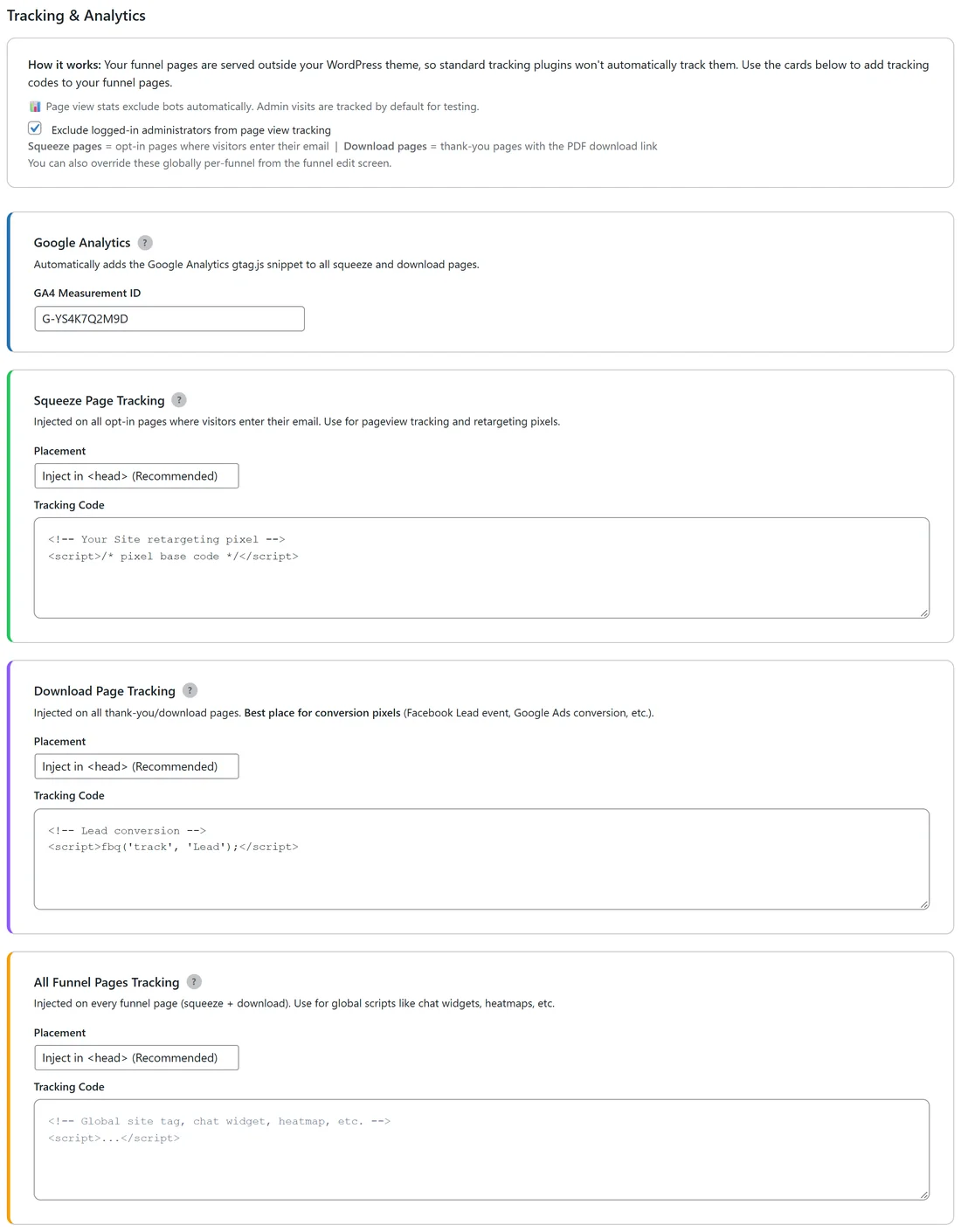
- Exclude logged-in administrators from page view tracking.
- Google Analytics: your GA4 Measurement ID.
- Squeeze Page Tracking, Download Page Tracking and All Funnel Pages Tracking, each with a Placement menu.
See Tracking What Works.
Advanced:
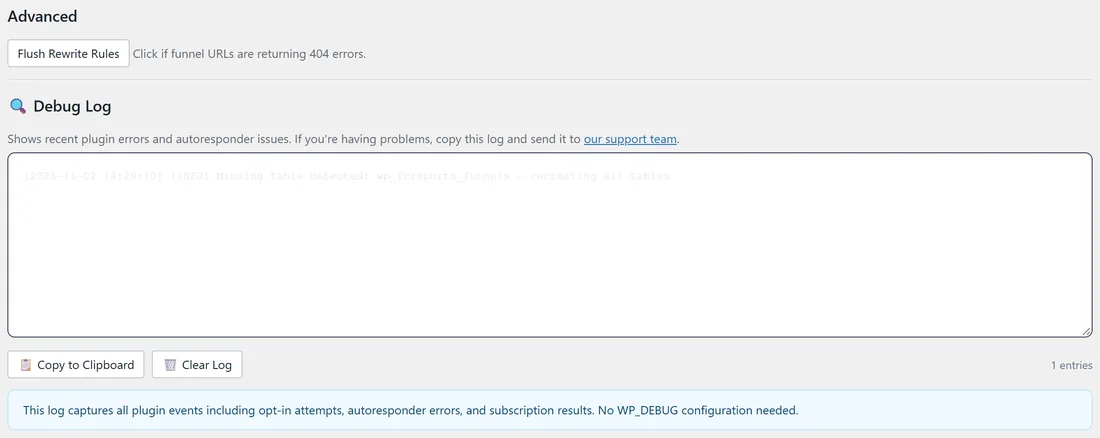
Flush Rewrite Rules refreshes WordPress's address rules. Click it if report addresses show a 404 page.
Debug Log:
A box with the plugin's recent events: opt-in attempts, email service replies and anything that needs a look. Copy to Clipboard copies it, Clear Log empties it, and the entry count shows on the right. When all is well it says "No plugin errors found. Everything is working fine!" See Diagnostics And The Debug Log.
Appearance:
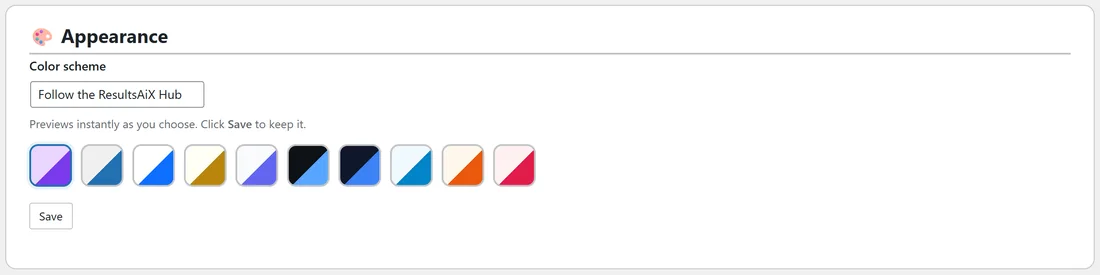
Color scheme sets the colours of these admin screens. Pick Follow the ResultsAiX Hub to match your other ResultsAiX plugins, or one of WordPress Native, Clean White, Ivory Cream, Snow Light, Developer Dark, Midnight Blue, Ocean Blue, Sunset Warm or Rose Pink. The screen previews it as you choose. Click Save under the swatches to keep it.
A real example:
The yoursite.com Settings: Default Autoresponder Mailchimp, Default List Your Site Free Report Readers, all three boosters and Collect First Name on, US and UK geo links with an Ireland custom country, Default Affiliate Link https://yoursite.com/recommends/smart-buys, URL Prefix reports, a GA4 ID, a retargeting pixel on squeeze pages and a Lead event on download pages.
Tips:
- Fill in the Default Affiliate Link even if you use geo links. It catches every reader with no match.
- Settings are defaults. Any report can change most of them on its own Edit page.