Getting visitors is the part most people find hardest. The Traffic Toolkit gives each report ready written copy, already filled in with the report's title and link, so promoting a report takes a minute: copy, paste, post.
Where to find it:
Funnels tab, then the Traffic button on a report's card. It opens in a new tab. The heading says Traffic Toolkit and the report's name. A Back to Funnels link sits above it.
Your links:

At the top you see the report's cover and two links, each with a copy button:
- The report's address, with Copy Link and Open Funnel.
- The Offer Smart Link (the report's /go address), with Copy Offer Smart Link. It sends each person to your offer for their country, so it is safe to use anywhere. See Geo Smart Links And Per Country Offers.
Share Right Now:
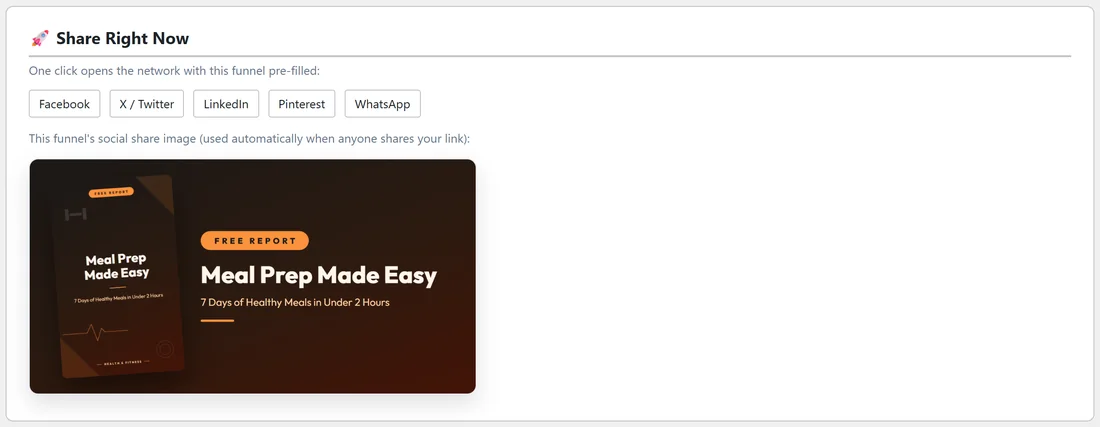
One click buttons for Facebook, X / Twitter, LinkedIn, Pinterest and WhatsApp open that network with the report's link already filled in.
Under them you see the report's share picture. This is the image Facebook, LinkedIn and X show when anyone shares the link, so posts look good even when you just paste the address.
Social Posts:
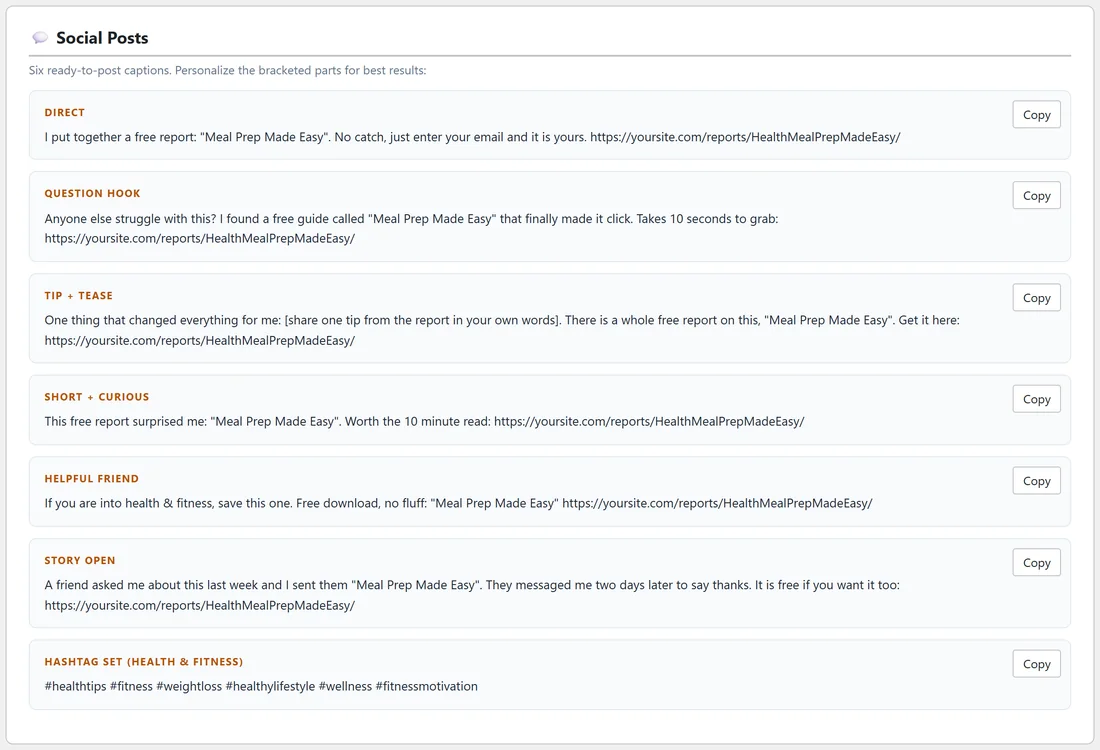
Six ready captions, each with a Copy button: Direct, Question Hook, Tip + Tease, Short + Curious, Helpful Friend and Story Open. A seventh box has a hashtag set for the report's niche. Some captions have a part in square brackets, such as [share one tip from the report in your own words]. Fill it in before posting. Posts in your own words do best.
Pinterest Pins:
Two pin titles with descriptions. Pin the share picture or the cover, then paste a title and description.
Email Swipes:
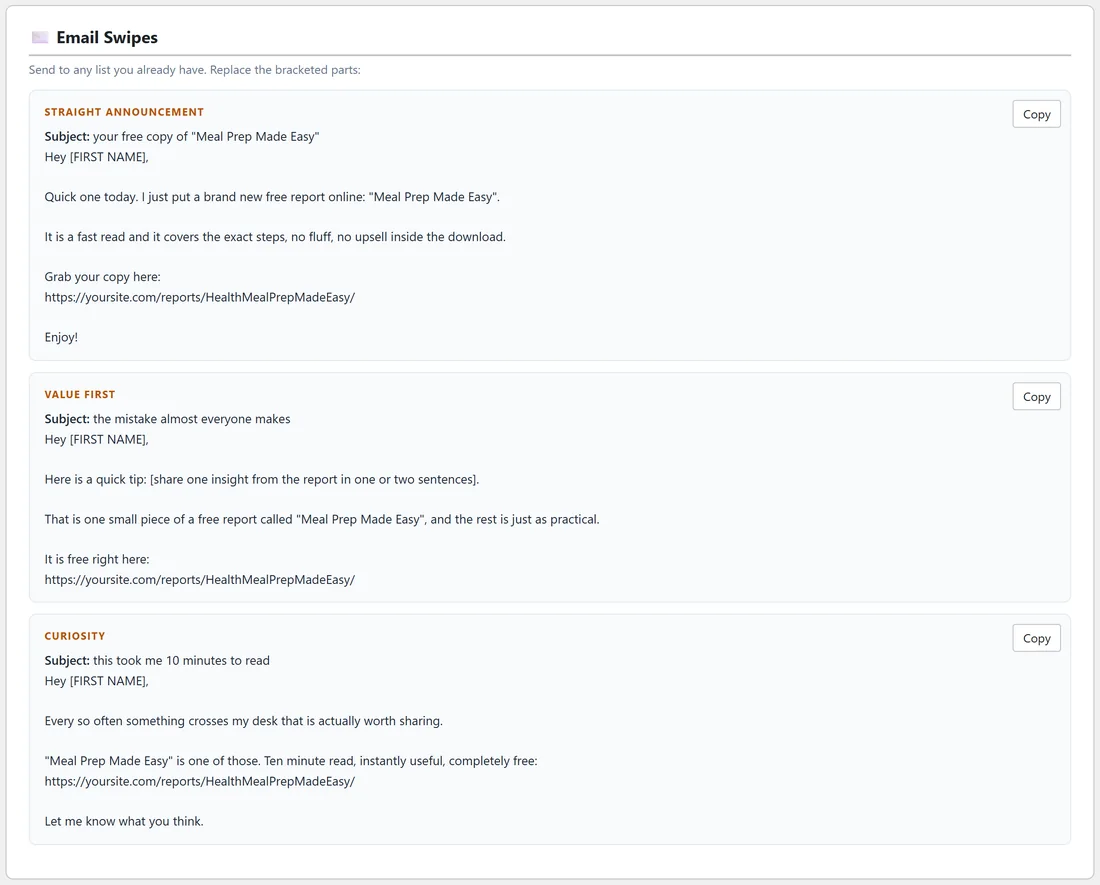
Three emails for any list you already have: Straight announcement, Value first and Curiosity. Each has a subject line and a body with the report's link. Replace [FIRST NAME] and any other part in square brackets.
DM & Forum Replies:
Short, friendly replies for direct messages, comments and forum threads, such as Reply to a question and DM follow-up. Use them where a full post would feel pushy.
Short Video Script:
A 20 to 30 second script for TikTok, Reels or Shorts, split into HOOK, PROBLEM, VALUE and CTA, plus the ON-SCREEN TEXT.
Ways To Monetize This Funnel:
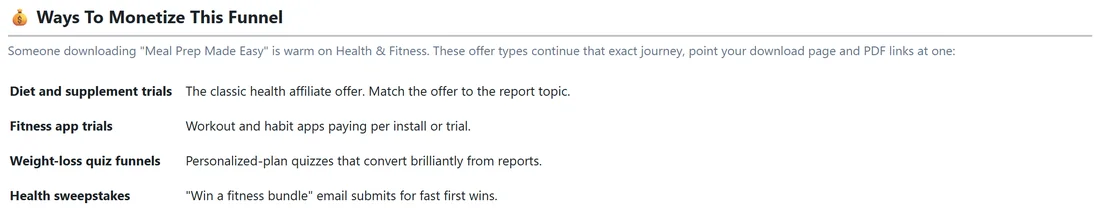
A short table of offer types that suit the report's niche. For a health report it suggests diet and supplement trials, fitness app trials, weight loss quiz funnels and health sweepstakes. A button searches a public offer directory for that niche, and a list of networks shows where to find matching offers. Point your download page and PDF links at the offer you choose.
A one week plan for one report:
- Day 1: post the Question Hook caption with the share picture.
- Day 2: send the Value first email swipe to your list.
- Day 3: pin both Pinterest pins.
- Day 4: record the short video script on your phone and post it.
- Day 5: answer two questions in groups or forums with the Reply to a question text.
- Day 6: post the Story Open caption.
- Day 7: check the report's numbers on its Edit page, and pick the next report.
A real example:
The owner of yoursite.com opened the toolkit for Meal Prep Made Easy. They clicked Facebook in Share Right Now, pasted the Question Hook caption, and posted. Then they copied the Value first email swipe, filled in one tip from the report, and sent it to their newsletter. The Dashboard showed the report climbing to the top of Top Performing Funnels that week.
Tips:
- Post one report per day rather than ten at once.
- Pick reports that match where you post. Home improvement reports suit local groups, gaming reports suit gaming communities.
- Share your Showcase page or a Splash Page when you want to offer many reports in one link. See The Showcase Page and Splash Pages.