ResultsAiX Search does not scan your whole database each time someone types. It keeps its own compact index of your searchable content, which is why results appear instantly even on large sites.
You rarely need to think about it, because it keeps itself up to date.
What the index holds:
For each searchable item: its title, its web address, its description, its picture, its type and priority, its categories and tags, and the opening of its content. With PRO it can also hold custom field values, SKUs and text from attached PDFs.
The index updates itself:
- When you publish or update an item, that item is updated in the index straight away
- When you move an item to the trash or delete it, it is removed
- When an item goes back to draft or private, it is removed
- When you save Content Sources, the whole index is rebuilt for you
When you should rebuild by hand:
- After importing or migrating a lot of content
- After a bulk change made straight in the database or by another tool
- After you change Extra Indexing or WooCommerce options in PRO Settings
- After updating the plugin, when a notice asks you to
- If results ever look out of date
How to rebuild:
- Open AiX Search, then Dashboard.
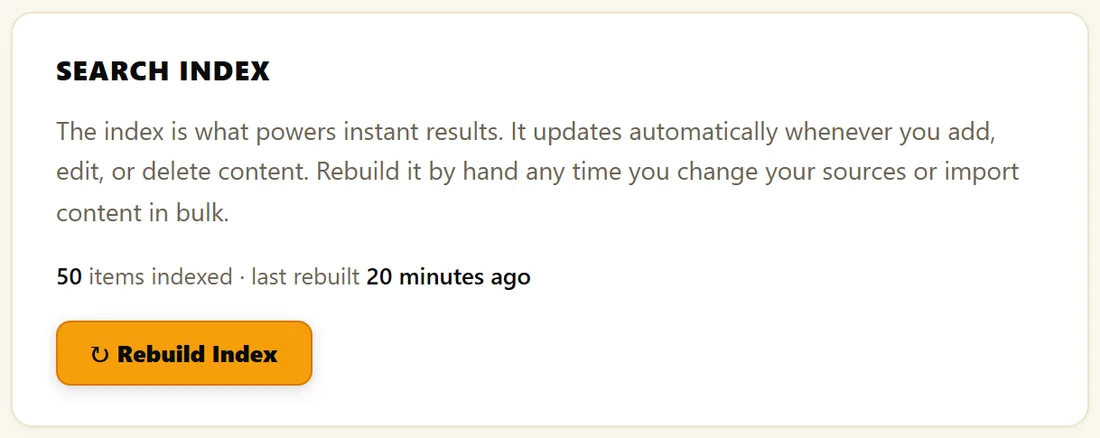
- Click Rebuild Index in the Search Index box.
A notice tells you how many items are now searchable, for example Search index rebuilt. 50 items are now searchable. The rebuild works through your content in batches, so it suits large sites too.
Reading your Dashboard:
- Items Indexed: how many items are searchable
- Content Sources On: how many types are switched on
- Excluded Items: how many items you removed from search by hand
- Last Rebuilt: when the index was last built in full
If Items Indexed is zero, either no content types are switched on, or the index needs building. Switch types on in Content Sources and click Save & Re-Index.
A real example:
The Home Bakery Club moved 30 old recipes in from another site with an import tool that wrote straight to the database. The owner clicked Rebuild Index once. Items Indexed went from 20 to 50 and the old recipes were searchable straight away.
Tips:
- Rebuilding is safe at any time. It rebuilds from your published content and never changes your pages.
- See Performance On Large Sites for more about speed.