The AI gives you a finished funnel. Everything in it is still yours to change, at four levels: by hand, one section with AI, one whole page with AI, and the look of the whole funnel.
Where to find it:
Open a funnel on Build Funnel. The tools sit in the bar above the preview: Rewrite Page With AI, Edit Content, Edit HTML and Regenerate Section. Each opens as a panel under the preview, never as a popup.
Edit Content, the full editor:
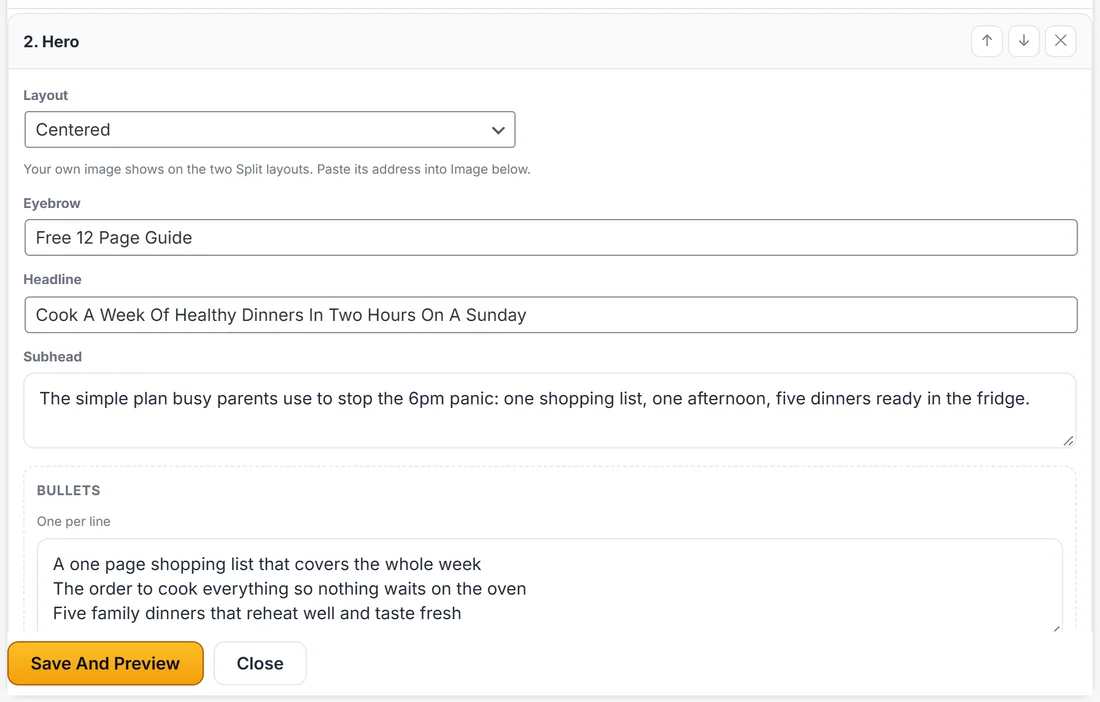
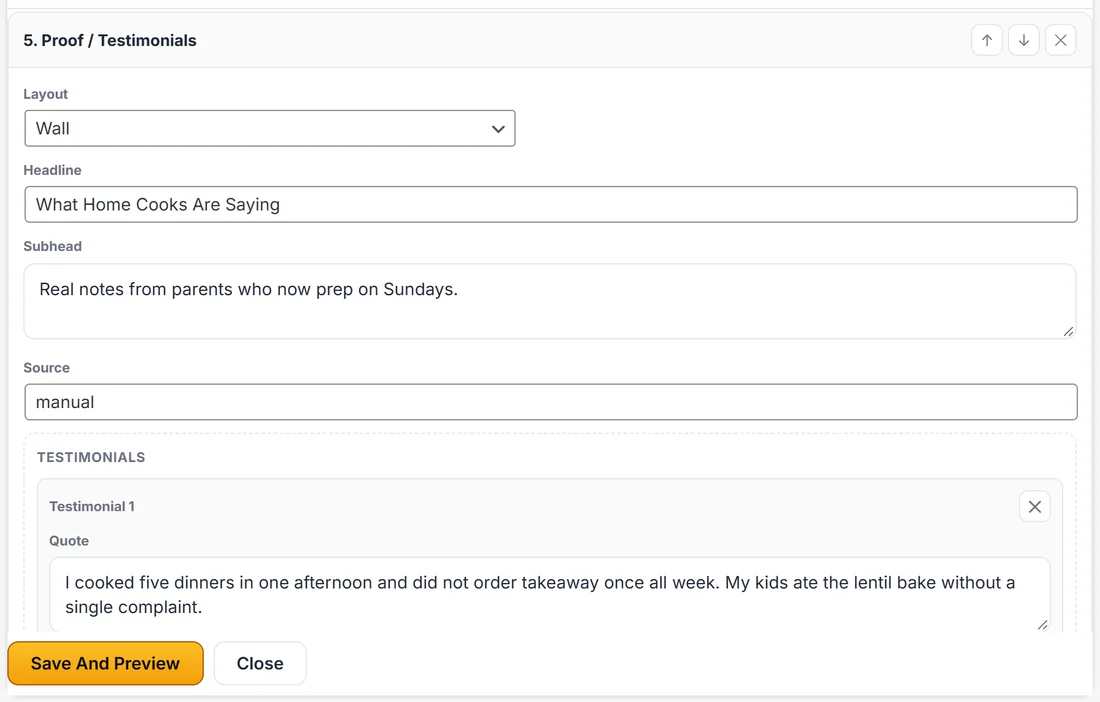
Press Edit Content to open Edit This Page for the page in the preview. Every section is a card, numbered in order, with its own fields:
- Layout: the section's design, for example Centered or Split (image right) on a hero
- Text fields such as Eyebrow, Headline, Subhead, Label and Note
- Lists such as Bullets or Features, one per line
- Groups such as Steps, Testimonials or FAQ items, each with its own fields and a cross to remove it, plus an Add button for another
- Settings that only you choose, such as Where These Leads Go on forms and What This Button Sells on buy buttons
Each card has arrows to move the section up or down and a cross to remove it. At the top, pick a section type in the list and click Add Section to add a new one. A page needs at least one section, so the last one cannot be removed.
When you are done, press Save And Preview. The preview redraws, and the panel says Changes saved. Close shuts the panel.
Regenerate Section, rewriting one block:
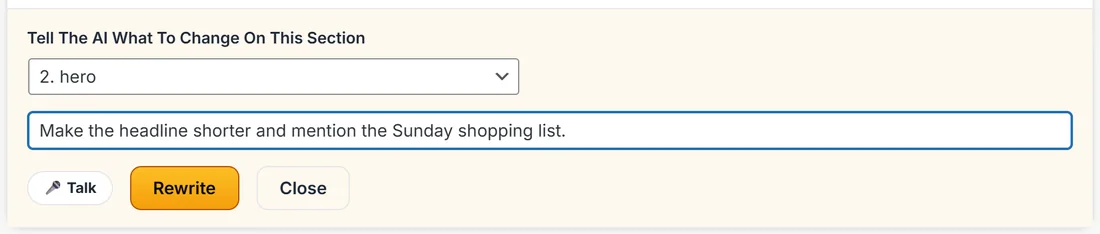
- Press Regenerate Section.
- Pick the section in the list under Tell The AI What To Change On This Section.
- Type what you want changed, for example make the headline shorter and mention the Sunday shopping list. The Talk button lets you say it.
- Press Rewrite.
Only that section is rewritten. The rest of the page is untouched, so a good page is never gambled on one idea.
Rewrite Page With AI, a whole page at once:
Rewrites a full page from your notes, lays out copy you paste, or improves a draft. It works on one page, or on every page in the funnel one after another. See Rewrite A Whole Page With AI, Or Paste Your Own Copy.
Changing the theme, restyling without rewriting:
Changing Theme on the left restyles every page instantly, with no AI call and no cost. See Themes, Presets And The One Click Restyle.
Naming and saving:
Funnel Name sits at the top of the preview. Type a new name any time. Save Funnel saves everything, and the status line beside it says when the last save happened, or Unsaved changes while there is something to save. Saving an edit never sends a published funnel back to draft. To update the live pages, press Publish To WordPress again.
What the AI is never allowed to touch:
On every rewrite, the connection, list, tags, webhook and redirect on your forms, the product on your buy buttons and the webinar on your registration forms are hidden from the AI and put back afterwards. A rewritten optin form still feeds the same list it did before.
A real example:
Sarah opens Sunday Meal Prep Starter and presses Edit Content on the optin page. She changes the hero Eyebrow to Free 12 Page Guide, adds a third FAQ, and moves the Proof section above the steps. Then she uses Regenerate Section on the hero with make the headline shorter, likes the result and presses Save Funnel.
Tips:
- Use Edit Content for facts and numbers. Use the AI tools for tone and wording.
- Rewrite one section at a time while you learn what the AI does with your notes.
- Publish again after you save, so your live pages match the builder.