A funnel is a series of pages, each with one job. The plugin knows the standard page types, starts each one with the right sections, and links them together in the order you choose.
Where to find it:
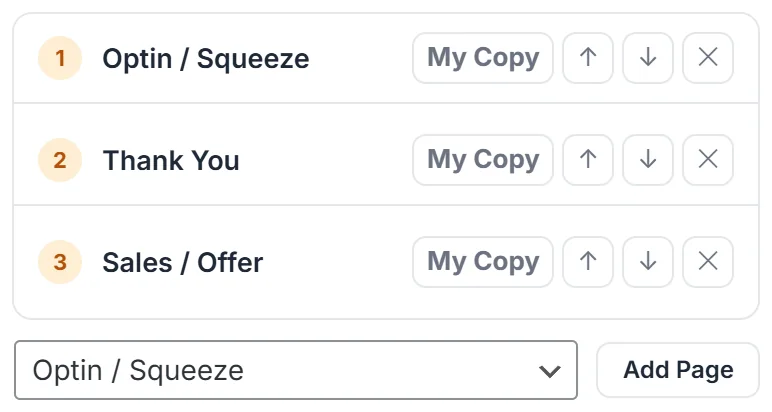
On Build Funnel, the list under Pages To Build holds every page type. Pick one and click Add Page. The page tabs above the preview show the finished pages in order.
The page types:
- Optin / Squeeze: one promise, one form, no distractions. Starts with a navigation bar, hero, optin form, proof, FAQ and footer.
- Sales / Offer: the long page. Starts with a hero, video, features, proof, bonus stack, pricing, guarantee, FAQ, a call to action and footer.
- Webinar Register: books the seat. Hero, the webinar form, features, proof, FAQ and footer.
- Download / Access: hands over what you promised. Hero, downloads, a call to action and footer.
- Thank You: confirms the action and points at the next step. Hero, steps, a call to action and footer.
- Upsell / OTO: the one time offer straight after a purchase. Hero, video, features, pricing, guarantee, FAQ and footer.
- Checkout: short by design. Hero, a Buy Button, guarantee, FAQ and footer. A page whose only job is to take the payment should not give anyone new things to think about.
- Bridge / Pre-sell: warms a visitor up before sending them to an offer, common for affiliate promotions. Hero, video, features, a call to action and footer.
- Legal: a navigation bar, Rich Text and footer, for privacy and terms pages.
- Custom: a navigation bar, hero and footer, for anything else.
These are starting points. The AI adds or drops sections to fit your brief, and you can change any of them afterwards.
How pages are linked together:

Each page knows which page comes next, in the order of Pages To Build. A Call To Action or Pricing button with no address of its own goes to the next page, so the funnel flows on its own.
- When you publish to WordPress, the plugin knows the real address of every page and fills it in.
- When you download a zip, the pages link to each other as files, so the funnel works with no WordPress at all.
- An optin form's After They Opt In setting can also send people to any page of the same funnel. See Where Your Leads Go, And What Happens After The Optin.
Good page orders to start with:
- Growing a list: Optin / Squeeze, Thank You
- Giving away a download: Optin / Squeeze, Download / Access
- Selling one product: Sales / Offer, Checkout, Thank You
- A small offer with an upgrade: Sales / Offer, Checkout, Upsell / OTO, Thank You
- Running a webinar: Webinar Register, Thank You, Sales / Offer
- Promoting someone else's product: Optin / Squeeze, Bridge / Pre-sell, Thank You
A real example:
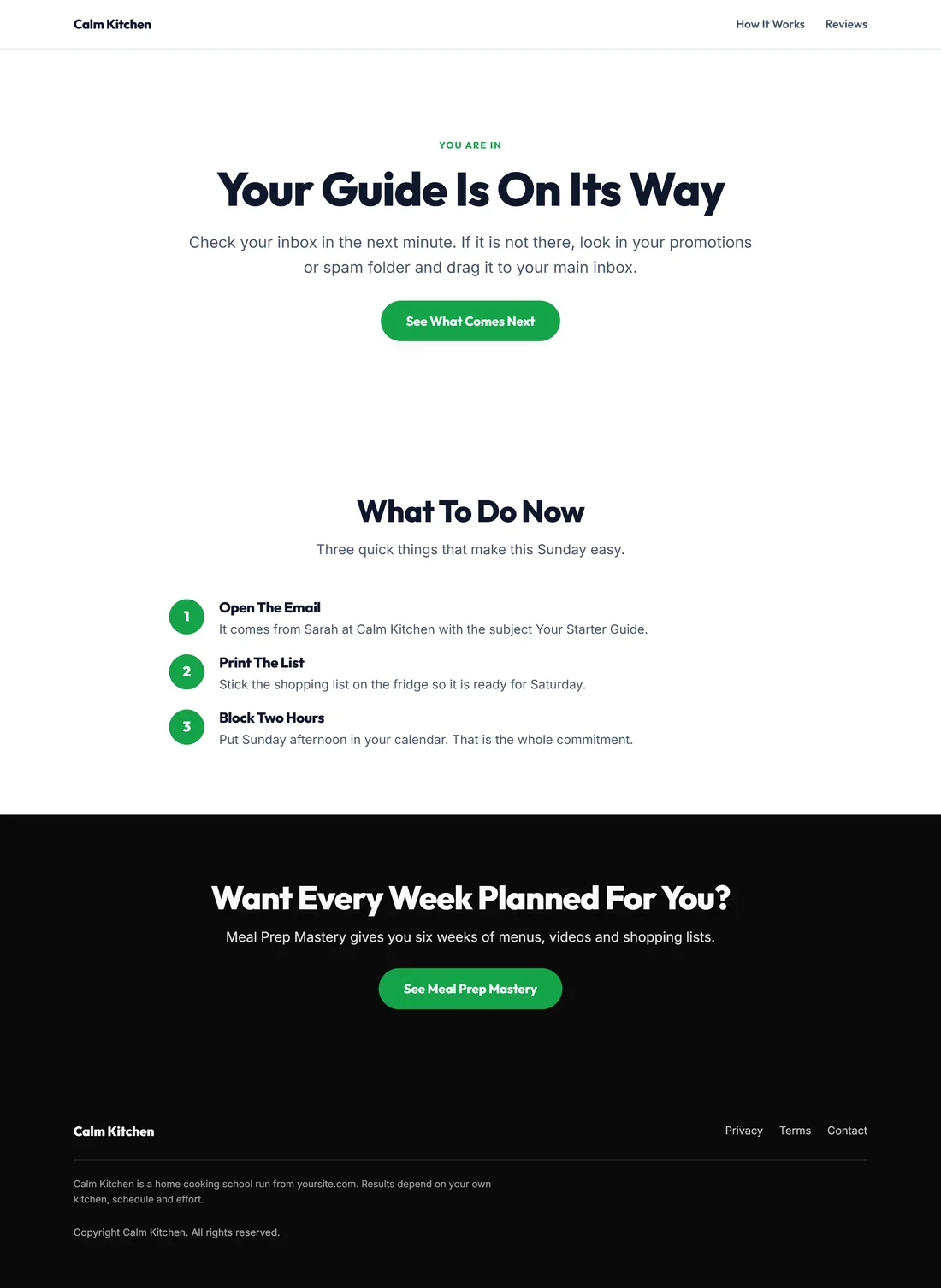
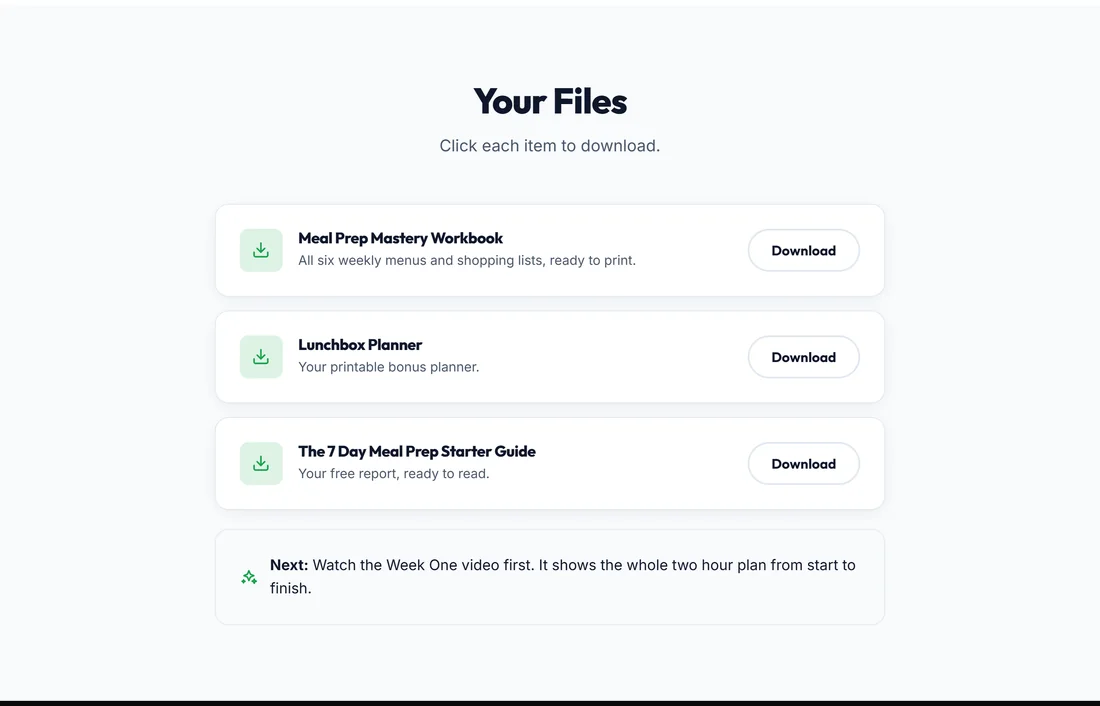
Sunday Meal Prep Starter runs Optin / Squeeze, Thank You, Sales / Offer, Upsell / OTO and Download / Access. The optin form sends people to Your Guide Is On Its Way. Its button goes on to Meal Prep Mastery. Buyers see Add The Family Freezer Plan, then Your Meal Prep Downloads.
Adding a page later:
You do not have to get the page list right the first time. Import Page can add a page to a funnel you already have: choose Add As A Page Of and the funnel's name in Import Into. You can also generate a second, smaller funnel for the next stage.
Setting your usual pages once:
Settings has Default Pages To Build. Tick the page types you use most and they are ticked every time you open Build Funnel. See Settings, Color Schemes And House Rules.
Tips:
- Keep the thank you page. It is where people are most willing to take the next step.
- Name your pages clearly. The page titles become the tab names in the builder and the titles of the WordPress pages you publish.