The look of a funnel comes from its theme, not from the individual sections. That means you can change the visual style of every page in one move, at any time, without rewriting a word.
Where to find it:
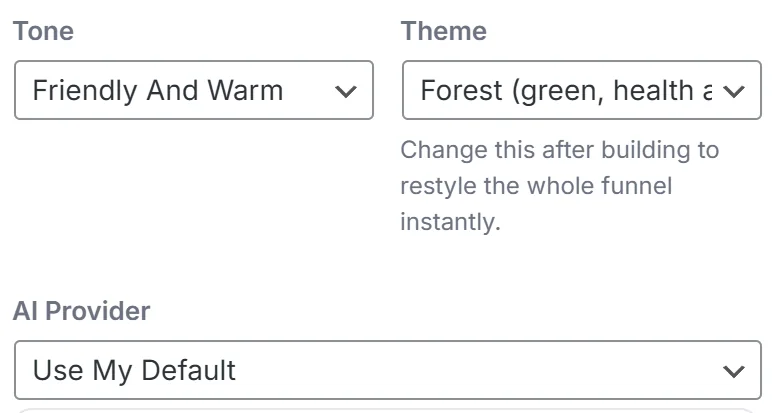
- Theme on the left of the Build Funnel screen, next to Tone. It is the one place the funnel's theme lives.
- Default Theme Preset on the Settings tab, which sets the theme a new funnel starts on.
- Rebuild Style on the Import Page screen, which picks the theme for an imported page.
The ten themes:
- Amber: bold, direct response
- Midnight: dark, premium
- Clean: blue, software and business to business
- Forest: green, health and finance
- Sunset: warm, lifestyle
- Ocean: teal, calm and clinical
- Royal: purple, coaching and courses
- Crimson: red, urgency and offers
- Mono: black and white, editorial
- Sand: warm neutral, wellness
There is also Let The AI Choose, which lets the AI pick the theme that suits your brief.
Choosing a theme when you build:
Pick it in Theme before you press Generate My Funnel. Your choice always wins. If the AI would have picked something else, your pick is used.
Restyling a funnel you already built:
- Open the funnel on Build Funnel.
- Change Theme on the left.
- The preview redraws every page in the new look straight away.
- Press Save Funnel to keep it.
- If the funnel is published, press Publish To WordPress again to update the live pages.
Restyling costs nothing. It does not call the AI, so there are no tokens and no waiting, and it always applies to every page at once, so a funnel is never half one style and half another.
A real example:
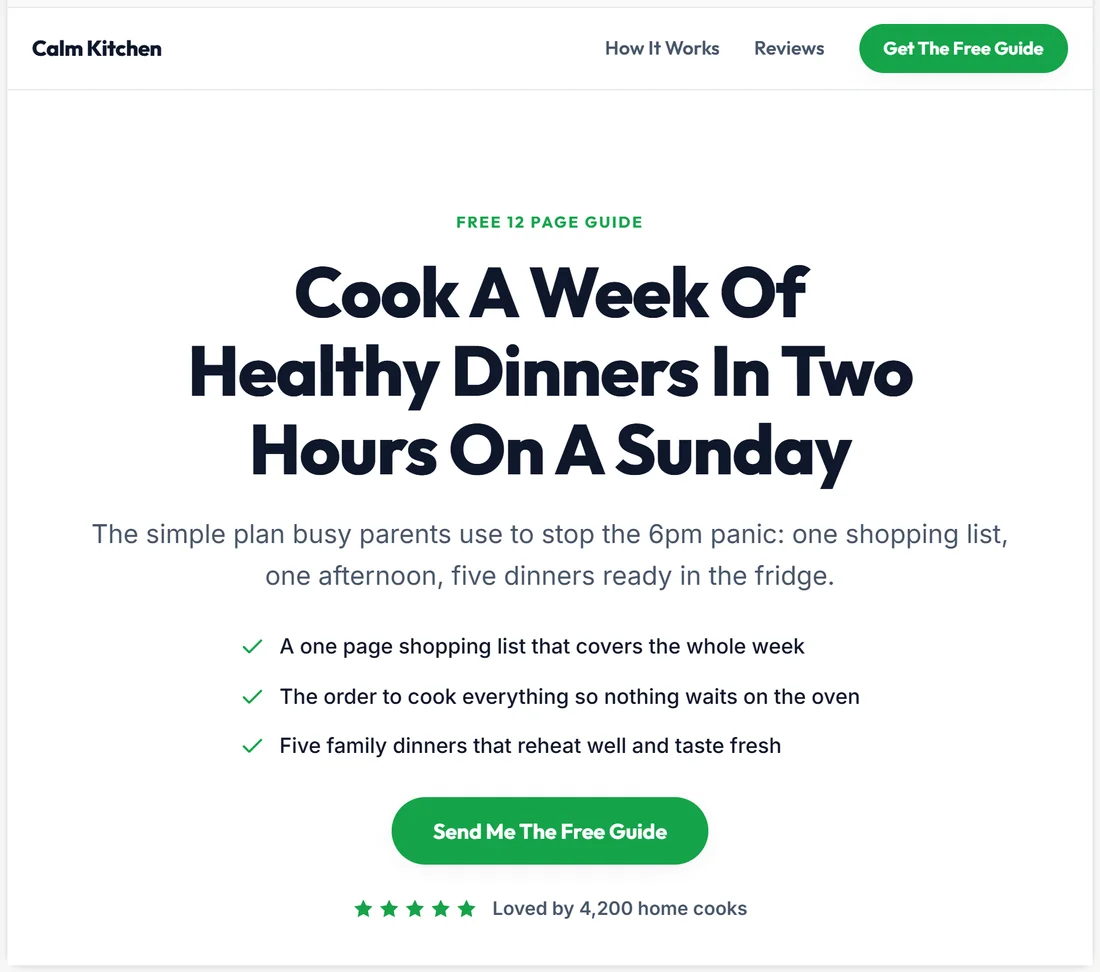
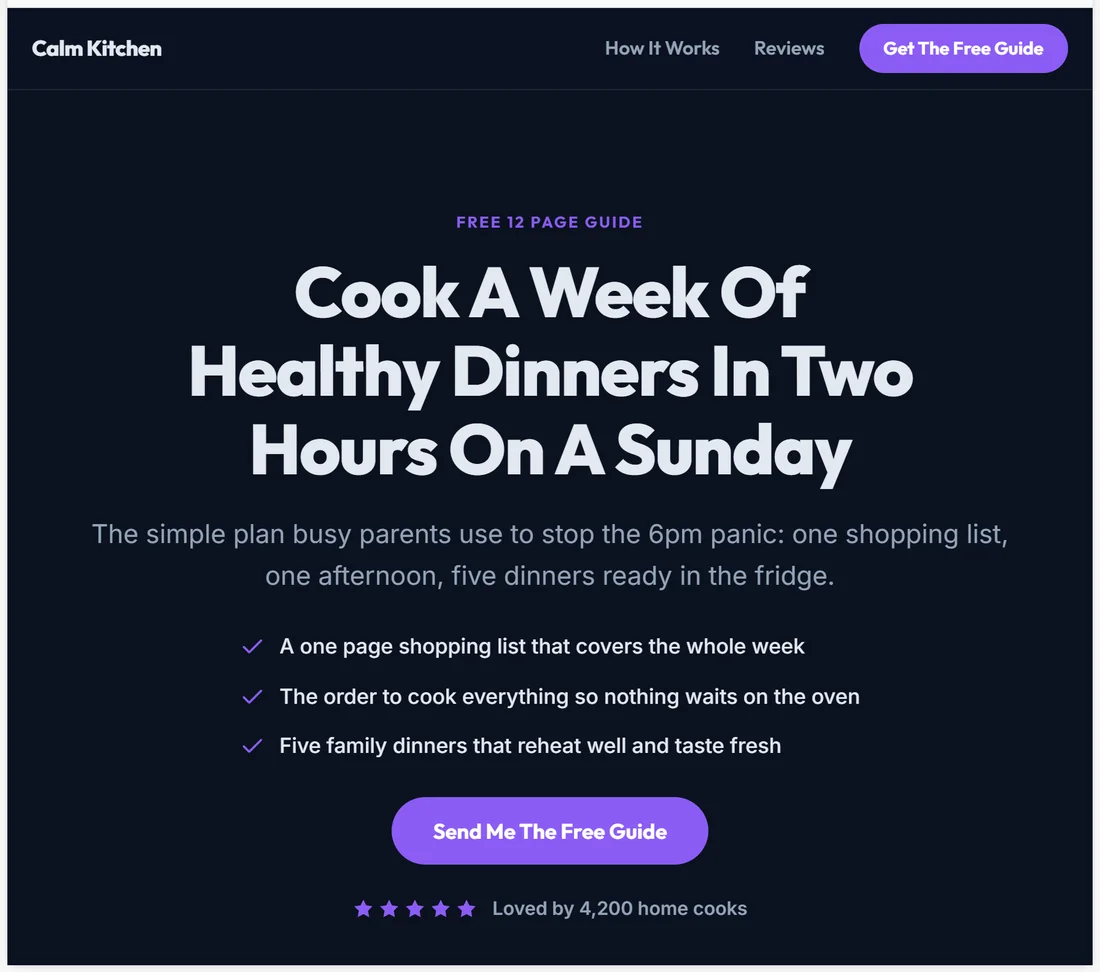
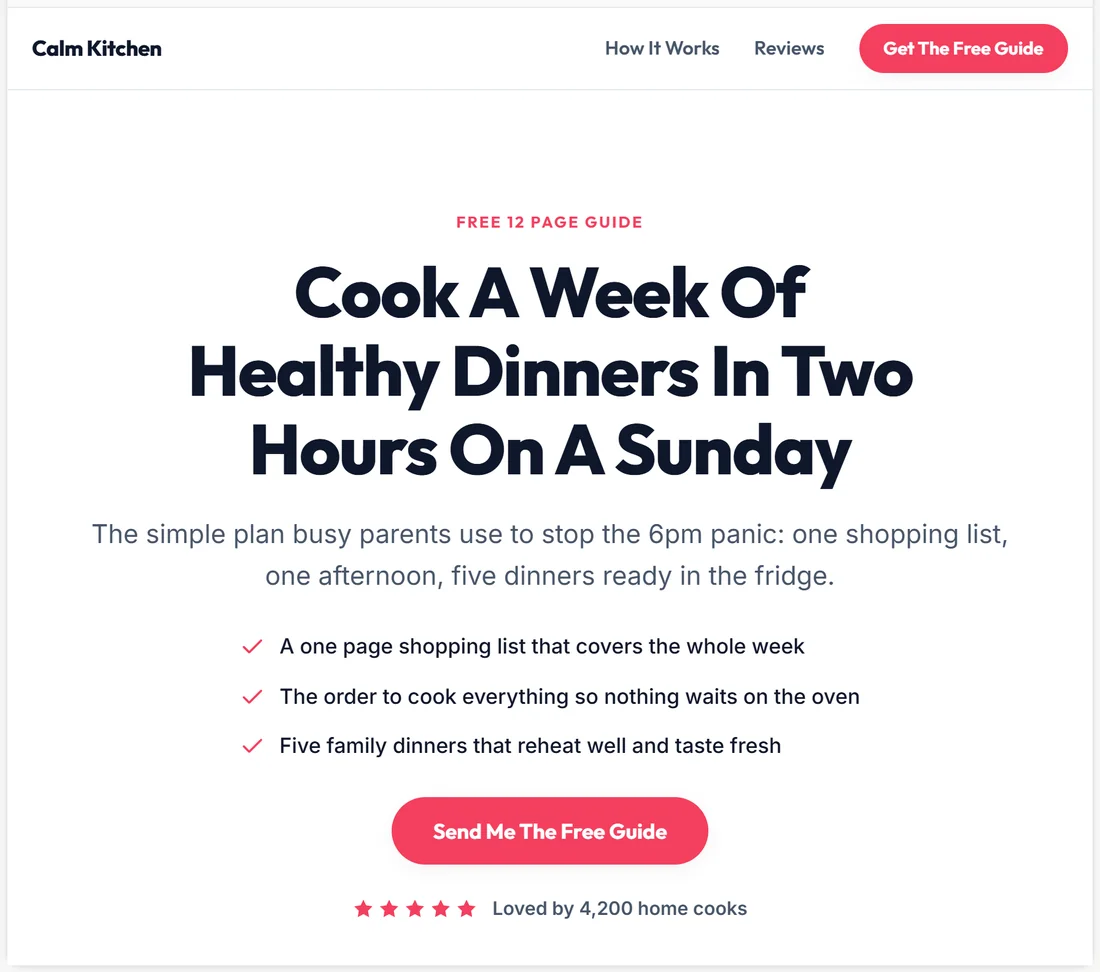
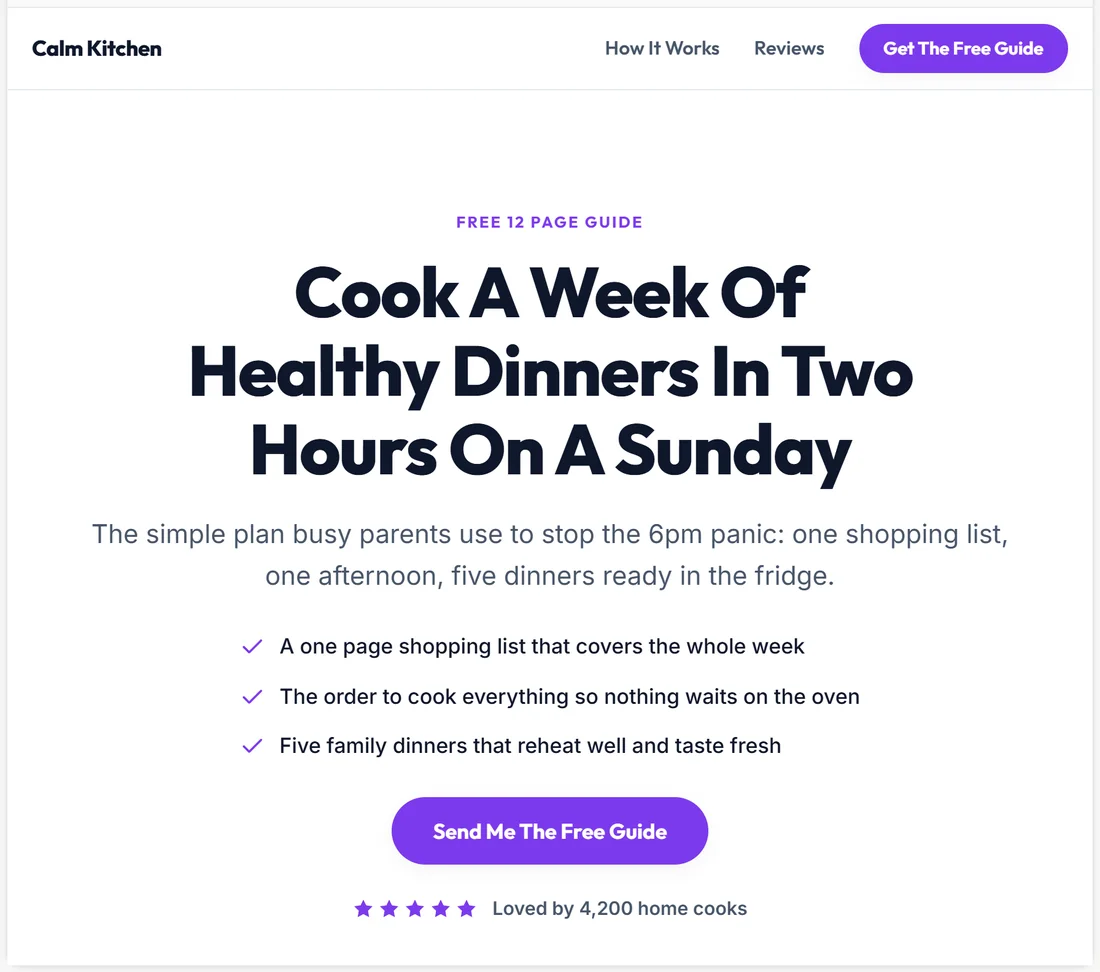
Calm Kitchen uses Forest, which suits a healthy cooking brand. Sarah tried Midnight, Sunset and Royal on the same optin page before settling. The four screenshots in this article are the same page, same words, only the Theme changed.
Setting your usual style once:
Open Settings and choose Default Theme Preset, then Save Settings. The Settings list offers ResultsAiX, Midnight, Clean, Forest and Sunset. Midnight, Clean, Forest and Sunset carry straight over to the Theme box on the Build Funnel screen. For Amber or any of the other themes, pick it in Theme on the Build Funnel screen when you start.
What a theme changes:
- The brand colour: buttons, the small eyebrow line above headlines, ticks, stars, step numbers and badges
- The accent colour used for highlights
- Text and background colours. Midnight, for example, turns the whole page dark with light text
- The colours of dark bands such as a boxed call to action and the footer
What stays the same in every theme: the fonts (a bold display font for headlines and a clean, easy to read font for body text), the spacing, the rounded corners and the layout of every section. That is why a restyle never moves anything around.
Matching a theme to your offer:
- Health, food and money: Forest or Ocean
- Courses and coaching: Royal or Clean
- A launch, a sale or a deadline: Crimson or Amber
- Premium software or a late night audience: Midnight
- Wellness, beauty and calm lifestyle offers: Sand or Sunset
- Writers, editors and anything that should feel like print: Mono
Fine tuning colours:
Each theme carries its own brand colour, and the AI can nudge it towards your niche. For exact brand colours, open Edit HTML and add your own styles to the page. See Edit HTML: Change The Code Of Any Page.
Tips:
- Pick the theme that matches your audience's mood first, then your brand colour. A calm wellness offer reads better in Sand or Ocean than in Crimson.
- Restyle freely while you test. It is instant and free.
- Your admin screens have their own colour schemes on the Settings tab. Those change the plugin's admin only, never your funnels.