ResultsAiX Sign does all of the signing work on its own. ResultsAiX Sign PRO is a second plugin that adds AI help with writing agreements, automation, your branding and faster ways to collect signatures.
PRO installs next to the core plugin and unlocks with its own licence key. Nothing about your existing documents changes.
Where to find it:

Before PRO is active, a locked PRO tab sits next to Diagnostics, and locked panels show inside the core screens: the AI Draft card on a new document, and the Signer page branding and Automation sections in Settings.
The AiX Sign sidebar menu has an item for PRO. It reads Get PRO when the PRO plugin is not installed, PRO License when it is installed but not activated, and PRO Tools once the key is active.
Installing and activating PRO:
- Download the PRO zip from your account portal.
- Go to Plugins, then Add New Plugin, then Upload Plugin, and install and activate it. The core plugin must be active too.
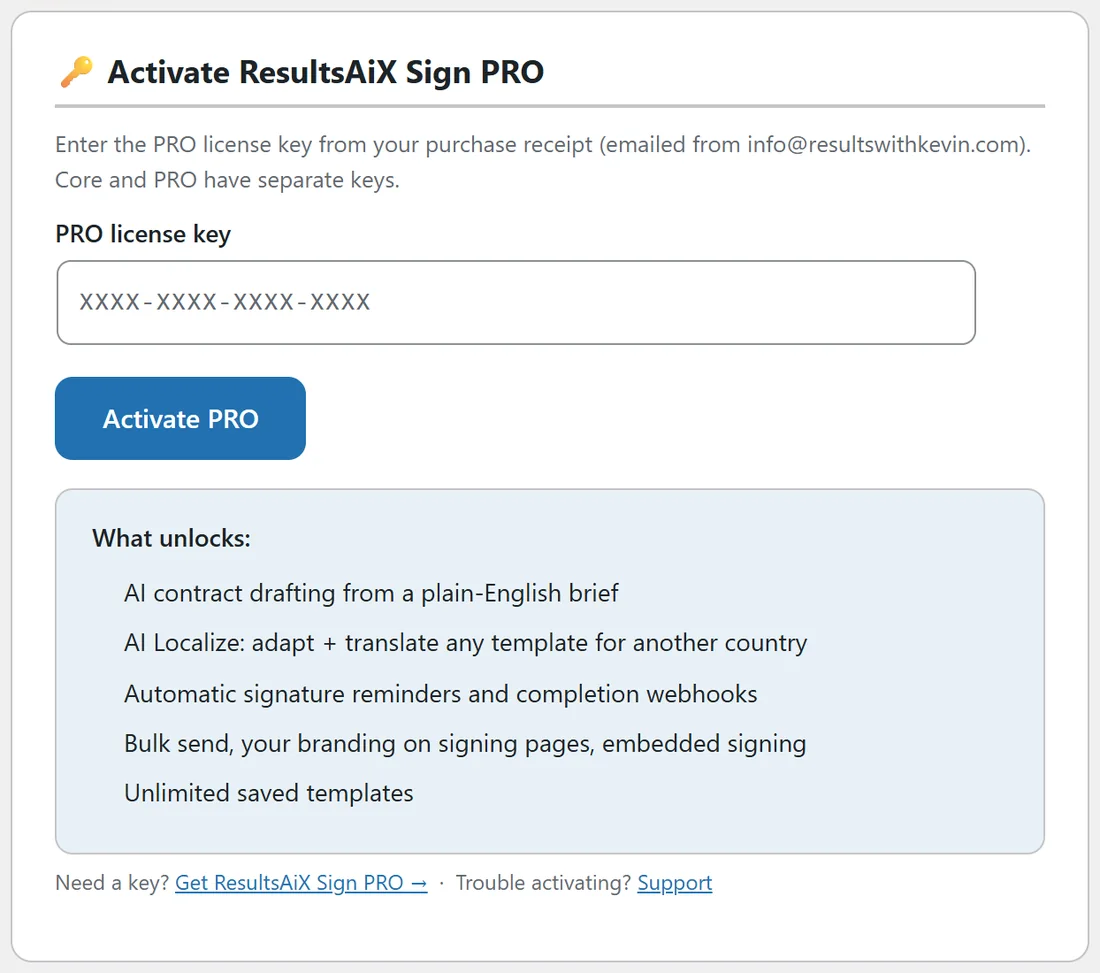
- Open AiX Sign and click PRO License in the sidebar.
- Paste your PRO licence key into PRO license key and click Activate PRO.
Core and PRO have separate keys, emailed from info@resultswithkevin.com. Once PRO is active, the PRO Tools screen opens and the locked panels switch on.
What PRO adds:
- AI Draft: describe a deal in plain English and get a complete agreement in the editor
- AI Localize: adapt any template for another country and language
- Automatic reminders to signers who have not signed
- Bulk send: one agreement to a list, each person with their own copy
- Your branding on the signing pages: logo, accent colour and company name
- A completion webhook to Zapier, Make or your own system
- In-person signing on your own phone or tablet
- Embedded signing on any page of your site
- Unlimited saved templates, where core keeps 3
AI Draft and AI Localize:
Both use your own AI key from Google Gemini, Anthropic Claude or OpenAI. AI Draft lives on the New Document screen; AI Localize lives on PRO Tools. See AI Draft And AI Localize With Your Own Key (PRO).
Automatic reminders:
Set Remind unsigned signers every (days) in Settings, Automation. The daily job emails anyone invited who has not signed, on that schedule, and records each reminder in the audit trail. See Deadlines, Expiry And Chasing Signatures.
Your branding on the signing page:
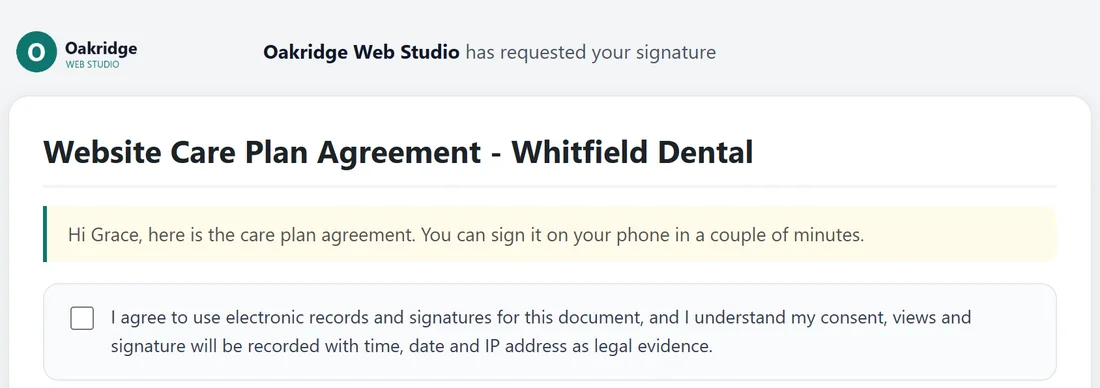
In Settings, Signer page branding, add:
- Logo URL: shown at the top left of every signing page
- Accent color: used for the message box border, the underline of each field, the active signature tab and the buttons
- Company name (replaces "Powered by" line): shown at the foot of every signing page
Click Save Settings, then open a signing link to see it.
Your company name instead of Powered by:
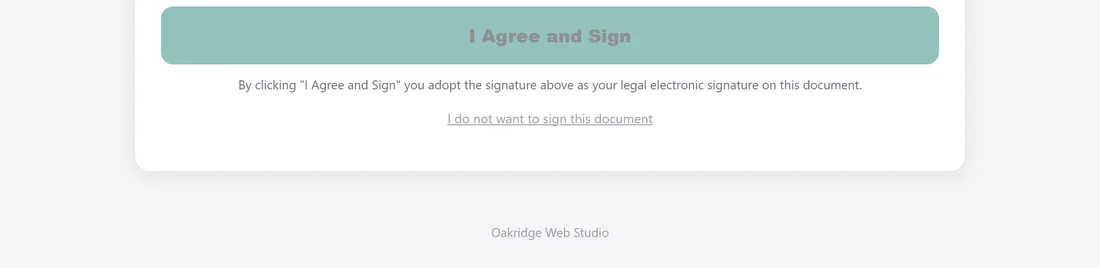
Without PRO, the foot of each signing page reads Powered by ResultsAiX Sign. With PRO and a company name saved, your company name shows instead.
The completion webhook:
Paste an address into Completion webhook URL in Settings, Automation. When a document completes, the plugin sends a JSON message to that address with:
- event: document.completed
- document_id, title and completed_at
- final_sha256: the fingerprint of the sealed PDF
- signers: each signer's name, email and signed_at
- site: your site address
Use it to start a Zapier or Make workflow, update a CRM or kick off fulfilment.
The PRO Tools screen:

Open AiX Sign, then PRO Tools. It holds AI Localize a template, Bulk send, In-person signing, Embedded signing and your PRO licence. See Bulk Send, In-Person And Embedded Signing (PRO).
Unlimited saved templates:
Core keeps 3 saved templates. With PRO there is no limit, and AI Localize saves its copies there too. See Saving Your Own Reusable Templates.
The PRO licence:
The License section at the bottom of PRO Tools shows Status Active, the start of your key and the renewal date, with a Deactivate PRO on this site button. Core keeps working with its own licence when PRO is deactivated.
A real example:
Oakridge Web Studio uses PRO for its logo and teal colour on every signing page, a 3 day reminder schedule, the New Clients hand-off, and a Zapier webhook that creates a project card when a contract completes. Workshop waivers go out with Bulk send.
Tips:
- Set your branding first. Every client sees it on every document.
- Test the webhook with a document signed by your own second email address.
- AI Draft gives you a first draft. Always read it and adjust before sending.