Every connection in WP Sync declares two abilities: whether it can be read from, and whether it can be written to. The bridge builder follows those flags. That is why an app you have connected may appear in the destination list but not in the source list.
How to tell on screen:
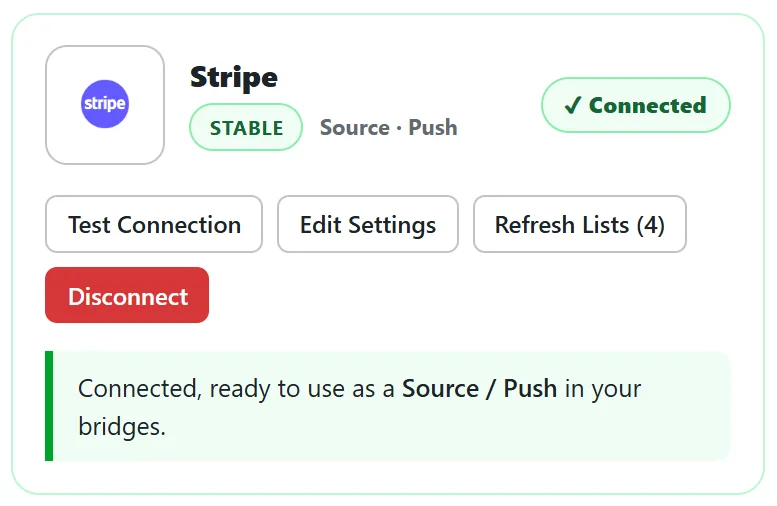
- On the Connections tab, each card lists its abilities under its name: Source, Destination, or both, and Push for instant sources.
- When a card is connected, its green message says it is ready to use as a Source, a Destination, or both.
- On the Training tab, the capability matrix shows a tick or a dash for each role.
Why some apps are destination only:
An app can only be a source when it offers WP Sync a way to learn about new contacts, either a read API or an outbound webhook. Chat apps, help desks, databases and card printing services have nothing meaningful to read, so they are offered as destinations.
Why some apps are source only:
Stores, carts, payment platforms, calendars, lead ad forms and course platforms exist to report events, such as a sale or a booking, so they are sources. The Events cards, the RSS Feed and PrestaShop are sources only too.
In the built in roster:
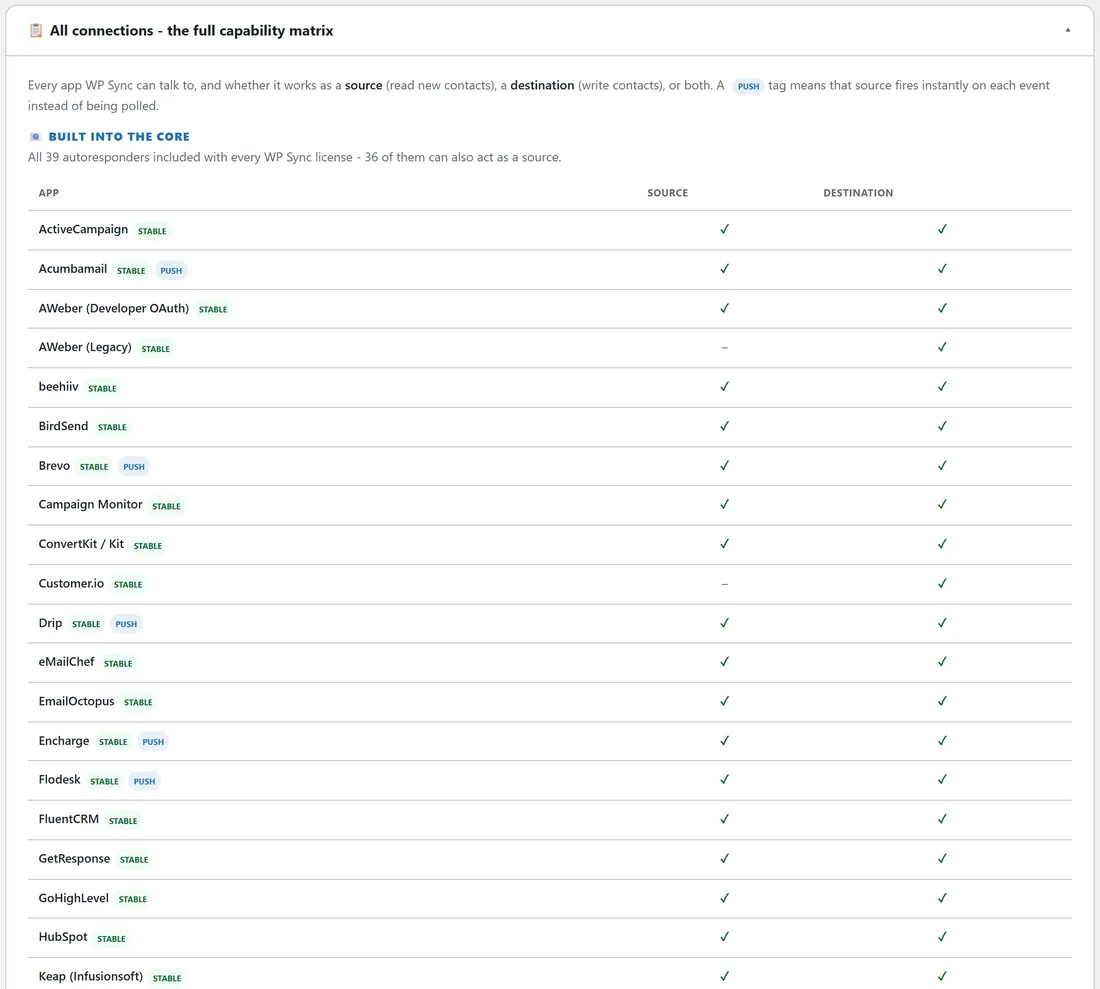
36 of the 40 autoresponder cards can be a source. AWeber (Legacy), Customer.io, Mailjet and SendFox are destination only. All 40 can be a destination.
In the Pro Pack:
Of the 13 connectors, 5 can be a source and 12 can be a destination. Webhook Connect, Google Sheets Connect, Zoom Connect and GoToWebinar Connect do both. Forms Connect is a source only. Airtable, Notion, monday.com, ClickUp, Trello, Pipedrive, Circle and Heartbeat Connect are destinations only.
In the Connect Pack:
Of the 125 connectors, 75 can be a source and 58 can be a destination. Eight do both: Instantly, ManyChat, ProductDyno, Referly, ResultsAiX Webinars, Shape, SuiteDash and Viral Loops. The posting cards (Slack Post, Discord Post, Telegram Post, Facebook Page Post, Instagram Post, Bluesky and Mastodon) and Meta Conversions (CAPI) are destinations only.
Connections that do both:
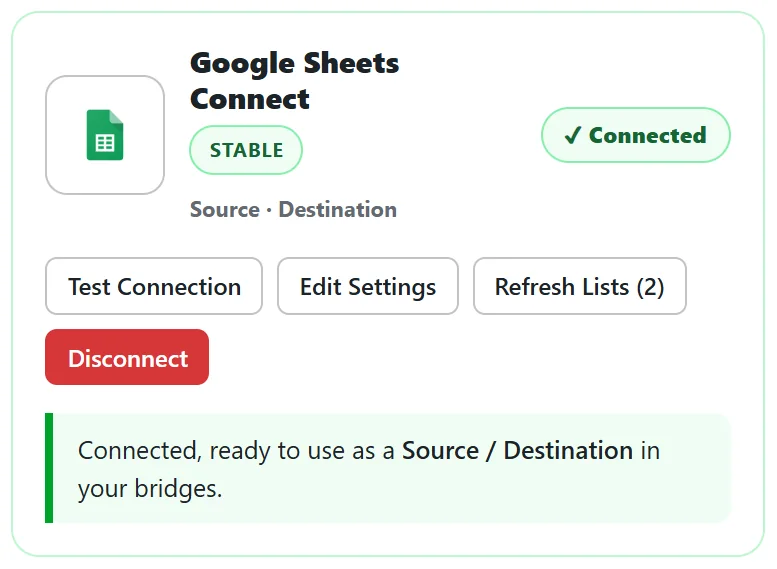
An app that does both can sit on either end of a bridge, never both ends with the same list. yoursite.com uses Google Sheets Connect as a destination for its Sales log, and could use a second sheet as a source for a list of names typed in by hand.
The rule to remember:
The bridge builder opens once you have at least one connected source and one connected destination. Under the source picker it also names a few apps you have not connected yet, with a link to the Connections tab.
A real example:
yoursite.com wanted new Zoom webinar registrants in Kit. Zoom Connect is a source, Kit is a destination, so one bridge works. Later it wanted Kit buyers in Zoom too. Zoom Connect is also a destination, so a second bridge from Kit to Zoom registers them for the next webinar.
Planning a bridge on paper:
Before opening the builder, write three lines.
- Where do new people appear first? That app is the source.
- Where should they end up? Those apps are the destinations.
- Who should be left out? Those are your filters.
Then check each app's card says Source or Destination as needed.
Tips:
- If an app you expect is missing from the source list, open its card and read its abilities first.
- For anything with a webhook but no card, Webhook Connect in the Pro Pack works both ways. See Webhook Connect For Anything Not Listed.