The plan importer brings in complete campaigns, one or many at a time. Check a plan first; nothing is created in any network until you choose to, and then it is created paused.
Where to find it:
Open Campaigns, New campaign and scroll to Import a campaign plan. It has four tabs: Paste a plan (JSON), Upload a CSV, Google Ads Editor file and Let Claude Code build it.
Paste a plan (JSON):
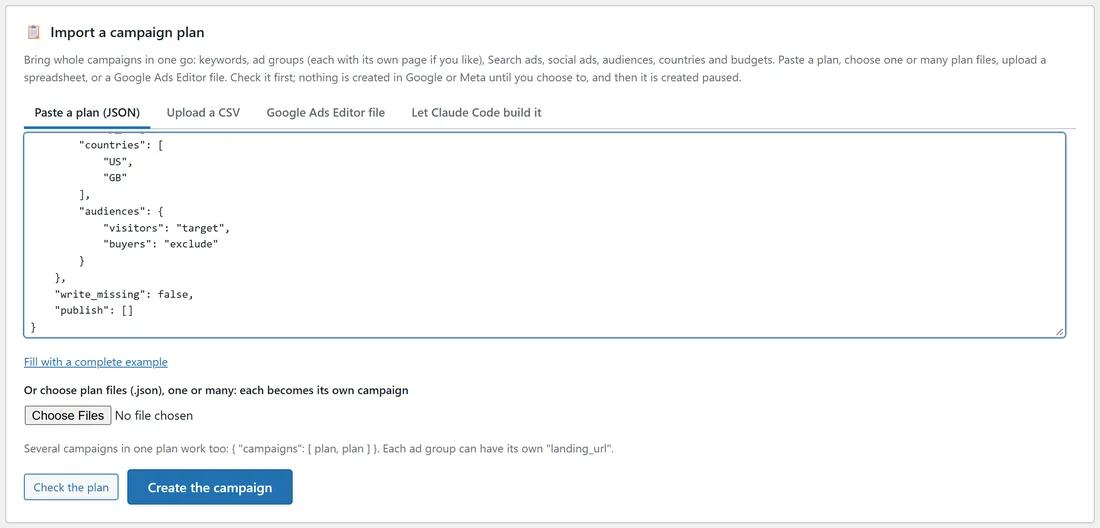
- Press Fill with a complete example to see every field. The example is an imaginary sourdough course; swap in your own offer.
- Edit it, or paste your own plan.
- Press Check the plan. It lists what will be made and anything worth knowing.
- Press Create the campaign.
What a plan can hold:
- name, landing_url, objective (sales, leads or traffic) and networks.
- brief: title, audience, price, guarantee, benefits and notes.
- google: daily budget, bidding, max cost per click, countries, places, radius, languages, schedule, devices, start and end dates, audiences, bids per ad group, ad groups with keywords (each with its own bid if you like) and one Search ad each, negatives, sitelinks, callouts, a structured snippet and a call number.
- google_media for Gmail, YouTube, Discover and Display: type (demand_gen, display or pmax), budget, bidding, channels, countries, languages, audiences, headlines, long headlines, descriptions, business name, call to action, pictures and logo from your Media Library by id or address, and YouTube videos.
- meta: budget, countries, ages, Advantage+ audience and audiences.
- A section per other network (tiktok, linkedin, pinterest, reddit, snapchat): budget, countries and audiences.
- ads: the social ads, each with an angle, primary text, headline, description, call to action and a picture description.
Each ad group can send people to a page of its own: give it a landing_url. With one on every ad group, the plan's own landing_url can be left out.
Many campaigns at once:
- Choose several plan files (.json) together with Or choose plan files (.json), one or many. Each becomes its own campaign.
- Or put several plans in one: { "campaigns": [ plan, plan ] }.
Check the plan shows every campaign and any problem by name. Create the campaign makes the ones without problems, up to 100 at a time.
Upload a CSV:
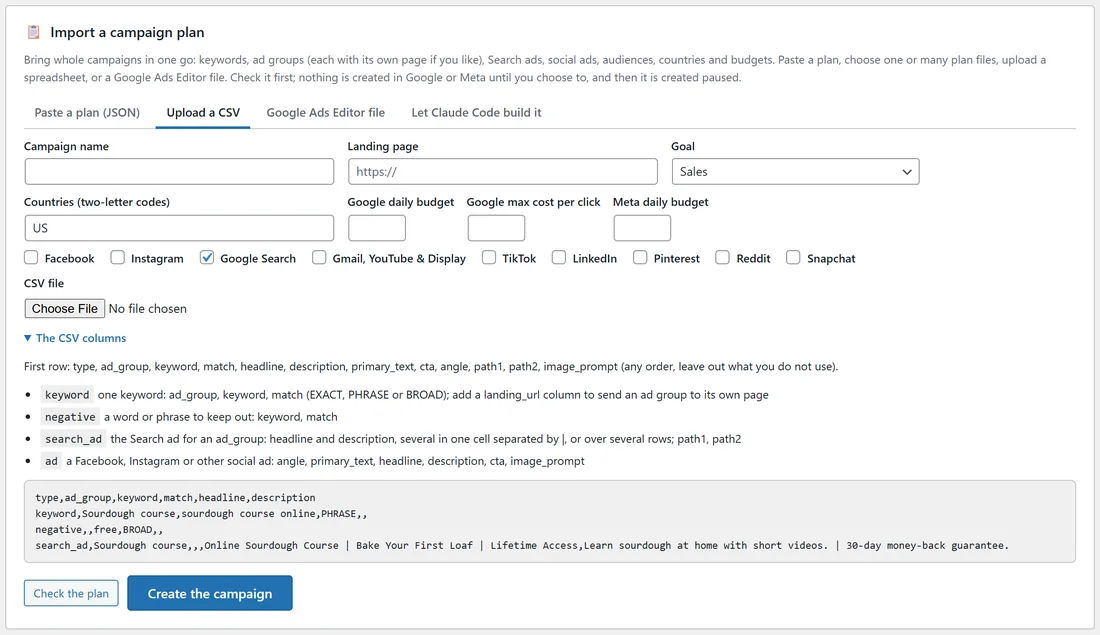
- Type the Campaign name, Landing page, Goal, Countries (two-letter codes), Google daily budget, Google max cost per click and Meta daily budget.
- Tick the networks.
- Choose the CSV file and press Check the plan, then Create the campaign.
The CSV columns (open The CSV columns for an example) use a type column:
- keyword: ad_group, keyword, match (EXACT, PHRASE or BROAD), and cpc for its own bid; a landing_url column sends that ad group to its own page.
- negative: a word or phrase to keep out, with match.
- search_ad: ad_group, headline and description (several in one cell separated by |, or over several rows), path1, path2.
- ad: angle, primary_text, headline, description, cta, image_prompt.
Commas, semicolons and tabs all work as separators.
Google Ads Editor file:
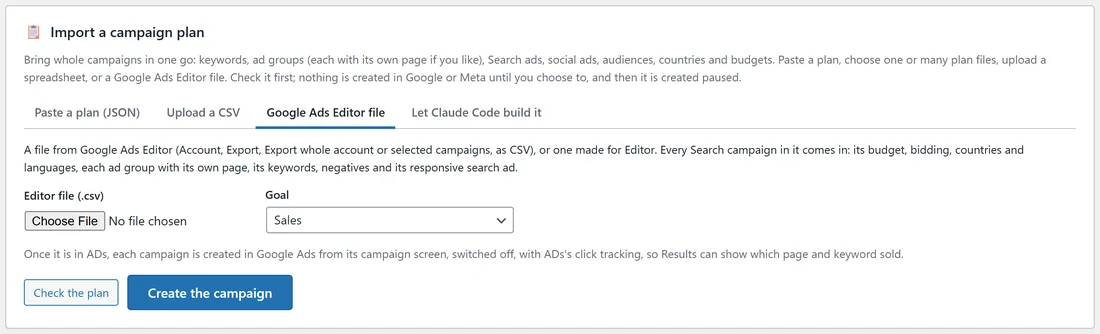
- In Google Ads Editor choose Account, Export, Export whole account or selected campaigns, as CSV. A file made for Editor works too.
- Choose the Editor file (.csv) and the Goal, then press Check the plan.
Every Search campaign in it comes in with its budget, bidding, countries, languages, ad groups and each one's page, keywords and their bids, negatives and its responsive search ad. ADs keeps one Search ad per ad group and uses its own click tracking instead of the file's URL suffix, so Results can show which page and keyword sold; the check says when either happens.
What the check tells you:
- What will be made: networks, ad groups, pages, keywords, negatives, Search ads, social ads.
- A line over Google's limits is dropped, never cut.
- An unknown country or network is named.
- Ads the Compliance check blocks are counted, so you can fix them on the campaign screen.
A real example:
The owner of yoursite.com pasted a plan for "Sourdough course: Search, Gmail and social" with three Google ad groups, a Demand Gen section, a Meta section, a TikTok section and five social ads. Check the plan reported 3 ad groups, 12 keywords, 3 Search ads and 5 ads; Create the campaign saved it, ready to create on each network.
Tips:
- Use the example as a template and keep it in a file; next time only the offer changes.
- To have an AI tool write plans for you, see Let Claude Code Plan And Build Your Campaigns.
- After importing, each network is created from the campaign screen, paused.