The Appearance section changes the colours of the plugin's admin screens only. Your funnel pages, download pages and Showcase page look the same whatever you choose. Pick a scheme that is easy on your eyes, or match the rest of your ResultsAiX plugins.
Where to find it:
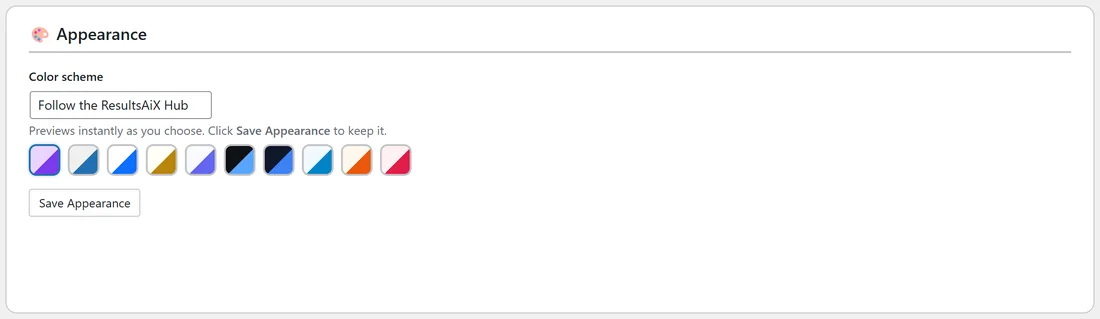
Free List Building, then the Settings tab. Scroll down past Help & your account to the Appearance section.
The choices:
- Follow the ResultsAiX Hub: uses the colour scheme set in the ResultsAiX Hub, so all your ResultsAiX plugins match. This is the starting setting. Without the Hub, it looks like WordPress Native.
- WordPress Native: matches the standard WordPress admin.
- Clean White: bright white with blue.
- Ivory Cream: warm cream with gold.
- Snow Light: soft light tones with indigo.
- Developer Dark: dark background with light blue, good for evening work.
- Midnight Blue: deep navy with blue.
- Ocean Blue: light blue tones.
- Sunset Warm: warm cream with orange.
- Rose Pink: soft pink with rose.
Step by step:
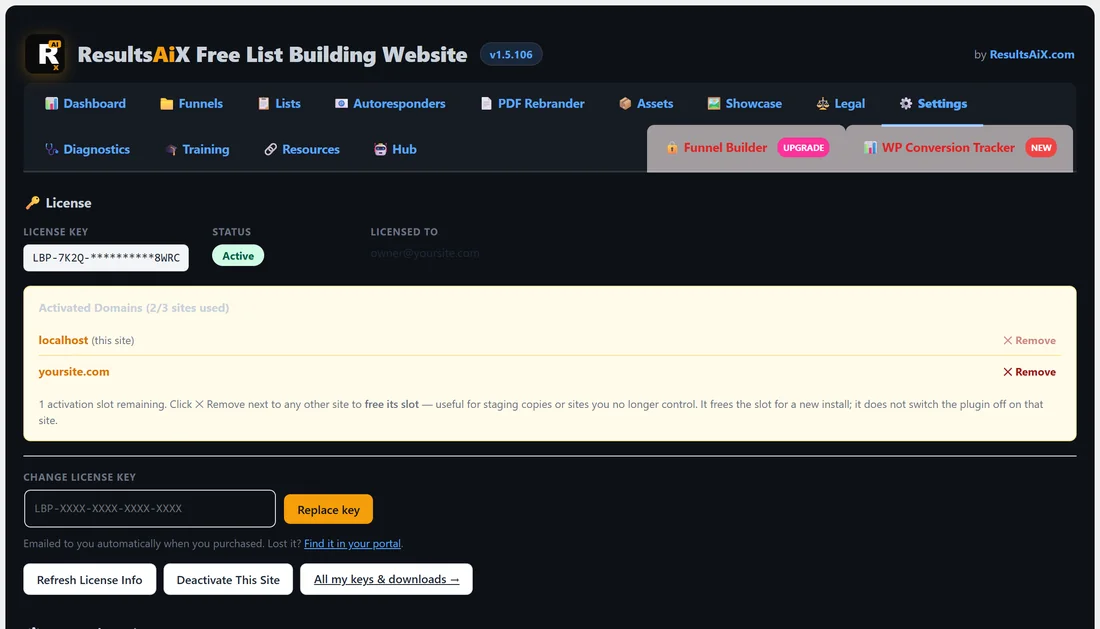
- Open Settings and scroll to Appearance.
- Pick a scheme in the Color scheme drop-down, or click one of the small swatches under it.
- The page changes colour straight away so you can preview it.
- Click Save Appearance to keep it. Leave the page without saving to go back to the old scheme.
How it works with the Hub:
A scheme you pick here always wins over the Hub for this plugin. That lets you give one plugin its own look. Pick Follow the ResultsAiX Hub again to rejoin the shared scheme.
A real example:
Sam works on yoursite.com late in the evening. Sam picks Developer Dark, sees the screen turn dark at once, and clicks Save Appearance. The funnel pages visitors see do not change at all.
Tips:
- Save Appearance saves only the colour scheme, so it never touches your other settings.
- The free ResultsAiX Hub can set one scheme for every ResultsAiX plugin (see The Training, Resources and Hub Tabs).