The Showcase page lists every funnel that is switched on, grouped by category, with its cover picture and a button. If a funnel is missing, or the page looks empty, one of these checks will show why.
Where to find it:

Go to Free List Building and click the Showcase tab. Your Showcase Page shows the Live URL, for example yoursite.com/free-resources/. The top of the public page also says how many resources it is showing, for example Showing 82 resources.
Step by step:
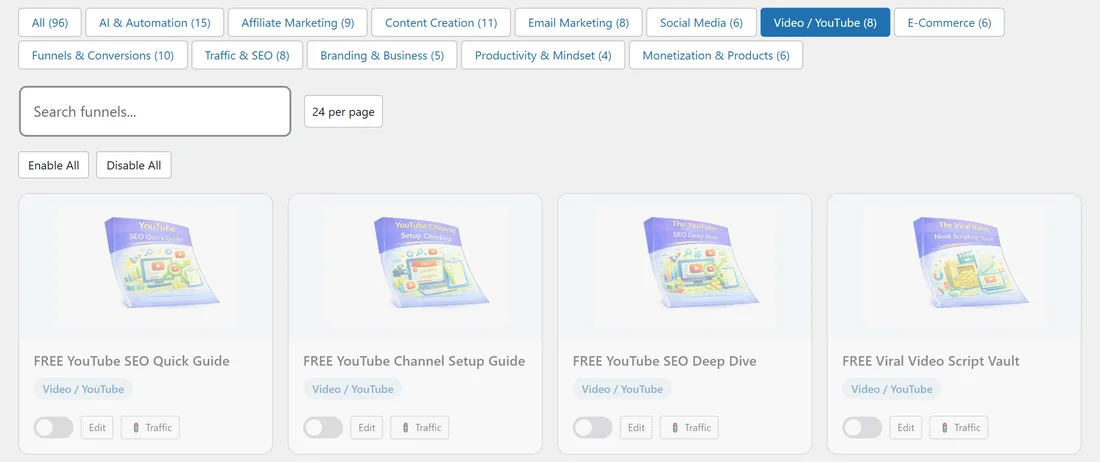
- Click the Funnels tab. Only funnels with their switch on (blue) appear on the Showcase. Switched off funnels, and whole categories you turned off, are left out. Turn on the ones you want.
- Click the Assets tab. A funnel shows on the Showcase even before its files are installed, but without its cover picture, and its button leads to a page that is not ready. Install the assets so every card is complete. See Downloading Funnel Assets.
- Open the exact Live URL from the Showcase tab. If you changed the Page Slug, the old address no longer shows the Showcase. After a slug change, go to Settings → Permalinks in WordPress and click Save Changes.
- Clear your caching plugin's cache, then open the Live URL in a private window to see what visitors see.
If you use your theme's header and footer:
With Use My Theme's Header & Footer ticked on the Showcase tab, your theme draws around the grid. If something looks out of place, untick it, click Save Showcase Settings and check again.
If a whole category is missing:
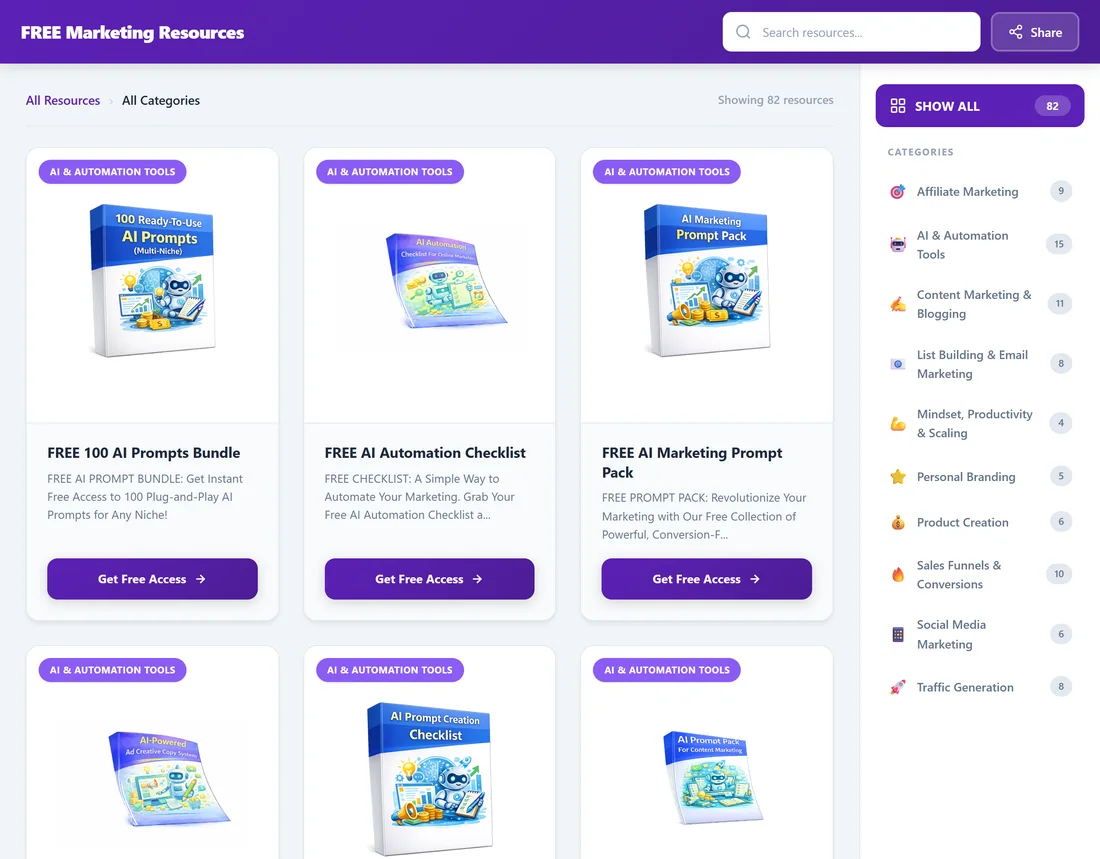
A category only shows in the sidebar when at least one of its funnels is switched on.
If a category link opens an empty list:
Category pages have addresses such as yoursite.com/free-resources/category/email/. Use the category links in the Showcase sidebar instead of typing the address.
A real example:
Sam switched off the Video / YouTube and E-Commerce categories on Your Site. The Showcase then showed 82 resources and the sidebar no longer listed those two categories, which was exactly the plan.
Tips:
- The Showcase is a quick way to check all your live funnels in one view.
- See Configuring the Showcase Page and Showcase Page Features for every option.